
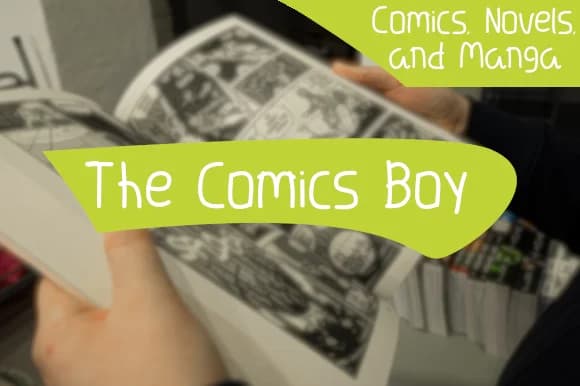
 1 / 2
1 / 2About The Comics Boy Font
The Comics Boy channels the unmistakable energy of classic comic book lettering through its bouncy, expressive strokes. Created by Cocoriscranjy, this script-handwritten typeface brings authentic comic strip personality to contemporary design work without feeling overwrought or stuck in mere nostalgia. What makes it different from other casual script fonts is how its irregularities feel genuinely intentional rather than accidental.
You'll see this font shine most in projects where genuine personality actually matters to the work. Webcomic headers and indie game UI text come alive with its hand-drawn confidence. DIY comic-style greeting cards, graphic novel title treatments, and cartoon illustration lettering are equally at home. Beyond those direct applications, consider vintage band posters, humorous food and beverage labels, custom merchandise design for indie creators, and comic-inspired Etsy shop designs where that unpolished energy makes all the difference. The typeface carries just enough irregularity and baseline rhythm to feel wholly authentic rather than digitally clean or overly refined.
Use The Comics Boy when your project genuinely needs raw character and personality more than polish. Grab it from Creative Fabrica and bring that authentic comic book energy to your next design work.
Style & Use Cases
- Overall Style
- Elegant, Flowing, The Comics Boy
- Use Case
- Invitations, Branding
- Ideal For
- wedding stationery, greeting cards, and signatures
- Pairs With
- a simple uppercase sans
How to Install The Comics Boy Font Font
Step-by-step instructions for every platform
- 1Download the The Comics Boy Font font file (.ttf or .otf).
- 2Locate the downloaded file in your Downloads folder.
- 3Right-click the font file.
- 4Select "Install" to install for the current user, or "Install for all users" to make it available system-wide.
- 5The Comics Boy Font is now available in Word, Photoshop, Illustrator, and all other apps.
More by Cocoriscranjy
View all →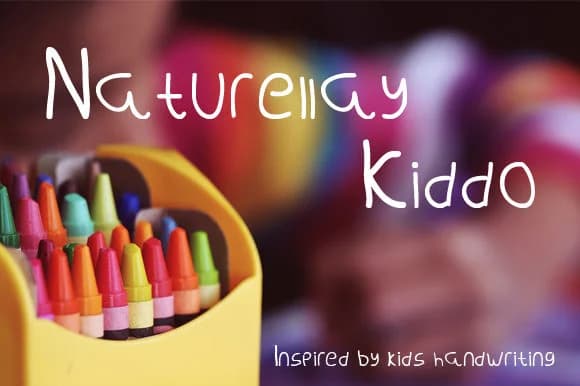
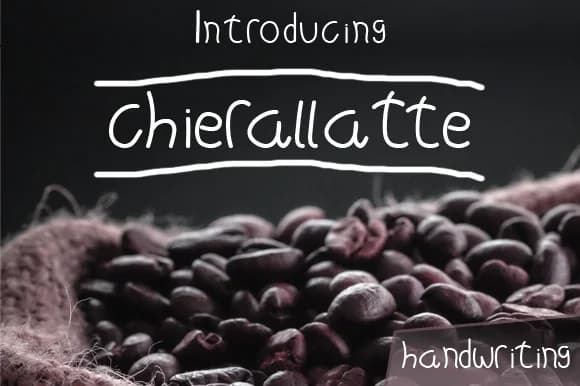

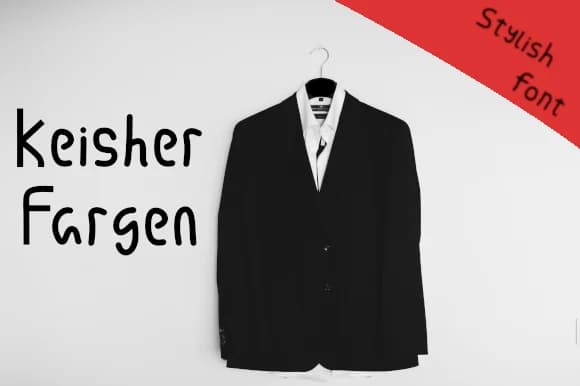
More Script Handwritten Fonts
Browse all →







What pairs well with The Comics Boy Font?
The Comics Boy Font is a script font that shines as a display or heading face. Pair it with a clean sans-serif or serif font for body text — the contrast creates a clear hierarchy while the two styles stay balanced and easy to read.



The Comics Boy Font
Reviewed by the FontBoxDL team · Updated August 2026