 Firefox
 1 / 4
1 / 4About Template Gothic Font
Template Gothic, designed by Emigre, stands out for its deliberately warped and imperfect letterforms that appear to have suffered through a worn-out photocopy process. The characters carry visible distortion and irregularity, creating a rawness that intentionally pushes back against the polished perfection that dominated mainstream design.
This typeface excels when you need visual friction and authenticity. Look for it on vinyl record sleeve designs, vintage-inspired concert posters, punk and indie band logos, and DIY festival flyers where low-tech character genuinely matters. The imperfection isn't accidental; it's the entire philosophy. Designers building identity systems for independent labels, underground music collectives, or art-driven publications choose this font when slick professionalism would ring false. The letterforms communicate rebellion against the corporate polish that surrounds us.
Template Gothic became a cultural cornerstone throughout the 1990s by rejecting the modernist ideals that had squeezed personality out of typography for decades. That same contrarian spirit keeps it relevant for any project prioritizing authentic character over sterile perfection. The typeface even earned recognition in the Museum of Modern Art's permanent design collection, cementing its place in visual history. Download it from Creative Fabrica and bring that perfectly imperfect aesthetic to your next project.
Style & Use Cases
- Overall Style
- Eye-catching, Bold
- Use Case
- Headlines, Logos
- Ideal For
- posters, branding, and social media graphics
- Pairs With
- a readable sans or serif for body
How to Install Template Gothic Font
Step-by-step instructions for every platform
- 1Download the Template Gothic font file (.ttf or .otf).
- 2Locate the downloaded file in your Downloads folder.
- 3Right-click the font file.
- 4Select "Install" to install for the current user, or "Install for all users" to make it available system-wide.
- 5Template Gothic is now available in Word, Photoshop, Illustrator, and all other apps.
More by Emigre
View all →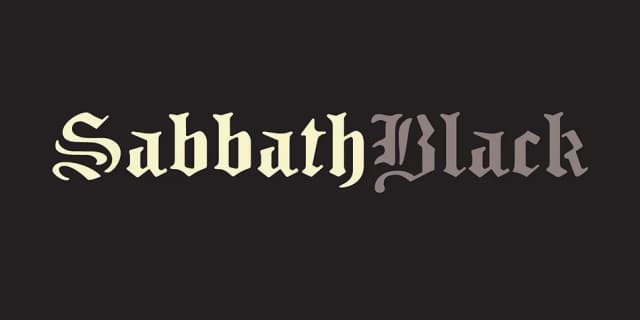
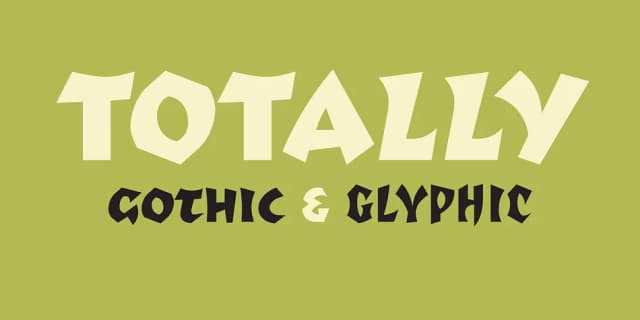


Browse fonts by theme
Curated collections →Saw a font in a picture? Identify any font from an image with our free Font Finder.
More Display Fonts
Browse all →







What pairs well with Template Gothic Font?
Template Gothic Font is a display font that shines as a display or heading face. Pair it with a clean sans-serif or serif font for body text — the contrast creates a clear hierarchy while the two styles stay balanced and easy to read.



Template Gothic Font
by Emigre
Reviewed by the FontBoxDL team · Updated October 2026