 Firefox
 1 / 5
1 / 5About SIMPLY ROYAL Font
SIMPLY ROYAL by Gleb Guralnyk is an ornate all-caps display typeface rooted in Victorian and medieval aesthetics. The design showcases decorative flourishes and classical proportions, making it well-suited for projects where period elegance and formality matter. This typeface stands out through its layered construction, which means you get three included weights designed to overlay on top of each other. Stacking these weights creates depth and dimension across your compositions, and it's a smart way to build sophisticated color combinations and textured effects without needing to track down and license multiple separate font files.
The complete package includes OTF font files, fully editable vector templates in Adobe Illustrator format, and expanded EPS versions, so you've got flexibility whether you're composing from scratch or reworking existing artwork for fresh applications. Picture this typeface handling vintage branding systems for heritage businesses, ornate certificate and award layouts, luxury product packaging and label design, or period-appropriate wedding invitation suites that demand authentic character and presence. The all-caps constraint actually works in your favor here, ensuring that everything reads as refined and formal. That construction genuinely suits professional and ceremonial applications far better than casual or contemporary design work.
Pick up SIMPLY ROYAL on Creative Fabrica.
Style & Use Cases
- Overall Style
- Eye-catching, Bold
- Use Case
- Headlines, Logos
- Ideal For
- posters, branding, and social media graphics
- Pairs With
- a readable sans or serif for body
How to Install SIMPLY ROYAL Font
Step-by-step instructions for every platform
- 1Download the SIMPLY ROYAL font file (.ttf or .otf).
- 2Locate the downloaded file in your Downloads folder.
- 3Right-click the font file.
- 4Select "Install" to install for the current user, or "Install for all users" to make it available system-wide.
- 5SIMPLY ROYAL is now available in Word, Photoshop, Illustrator, and all other apps.
More by Gleb Guralnyk
View all →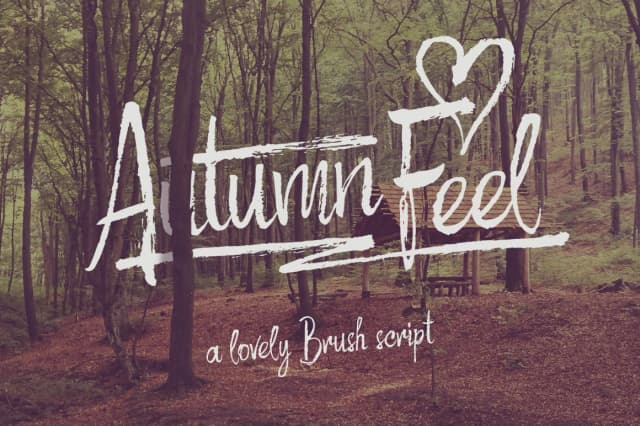
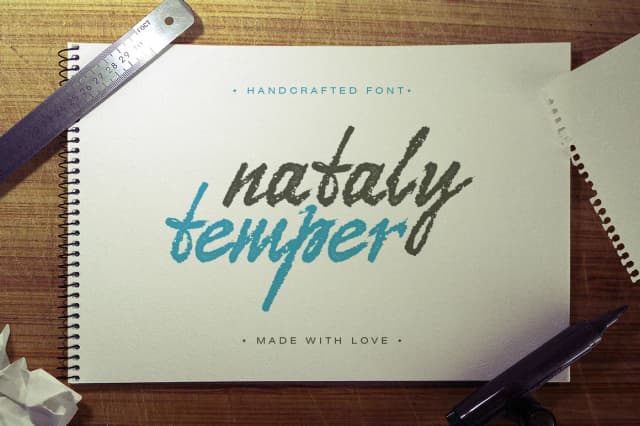
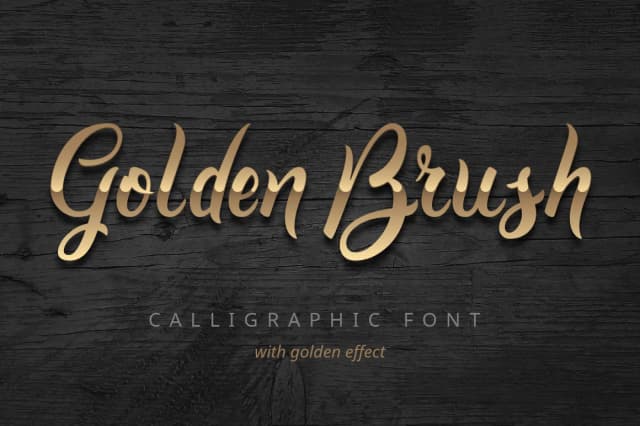

Browse fonts by theme
Curated collections →Saw a font in a picture? Identify any font from an image with our free Font Finder.
More Display Fonts
Browse all →







What pairs well with SIMPLY ROYAL Font?
SIMPLY ROYAL Font is a display font that shines as a display or heading face. Pair it with a clean sans-serif or serif font for body text — the contrast creates a clear hierarchy while the two styles stay balanced and easy to read.



SIMPLY ROYAL Font
Reviewed by the FontBoxDL team · Updated September 2026