 Firefox
 1 / 7
1 / 7About RESTORE Font
Restore brings a raw, geometric boldness that feels like walking past a weathered mid-century factory sign. Created by Typodermic Fonts Inc., this display typeface draws directly from early twentieth-century German industrial sign lettering, though its design sensibility feels thoroughly contemporary.
What sets it apart is the interlocking letter pairs, particularly RS and ST, which lock tightly together to create visual rhythm and unexpected depth. This geometric precision delivers headlines and logotypes a striking dimensional quality that generic display typefaces struggle to match. With seven distinct weights spanning thin to black, you can build complete visual hierarchies without changing fonts or losing the punch that defines the typeface. Full Latin character support works across dozens of languages and regional variations, making it accessible for international projects.
Reach for Restore when you're designing vintage poster artwork, art deco product packaging, craft brewery brand identity systems, or retro music event promotional flyers. The typeface commands attention at headline sizes while handling surprisingly compact layouts with genuine authority and clarity. Pair it with a straightforward contemporary sans-serif for any body copy, keeping the combination clean so Restore remains your visual anchor and focal point. Download it from Creative Fabrica and bring that industrial aesthetic to your next project.
Style & Use Cases
- Overall Style
- Eye-catching, Bold
- Use Case
- Headlines, Logos
- Ideal For
- posters, branding, and social media graphics
- Pairs With
- a readable sans or serif for body
How to Install RESTORE Font
Step-by-step instructions for every platform
- 1Download the RESTORE font file (.ttf or .otf).
- 2Locate the downloaded file in your Downloads folder.
- 3Right-click the font file.
- 4Select "Install" to install for the current user, or "Install for all users" to make it available system-wide.
- 5RESTORE is now available in Word, Photoshop, Illustrator, and all other apps.
More by Typodermic Fonts Inc.
View all →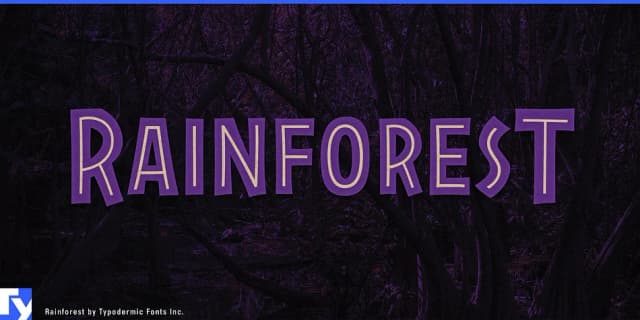
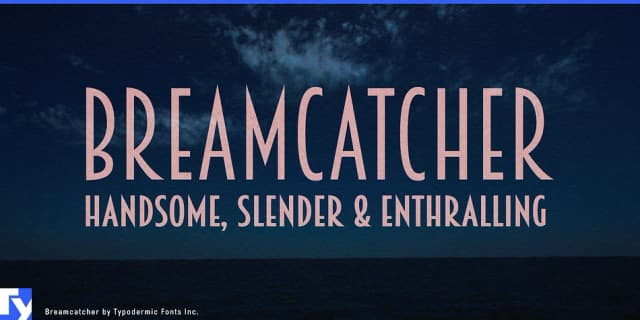
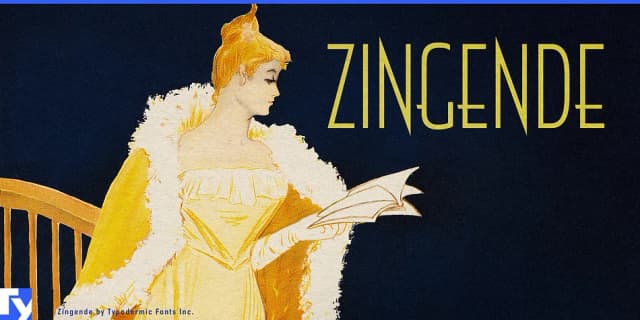
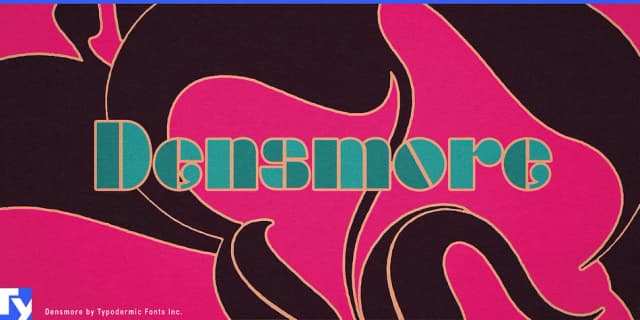
Browse fonts by theme
Curated collections →Saw a font in a picture? Identify any font from an image with our free Font Finder.
More Display Fonts
Browse all →







What pairs well with RESTORE Font?
RESTORE Font is a display font that shines as a display or heading face. Pair it with a clean sans-serif or serif font for body text — the contrast creates a clear hierarchy while the two styles stay balanced and easy to read.



RESTORE Font
Reviewed by the FontBoxDL team · Updated October 2026