 Firefox
 1 / 2
1 / 2About Eatvetica Font
Eatvetica by Limitype is a display typeface built from solid, proportional letterforms that carry genuine warmth beneath their muscular structure. Each character feels grounded and present, the kind of type that commands attention without looking fragile or overly stylized. The font balances weight and approachability in a way that works especially well when you need letterforms to lead rather than support.
Food businesses and culinary brands have real use for this kind of typeface. Restaurant menu covers benefit from its authority, while bakery storefront signage and food truck graphics show off those substantial letterforms without sacrificing any friendliness. Boutique food packaging speaks louder with Eatvetica; craft jam labels and café sandwich boards carry real personality when set in this face. The broader design applies equally well to craft beverage branding and specialty retail where the product category itself deserves type that matches its confidence. What makes it click is that bold doesn't mean cold here.
Eatvetica works best for designers and hospitality teams building visual identity around food, drink, or culinary services. The typeface handles everything from single menus to full brand systems to one-off signage, carrying the responsibility of looking serious while staying approachable. Pick it up on Creative Fabrica to add a dependable display option to your toolkit.
Style & Use Cases
- Overall Style
- Eye-catching, Bold
- Use Case
- Headlines, Logos
- Ideal For
- posters, branding, and social media graphics
- Pairs With
- a readable sans or serif for body
How to Install Eatvetica Font
Step-by-step instructions for every platform
- 1Download the Eatvetica font file (.ttf or .otf).
- 2Locate the downloaded file in your Downloads folder.
- 3Right-click the font file.
- 4Select "Install" to install for the current user, or "Install for all users" to make it available system-wide.
- 5Eatvetica is now available in Word, Photoshop, Illustrator, and all other apps.
More by Limitype
View all →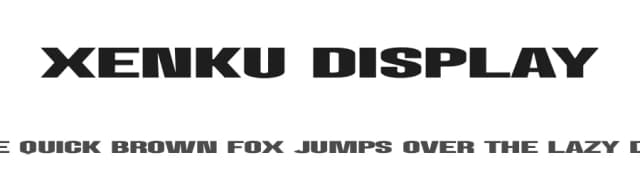
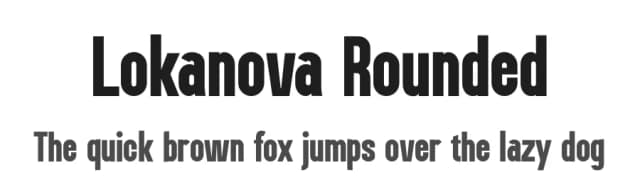
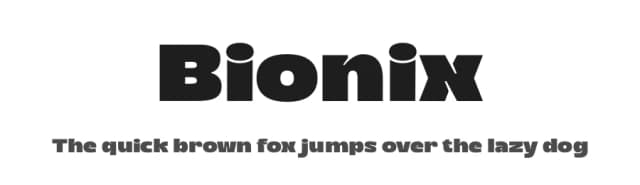
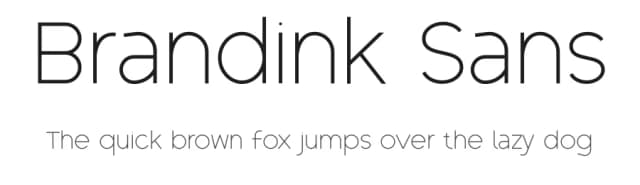
Browse fonts by theme
Curated collections →Saw a font in a picture? Identify any font from an image with our free Font Finder.
More Display Fonts
Browse all →







What pairs well with Eatvetica Font?
Eatvetica Font is a display font that shines as a display or heading face. Pair it with a clean sans-serif or serif font for body text — the contrast creates a clear hierarchy while the two styles stay balanced and easy to read.



Eatvetica Font
by Limitype
Reviewed by the FontBoxDL team · Updated September 2026