 Firefox
 1 / 10
About RAUBAM Font
Picture yourself designing a gallery exhibition announcement. You want letters that command attention from across the room, that feel substantial and architectural. RAUBAM, created by Typogama, is a display typeface born from those bold, monumental inscriptions carved into stone. The brilliant tension here is its dual character: the capitals sit heavy and architectural, almost sculptural forms that demand breathing room, while the lowercase letters offer a lighter, more refined counterpart that gracefully balances the visual weight.
This flexibility makes it a natural fit for art book covers, wine and spirits label design, luxury cosmetics packaging for boutique brands, or architectural signage that needs presence without overwhelming a space. You can layer the capitals and lowercase together for dynamic visual contrast on a single line, or rely on the heavier forms alone when a design needs pure gravitas and weight. Because the font uses OpenType programming, punctuation and numbers automatically adjust to match whichever letterforms you're using, so your entire composition stays cohesive without requiring manual intervention.
The real magic shows up at large sizes, where those bold capitals truly sing as design elements rather than mere text. You'll find it performs beautifully in both editorial spreads and environmental graphics. Head to Creative Fabrica to add RAUBAM to your toolkit.
Style & Use Cases
- Overall Style
- Eye-catching, Bold
- Use Case
- Headlines, Logos
- Ideal For
- posters, branding, and social media graphics
- Pairs With
- a readable sans or serif for body
How to Install RAUBAM Font
Step-by-step instructions for every platform
- 1Download the RAUBAM font file (.ttf or .otf).
- 2Locate the downloaded file in your Downloads folder.
- 3Right-click the font file.
- 4Select "Install" to install for the current user, or "Install for all users" to make it available system-wide.
- 5RAUBAM is now available in Word, Photoshop, Illustrator, and all other apps.
More by Typogama
View all →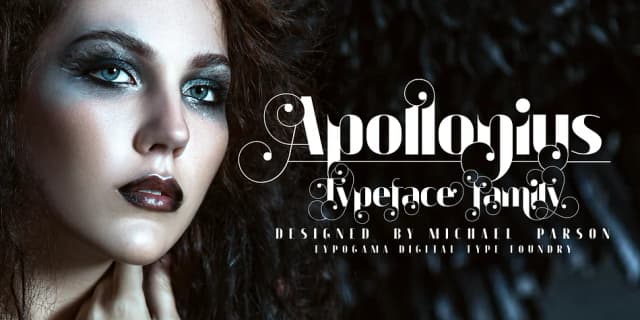
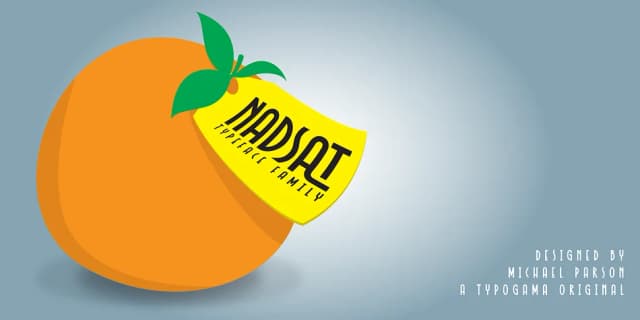
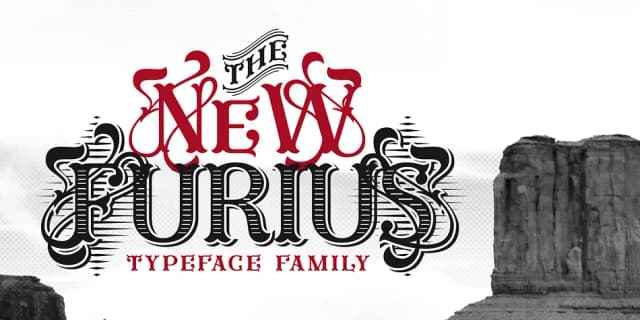
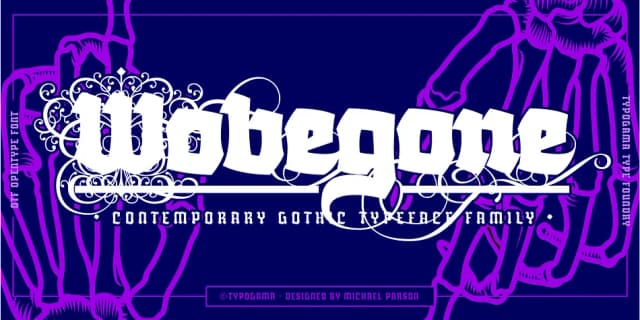
Browse fonts by theme
Curated collections →Saw a font in a picture? Identify any font from an image with our free Font Finder.
More Display Fonts
Browse all →







What pairs well with RAUBAM Font?
RAUBAM Font is a display font that shines as a display or heading face. Pair it with a clean sans-serif or serif font for body text — the contrast creates a clear hierarchy while the two styles stay balanced and easy to read.



RAUBAM Font
by Typogama
Reviewed by the FontBoxDL team · Updated September 2026