 Firefox
 1 / 8
1 / 8About Qubix Font
Crisp and purposeful. Qubix from xdCreative is a geometric sans-serif where mathematical precision meets genuine warmth. The typeface's clean lineweight and measured proportions work equally well in sleek app interfaces, editorial spreads, and brand lookbooks. It's the kind of font that reads confident without feeling aloof.
The family comes in three weights (Regular, Italic, and Bold), giving you substantial flexibility in how you build visual hierarchy and emphasis. You won't need to swap typefaces to manage different typographic roles. You'll find it excelling in tech startup dashboards, minimal fashion brand websites, premium fintech app screens, and modern architecture portfolio headers. It also shines for podcast cover designs and minimalist product catalogs where directness and breathing room matter equally. Scale Qubix bold for headlines that demand attention, or dial it back for quieter interface labels and navigation. It handles both extremes with the same unhurried visual poise.
Since the typeface manages both display and UI roles with genuine ease, pair it with a slightly warmer serif or a softer rounded sans for body text in longer reading passages. That contrast brings balance to mixed-media layouts and makes them more readable overall. Grab Qubix on Creative Fabrica and bring this geometric precision into your next project.
Style & Use Cases
- Overall Style
- Eye-catching, Bold
- Use Case
- Headlines, Logos
- Ideal For
- posters, branding, and social media graphics
- Pairs With
- a readable sans or serif for body
How to Install Qubix Font
Step-by-step instructions for every platform
- 1Download the Qubix font file (.ttf or .otf).
- 2Locate the downloaded file in your Downloads folder.
- 3Right-click the font file.
- 4Select "Install" to install for the current user, or "Install for all users" to make it available system-wide.
- 5Qubix is now available in Word, Photoshop, Illustrator, and all other apps.
More by xdCreative
View all →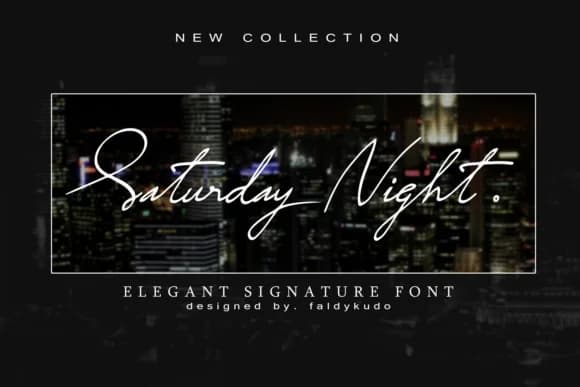
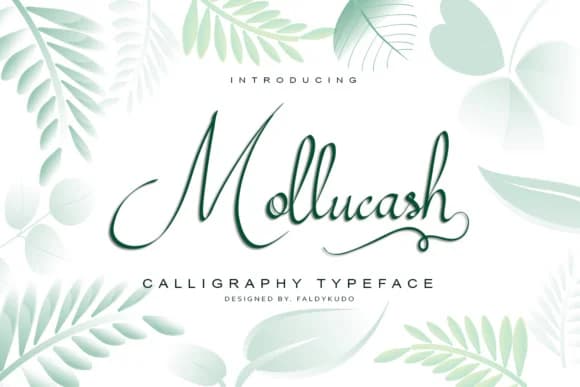
Browse fonts by theme
Curated collections →Saw a font in a picture? Identify any font from an image with our free Font Finder.
More Display Fonts
Browse all →







What pairs well with Qubix Font?
Qubix Font is a display font that shines as a display or heading face. Pair it with a clean sans-serif or serif font for body text — the contrast creates a clear hierarchy while the two styles stay balanced and easy to read.



Qubix Font
by xdCreative
Reviewed by the FontBoxDL team · Updated September 2026