 Firefox
 1 / 10
About Nority Font
Nority by Limitype is built on bold, chunky geometry that reads with immediate confidence. The inktrap details running through each character add unexpected personality and visual rhythm, making what could be a blunt typeface feel considered and intentional. Squared proportions and thick strokes work together to create letterforms that sit firm on the page without looking clumsy or dated.
What makes Nority work across contexts is its restraint. There's no flourish for the sake of novelty, just honest geometric construction applied with intent. The typeface shines when handling logos and wordmarks where brand recognition depends on clear, memorable forms. It performs equally well on vintage band merchandise posters, retro gaming interface labels, comic book title treatments, and DIY record sleeve layouts. Product packaging for toys or novelty goods gains gravitas from its solid presence. Even when scaled down on small tags or printed labels, the inktrap mechanics keep every letterform legible and visually composed, ensuring the design integrity holds up at any size.
Pick Nority for any project where type carries the weight of the design. This is the font for designers who want their typography to function as identity, not mere decoration. Grab it on Creative Fabrica and start building with these strong, unhesitating shapes.
Style & Use Cases
- Overall Style
- Eye-catching, Bold
- Use Case
- Headlines, Logos
- Ideal For
- posters, branding, and social media graphics
- Pairs With
- a readable sans or serif for body
How to Install Nority Font
Step-by-step instructions for every platform
- 1Download the Nority font file (.ttf or .otf).
- 2Locate the downloaded file in your Downloads folder.
- 3Right-click the font file.
- 4Select "Install" to install for the current user, or "Install for all users" to make it available system-wide.
- 5Nority is now available in Word, Photoshop, Illustrator, and all other apps.
More by Limitype
View all →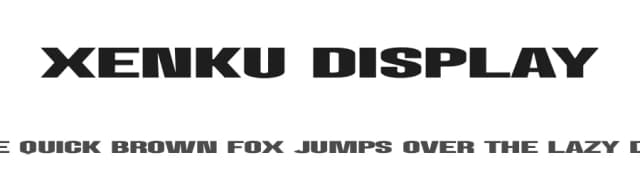
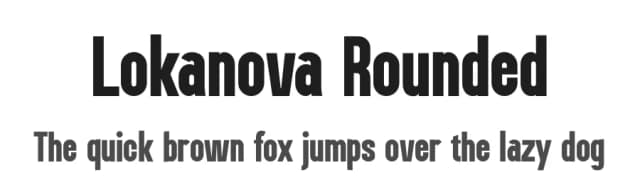
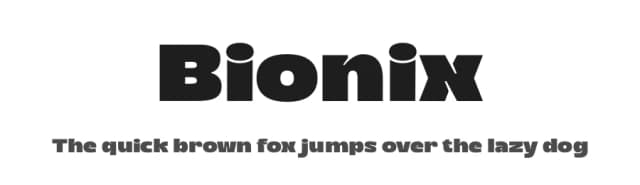
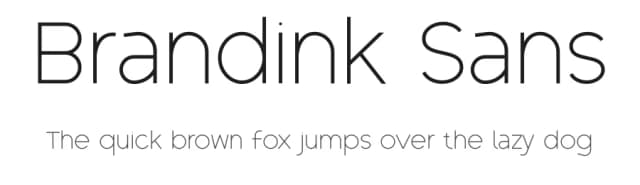
Browse fonts by theme
Curated collections →Saw a font in a picture? Identify any font from an image with our free Font Finder.
More Display Fonts
Browse all →







What pairs well with Nority Font?
Nority Font is a display font that shines as a display or heading face. Pair it with a clean sans-serif or serif font for body text — the contrast creates a clear hierarchy while the two styles stay balanced and easy to read.



Nority Font
by Limitype
Reviewed by the FontBoxDL team · Updated September 2026