 Firefox
 1 / 10
About Nevanta Font
Nevanta by Limitype delivers precise geometry in display typography through letterforms that feel distinctly modern and purposeful, not cold or sterile. The typeface's carefully calculated proportions create visual rhythm that reads clearly at any size, whether anchoring a headline or filling an entire poster. This gives designers a genuinely versatile and capable tool that never sacrifices legibility for either distinctive character or visual style.
The typeface ships in 18 distinct styles covering nine full weights plus italic obliques, so it grows with your project as needs evolve. Robust multilingual support means you can tackle international campaigns and ambitious multi-market branding assignments confidently. You'll find it particularly effective on tech startup websites, where geometric clarity paired with human approachability makes the difference. It feels equally at home in luxury e-commerce product layouts, editorial spreads for business publications, refined corporate identity systems, and upscale packaging design where attention to detail counts. The geometric construction feels intentional and crafted, not sterile (a rare quality).
Nevanta is best suited to designers and brands actively seeking geometric structure without unnecessarily sacrificing essential warmth or personality. Grab it from Creative Fabrica and add a typeface that earns its place across every professional application in your toolkit.
Style & Use Cases
- Overall Style
- Eye-catching, Bold
- Use Case
- Headlines, Logos
- Ideal For
- posters, branding, and social media graphics
- Pairs With
- a readable sans or serif for body
How to Install Nevanta Font
Step-by-step instructions for every platform
- 1Download the Nevanta font file (.ttf or .otf).
- 2Locate the downloaded file in your Downloads folder.
- 3Right-click the font file.
- 4Select "Install" to install for the current user, or "Install for all users" to make it available system-wide.
- 5Nevanta is now available in Word, Photoshop, Illustrator, and all other apps.
More by Limitype
View all →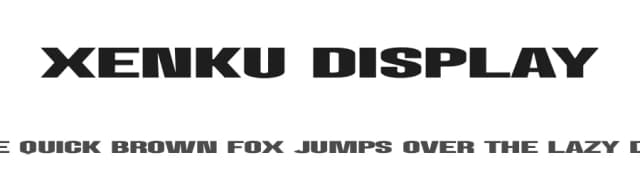
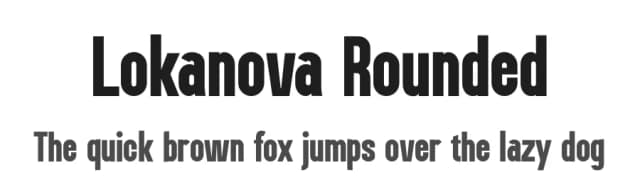
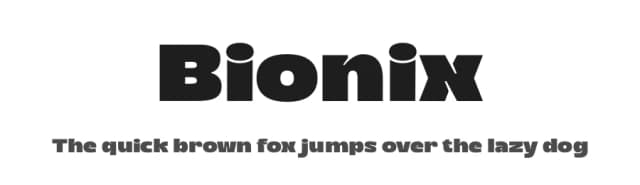
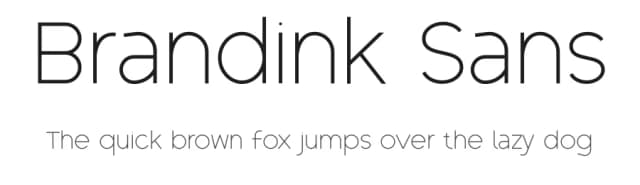
Browse fonts by theme
Curated collections →Saw a font in a picture? Identify any font from an image with our free Font Finder.
More Display Fonts
Browse all →







What pairs well with Nevanta Font?
Nevanta Font is a display font that shines as a display or heading face. Pair it with a clean sans-serif or serif font for body text — the contrast creates a clear hierarchy while the two styles stay balanced and easy to read.



Nevanta Font
by Limitype
Reviewed by the FontBoxDL team · Updated September 2026