
 1 / 6
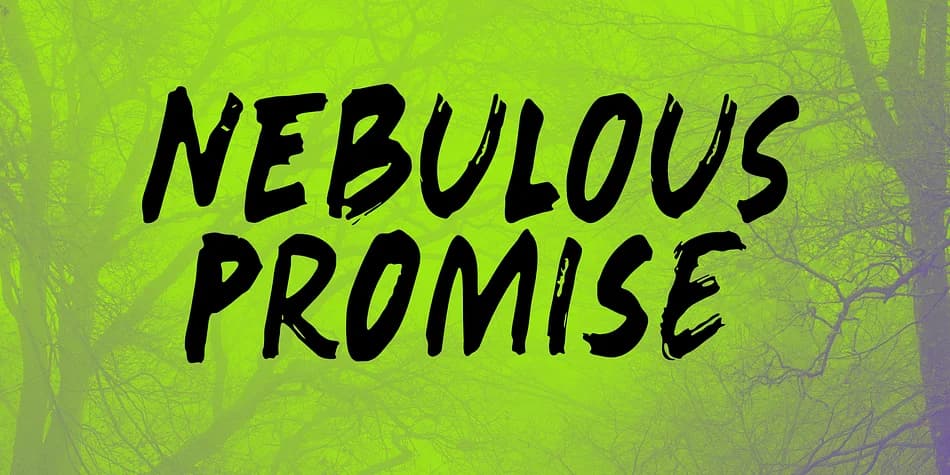
1 / 6About Nebulous Promise Font
This font has that flowing, organic quality that sits somewhere between relaxed and refined. Nebulous Promise comes from Kitchen Table Type Foundry, built using a broken satay skewer and Chinese ink to capture real handwritten texture and the subtle rhythm you only get from working with actual tools and materials.
You'll find it works beautifully for wedding invitation suites, where organic letterforms bring genuine warmth without feeling stiff or overly formal. It handles small-batch skincare and cosmetic labels equally well, plus craft business branding, hand-lettered greeting cards, and packaging for artisanal goods where personality beats polish every single time. The lowercase letters come with a full set of alternates, so you can swap glyphs throughout a project for genuinely varied, hand-drawn texture that never repeats itself. Extended language support means you're not stuck with English-only work, making this valuable for international clients or anyone regularly working across multiple scripts and language pairs.
Pair Nebulous Promise with a clean, geometric sans-serif for body text and supporting elements, and you've got real balance between handmade charm and contemporary readability. The contrast keeps things visually interesting without the two typefaces competing for attention. Pick it up on Creative Fabrica and start building with it.
Style & Use Cases
- Overall Style
- Elegant, Flowing
- Use Case
- Invitations, Branding
- Ideal For
- wedding stationery, greeting cards, and signatures
- Pairs With
- a simple uppercase sans
How to Install Nebulous Promise Font
Step-by-step instructions for every platform
- 1Download the Nebulous Promise font file (.ttf or .otf).
- 2Locate the downloaded file in your Downloads folder.
- 3Right-click the font file.
- 4Select "Install" to install for the current user, or "Install for all users" to make it available system-wide.
- 5Nebulous Promise is now available in Word, Photoshop, Illustrator, and all other apps.
More by Kitchen Table Type Foundry
View all →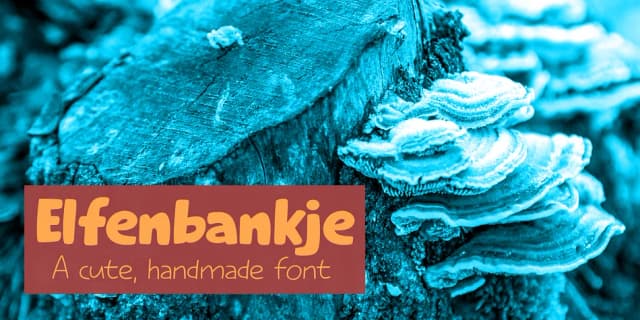
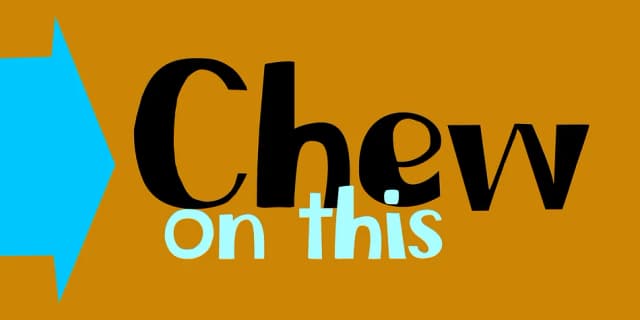
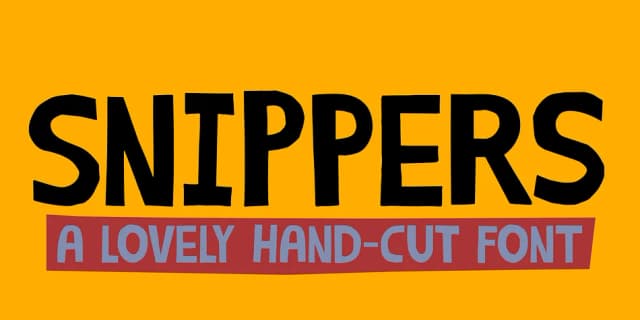
More Script Handwritten Fonts
Browse all →







What pairs well with Nebulous Promise Font?
Nebulous Promise Font is a script font that shines as a display or heading face. Pair it with a clean sans-serif or serif font for body text — the contrast creates a clear hierarchy while the two styles stay balanced and easy to read.



Nebulous Promise Font
Reviewed by the FontBoxDL team · Updated July 2026