 Firefox
 1 / 10
About Modern Heritage Font
Modern Heritage by VPcreativeshop is a comprehensive type system that pairs serif and sans serif styles with the flexibility to move between refined and textured letterforms depending on your design needs. Rather than a single-use display font, this collection offers serif, display, and sans serif versions in regular, italic, and rough cuts, all with ligatures and alternate glyphs built in to support nuanced creative decisions.
The sans serif branch alone provides six distinct weights, each available in three widths with matching italics, giving you genuine scope to build complex typographic hierarchies and handle subtle design moves. Support for 87 languages across all 42 fonts in the family means you can extend campaigns globally or work with multilingual content without piecing together different typefaces. That consistency becomes crucial when you're managing brand identity across markets and locales.
This family is built for wedding invitation suites, Etsy product labels, boutique skincare packaging, and DIY craft signage where coordinated type choices strengthen the visual story. Editorial work, complex branding projects, and layouts that balance sophistication with approachability will benefit from what's available here. Get Modern Heritage from Creative Fabrica and work with a complete toolkit.
Style & Use Cases
- Overall Style
- Eye-catching, Bold
- Use Case
- Headlines, Logos
- Ideal For
- posters, branding, and social media graphics
- Pairs With
- a readable sans or serif for body
How to Install Modern Heritage Font
Step-by-step instructions for every platform
- 1Download the Modern Heritage font file (.ttf or .otf).
- 2Locate the downloaded file in your Downloads folder.
- 3Right-click the font file.
- 4Select "Install" to install for the current user, or "Install for all users" to make it available system-wide.
- 5Modern Heritage is now available in Word, Photoshop, Illustrator, and all other apps.
More by VPcreativeshop
View all →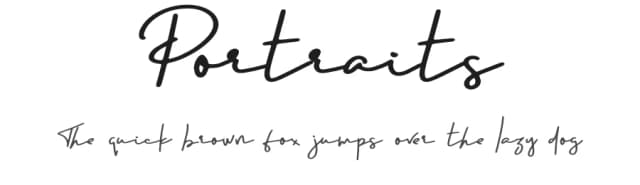
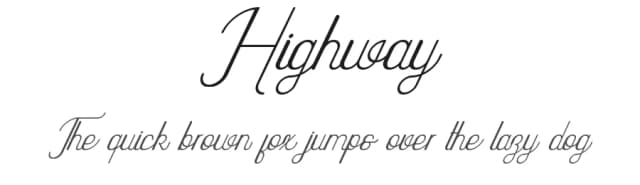
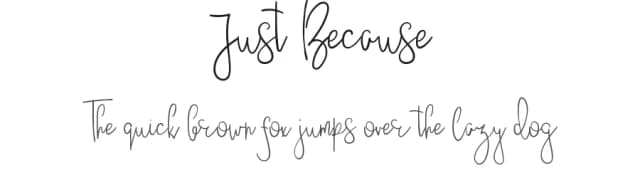
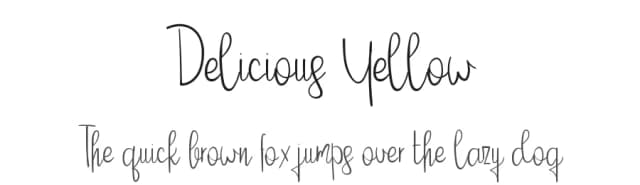
Browse fonts by theme
Curated collections →Saw a font in a picture? Identify any font from an image with our free Font Finder.
More Display Fonts
Browse all →







What pairs well with Modern Heritage Font?
Modern Heritage Font is a display font that shines as a display or heading face. Pair it with a clean sans-serif or serif font for body text — the contrast creates a clear hierarchy while the two styles stay balanced and easy to read.



Modern Heritage Font
Reviewed by the FontBoxDL team · Updated September 2026