 Firefox
 1 / 10
About Mirola Font
This serif carries quiet sophistication without relying on unnecessary flourishes. Mirola, by Din Studio, bridges the gap between contemporary design and timeless sensibility with remarkable ease. The letterforms speak to thoughtful craftsmanship that commands attention while preserving complete legibility across all applications.
The font truly shines in contexts where refinement counts. Wedding invitation suites gain an immediate sense of occasion through its refined proportions, while luxury product packaging benefits from the way Mirola communicates genuine craftsmanship and care. Fashion editorial spreads and high-end brand identity systems find real substance in its character and presence. Magazine layouts also benefit from the way it balances modernity with understated formality. Technically, Mirola brings OpenType features including alternates, swashes, and stylistic sets, paired with comprehensive numerals and punctuation support. The font is built to work across Adobe Creative Suite, CorelDRAW, and similar applications in both OTF and TTF formats without compatibility issues. Kerning is thoughtful enough to keep your compositions looking intentional without requiring constant adjustment or tweaking.
Pair it with a clean geometric sans serif for body text to maximize contrast and ensure readability across longer passages. Grab Mirola from Creative Fabrica and start building something distinctive.
Style & Use Cases
- Overall Style
- Eye-catching, Bold
- Use Case
- Headlines, Logos
- Ideal For
- posters, branding, and social media graphics
- Pairs With
- a readable sans or serif for body
How to Install Mirola Font
Step-by-step instructions for every platform
- 1Download the Mirola font file (.ttf or .otf).
- 2Locate the downloaded file in your Downloads folder.
- 3Right-click the font file.
- 4Select "Install" to install for the current user, or "Install for all users" to make it available system-wide.
- 5Mirola is now available in Word, Photoshop, Illustrator, and all other apps.
More by Din Studio
View all →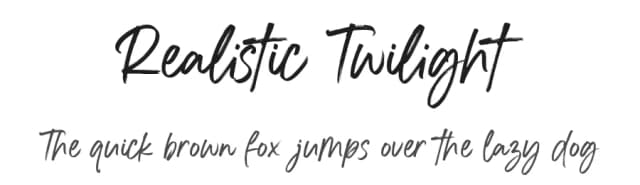
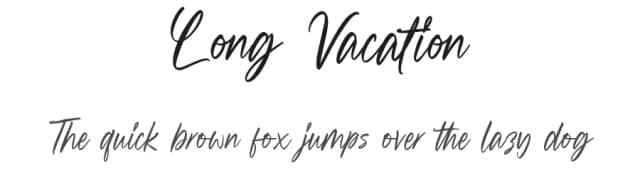
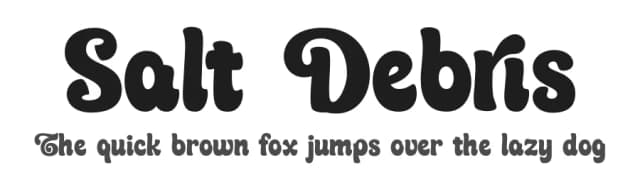
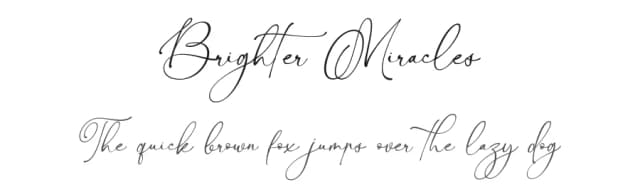
Browse fonts by theme
Curated collections →Saw a font in a picture? Identify any font from an image with our free Font Finder.
More Display Fonts
Browse all →







What pairs well with Mirola Font?
Mirola Font is a display font that shines as a display or heading face. Pair it with a clean sans-serif or serif font for body text — the contrast creates a clear hierarchy while the two styles stay balanced and easy to read.



Mirola Font
by Din Studio
Reviewed by the FontBoxDL team · Updated September 2026