 Firefox
 1 / 10
About Mirava Sans Font
Mirava Sans by Din Studio is a versatile display sans serif built for projects that demand genuine visual presence. The family spans eight weights from Hairline to Bold, all available in OTF, TTF, and WOFF formats, giving you real flexibility for layering typography that works at any scale and still holds its character. You'll use it for commanding headlines in concert posters and festival announcements, for premium brand identity packages at emerging startups, for social media headers designed to stop scrollers in their tracks, and for music album artwork and upscale restaurant menus. The breadth of weights means you can build visual depth without swapping typefaces midway through a project.
The technical side is well thought out. Multilingual support ensures your designs reach international audiences, while PUA encoding and comprehensive numerals and punctuation prevent the friction of missing characters. Creating cohesive visual systems becomes straightforward when one font handles the full range of your typographic needs without compromise. Complete brand identities and high-impact single pieces alike benefit from the flexibility to establish hierarchy and personality without overcomplicating your toolkit. The multiple formats support everything from Adobe Creative Suite to modern web workflows, so you're covered wherever you're working.
Find Mirava Sans on Creative Fabrica to start building with it.
Style & Use Cases
- Overall Style
- Eye-catching, Bold
- Use Case
- Headlines, Logos
- Ideal For
- posters, branding, and social media graphics
- Pairs With
- a readable sans or serif for body
How to Install Mirava Sans Font
Step-by-step instructions for every platform
- 1Download the Mirava Sans font file (.ttf or .otf).
- 2Locate the downloaded file in your Downloads folder.
- 3Right-click the font file.
- 4Select "Install" to install for the current user, or "Install for all users" to make it available system-wide.
- 5Mirava Sans is now available in Word, Photoshop, Illustrator, and all other apps.
More by Din Studio
View all →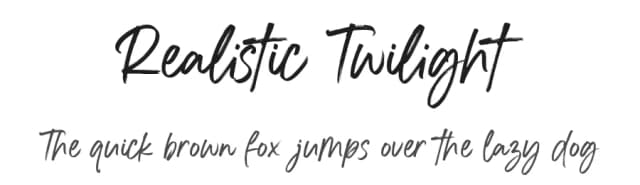
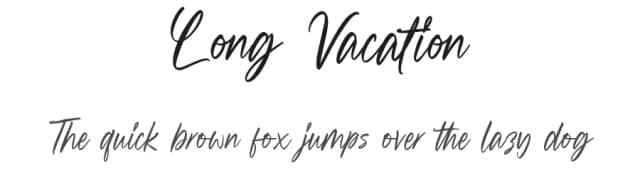
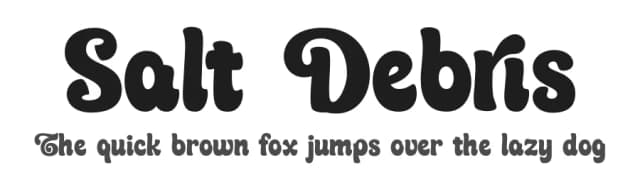
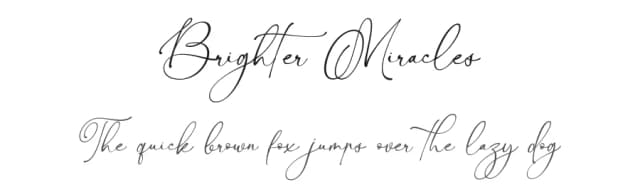
Browse fonts by theme
Curated collections →Saw a font in a picture? Identify any font from an image with our free Font Finder.
More Display Fonts
Browse all →







What pairs well with Mirava Sans Font?
Mirava Sans Font is a display font that shines as a display or heading face. Pair it with a clean sans-serif or serif font for body text — the contrast creates a clear hierarchy while the two styles stay balanced and easy to read.



Mirava Sans Font
by Din Studio
Reviewed by the FontBoxDL team · Updated September 2026