 Firefox
 1 / 10
About Millennial Font
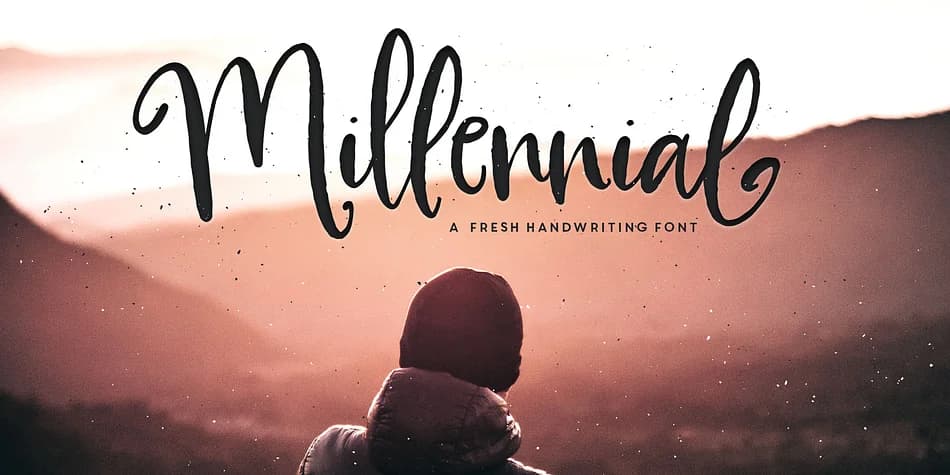
This font captures that spontaneous, just-dashed-it-off energy that makes handwriting feel genuinely alive on the page. Millennial, designed by MakeMediaCo, is a display script that brings that casual, confident feeling to everything from digital headlines to printed packaging. The handwriting itself sits somewhere between loose script and casual print, with quick strokes and a dancing baseline that give it real personality without ever veering into overwrought territory.
You'll find yourself reaching for Millennial on indie music playlist covers, wedding invitation suites, artisan beauty brand labels, and small-batch product packaging: anywhere you need type that feels handwritten rather than typed. The letterforms carry that "I just wrote this" authenticity that grounds your designs in something real and unpretentious. The font comes in Regular and Italic weights, with 24 ligatures and stylistic end characters included to add depth and variation, preventing that flat, repetitive look digital type can easily fall into. There's also a bonus English-only sans serif included for moments when you need something more structured to balance the script.
Pair Millennial with a simple, clean sans for body copy and let the handwritten letterforms shine as the centerpiece of your design. Grab it on Creative Fabrica and add this to your toolkit for work that feels unmistakably crafted by hand.
Style & Use Cases
- Overall Style
- Eye-catching, Bold
- Use Case
- Headlines, Logos
- Ideal For
- posters, branding, and social media graphics
- Pairs With
- a readable sans or serif for body
How to Install Millennial Font
Step-by-step instructions for every platform
- 1Download the Millennial font file (.ttf or .otf).
- 2Locate the downloaded file in your Downloads folder.
- 3Right-click the font file.
- 4Select "Install" to install for the current user, or "Install for all users" to make it available system-wide.
- 5Millennial is now available in Word, Photoshop, Illustrator, and all other apps.
More by MakeMediaCo.
View all →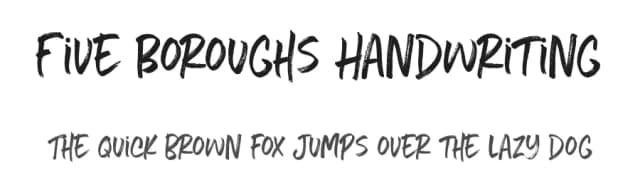
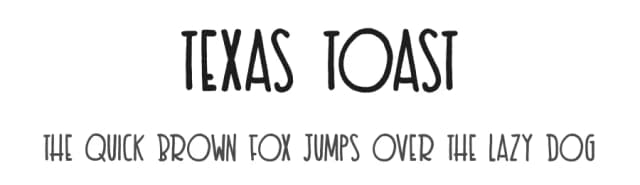
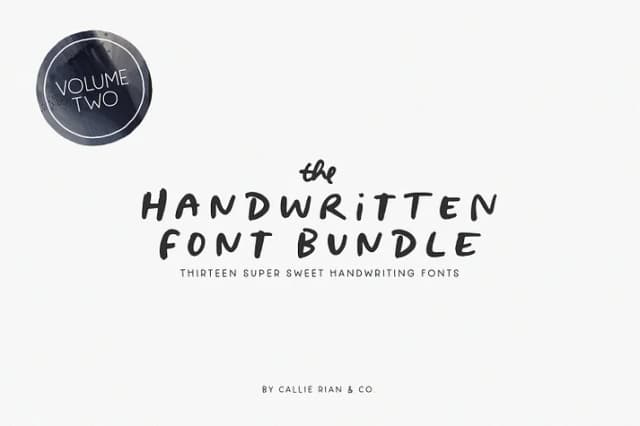
Browse fonts by theme
Curated collections →Saw a font in a picture? Identify any font from an image with our free Font Finder.
More Display Fonts
Browse all →







What pairs well with Millennial Font?
Millennial Font is a display font that shines as a display or heading face. Pair it with a clean sans-serif or serif font for body text — the contrast creates a clear hierarchy while the two styles stay balanced and easy to read.



Millennial Font
by MakeMediaCo.
Reviewed by the FontBoxDL team · Updated June 2026