 Firefox
 1 / 10
About Maier's Nr.8 Font
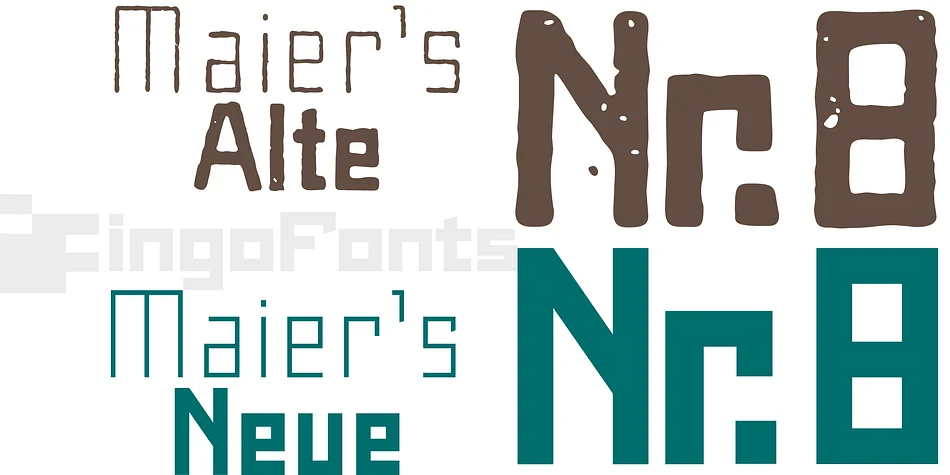
A handwritten ”font for technicians“ from ca. 1900. Very geometrical, rigid forms borrowed from the typical characteristics of Jugendstil / Art Nouveau.
This script is found in an old magazine which was issued sometime in the years shortly before WWI. The original copy, produced by means of a galvanized plate, is just 7 centimeters wide. It served as the model for technical professions in which, at that time, the captions of drawings were still done by hand. ingoFonts has not only digitized this beautiful typeface, we have also extended it to a whole family.
In »Maier’s Alte Nr. 8« special attention was given to ensure the ”uneven“ edges, typical of handwritten script, remained effectively noticeable even in the digitized form. As a result, this ”technical“ font retains a handmade touch, while »Maier’s Neue Nr. 8« is the clean version with exact contours.
The Art Nouveau forms, which are characteristic for the period of origin around the turn of the century around 1900, look especially pretty. The high degree of abstraction also seems strange in Maier’s No. 8, especially when the age of the original is known. It is generally assumed that it was not until the Bauhaus in the late 1920s that such “modern” typefaces were created. Maier’s No. 8 is a generation older! So many of today’s supposedly “ultramodern” typefaces look quite old in comparison.
In addition to the original two weights, Light and Bold, the Maiers Neue Nr. 8 got a regular and a extra-bold weight.
Furthermore, the Neue is also available in italics. Although this is only a slanted version, unlike common practice, it is inclined to the left.
Maier’s Nr. 8 Pro is suitable for all European languages. It includes ”Latin Extended-A,“ for Central and Eastern Europe incl. Turkish, and even Cyrillic and Greek, too.
The font includes several stylistic alternates as well as a number of ligatures.
Style & Use Cases
- Overall Style
- Eye-catching, Bold
- Use Case
- Headlines, Logos
- Ideal For
- posters, branding, and social media graphics
- Pairs With
- a readable sans or serif for body
How to Install Maier's Nr.8 Font
Step-by-step instructions for every platform
- 1Download the Maier's Nr.8 font file (.ttf or .otf).
- 2Locate the downloaded file in your Downloads folder.
- 3Right-click the font file.
- 4Select "Install" to install for the current user, or "Install for all users" to make it available system-wide.
- 5Maier's Nr.8 is now available in Word, Photoshop, Illustrator, and all other apps.
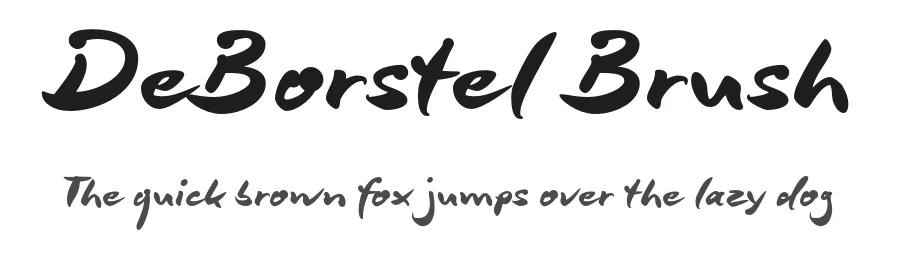
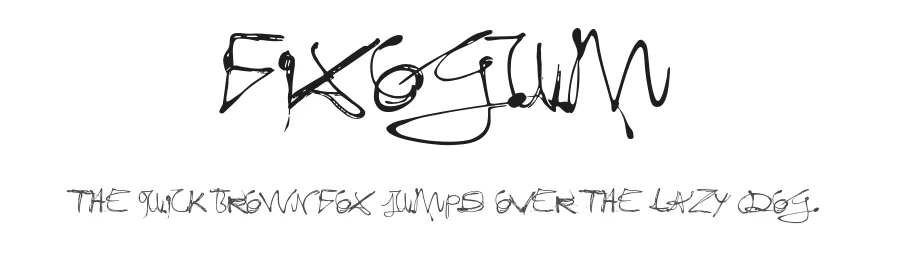
More by ingoFonts
View all →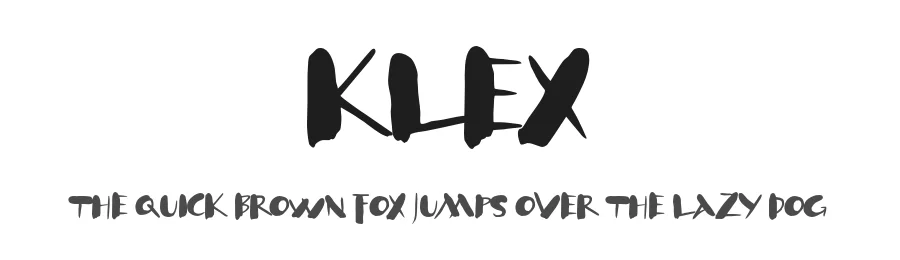
Browse fonts by theme
Curated collections →Saw a font in a picture? Identify any font from an image with our free Font Finder.
More Display Fonts
Browse all →







What pairs well with Maier's Nr.8 Font?
Maier's Nr.8 Font is a display font that shines as a display or heading face. Pair it with a clean sans-serif or serif font for body text — the contrast creates a clear hierarchy while the two styles stay balanced and easy to read.




Maier's Nr.8 Font
by ingoFonts
Reviewed by the FontBoxDL team · Updated April 2026