 Firefox
 1 / 10
About Intro Font
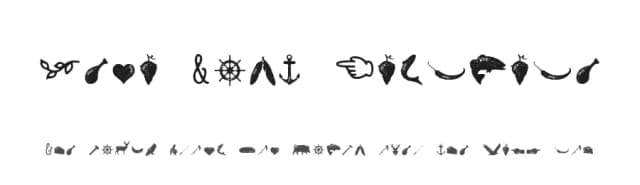
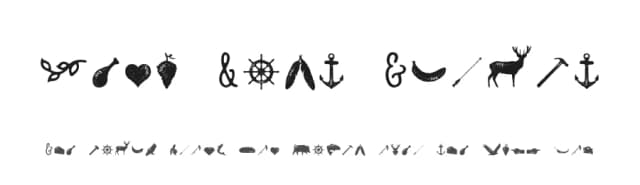
Intro strikes that balance between modern and playful, making it feel fresh and approachable without sacrificing sophistication or clarity of purpose. Fontfabric's comprehensive overhaul gives this display sans a serious toolkit: the family now spans eight weights with matching italics, plus a condensed series and three inline variants, bringing the total to 72 fonts. The expanded range covers different project types and needs, from cohesive brand systems to single designs that demand visual versatility and depth. You get everything you need to stay consistent while maintaining design flexibility.
The technical side is equally impressive. You'll find support for Extended Latin and Cyrillic with proper language localization, so multilingual projects aren't an afterthought. The OpenType feature set runs deep, with contextual alternates, stylistic variants, case-sensitive forms, and an extensive numerals system with tabular figures, fractions, superiors, inferiors, and symbols. This depth makes Intro genuinely useful for editorial layouts, packaging design for contemporary brands, startup identity systems, and high-impact poster work where precision matters. These capabilities let you handle complex typographic challenges without hunting for workarounds.
Pair Intro with a neutral geometric sans for body text, letting it shine as the display anchor and hero typeface across your work. The entire family is available on Creative Fabrica, ready to power your next project.
Style & Use Cases
- Overall Style
- Eye-catching, Bold
- Use Case
- Headlines, Logos
- Ideal For
- posters, branding, and social media graphics
- Pairs With
- a readable sans or serif for body
How to Install Intro Font
Step-by-step instructions for every platform
- 1Download the Intro font file (.ttf or .otf).
- 2Locate the downloaded file in your Downloads folder.
- 3Right-click the font file.
- 4Select "Install" to install for the current user, or "Install for all users" to make it available system-wide.
- 5Intro is now available in Word, Photoshop, Illustrator, and all other apps.
More by Fontfabric
View all →

Browse fonts by theme
Curated collections →Saw a font in a picture? Identify any font from an image with our free Font Finder.
More Display Fonts
Browse all →







What pairs well with Intro Font?
Intro Font is a display font that shines as a display or heading face. Pair it with a clean sans-serif or serif font for body text — the contrast creates a clear hierarchy while the two styles stay balanced and easy to read.



Intro Font
by Fontfabric
Reviewed by the FontBoxDL team · Updated September 2026