 Firefox
 1 / 10
About Gorphy Font
A designer needs a typeface for a luxury boutique's new visual system. She pulls Gorphy from Lettertype Studio and realizes within minutes this display sans serif solves multiple problems at once. The font carries just enough personality to stand out on high-end product packaging and wine labels, while staying disciplined enough for professional website headers, annual reports, and corporate identity systems.
Gorphy's real strength is its marriage of geometric clarity with purposeful details. The font includes over a dozen alternate glyphs and ligatures, giving you genuine options when building character into startup pitch decks, craft brewery labels, boutique clothing tags, or editorial magazine spreads without slipping into overdesign. Both OTF and TTF formats come with multilingual support, so your work extends across borders and markets.
What makes it work in practice is how it performs at both extremes. Scale it large for social media campaign graphics where you need real impact; dial it down for body text on editorial layouts where readers need breathing room. Lettertype Studio designed this typeface to handle both scenarios confidently. Pick up Gorphy on Creative Fabrica and get a display font that actually earns its place in your collection.
Style & Use Cases
- Overall Style
- Eye-catching, Bold
- Use Case
- Headlines, Logos
- Ideal For
- posters, branding, and social media graphics
- Pairs With
- a readable sans or serif for body
How to Install Gorphy Font
Step-by-step instructions for every platform
- 1Download the Gorphy font file (.ttf or .otf).
- 2Locate the downloaded file in your Downloads folder.
- 3Right-click the font file.
- 4Select "Install" to install for the current user, or "Install for all users" to make it available system-wide.
- 5Gorphy is now available in Word, Photoshop, Illustrator, and all other apps.
More by Lettertype Studio
View all →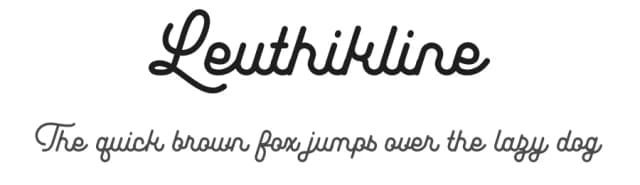
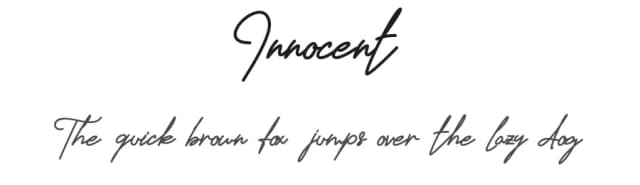
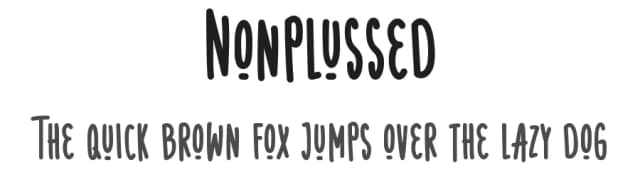
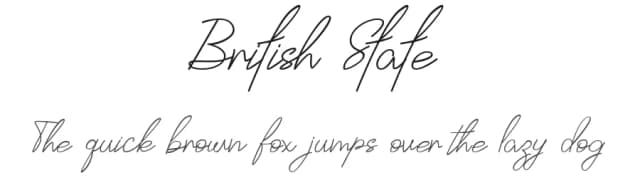
Browse fonts by theme
Curated collections →Saw a font in a picture? Identify any font from an image with our free Font Finder.
More Display Fonts
Browse all →







What pairs well with Gorphy Font?
Gorphy Font is a display font that shines as a display or heading face. Pair it with a clean sans-serif or serif font for body text — the contrast creates a clear hierarchy while the two styles stay balanced and easy to read.



Gorphy Font
Reviewed by the FontBoxDL team · Updated September 2026