 Firefox
 1 / 3
1 / 3Loading font…
About Glister Font
Glister by Pentagonistudio is a display typeface designed to grab attention. The name itself points to inherent gleam and shimmer; sparkle is built into the brand. As a regular-weight display face, it's crafted for headlines, signage, and any situation where you need impact on the page. With multilingual support spanning 89+ languages across Latin-based scripts, this typeface unlocks design possibilities for global brands, international campaigns, and character-rich projects that demand visual presence without language limitation.
Display typefaces like this thrive in specific contexts. Wedding invitation suites benefit from Glister's confident presence for announcement text and header lines. Luxury beauty packaging, high-end event signage, boutique retail labels, and artisanal product branding all gain distinction from its character and visual weight. The regular weight provides enough substance for standalone headlines while remaining refined enough to pair with quieter supporting typefaces in complex layouts. You'll find it works equally well for luxury catalog spreads, hand-lettered signage lookbooks, and gallery wall text. These are the moments when a display face earns its place in your toolkit.
For body text and supporting copy, pair this display face with a neutral, quiet sans-serif to let Glister command the visual hierarchy without overwhelming the layout. The free personal-use demo is hosted here, while the commercial-licensed full version is available on Creative Fabrica.
Style & Use Cases
- Overall Style
- Eye-catching, Bold, Display
- Use Case
- Headlines, Logos
- Ideal For
- posters, branding, and social media graphics
- Pairs With
- a readable sans or serif for body
Glister Specifications
| Font Family | GlisterDemo |
| Style | Regular |
| Full Name | GlisterDemo |
| Version | 1.000 |
| Weight | 400 (Regular) |
| Glyph Count | 56 glyphs |
| PostScript Name | GlisterDemo |
| Designer | Pentagonistudio |
| Format | TTF (TrueType) |
| File Size | 17.3 KB |
Languages Supported
Glister supports 89 languages.
How to Install Glister Font
Step-by-step instructions for every platform
- 1Download the Glister font file (.ttf or .otf).
- 2Locate the downloaded file in your Downloads folder.
- 3Right-click the font file.
- 4Select "Install" to install for the current user, or "Install for all users" to make it available system-wide.
- 5Glister is now available in Word, Photoshop, Illustrator, and all other apps.
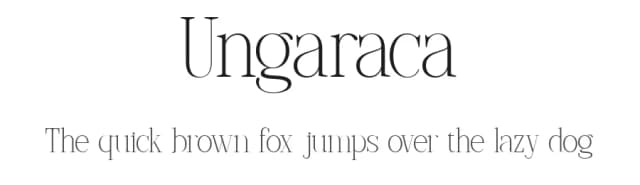
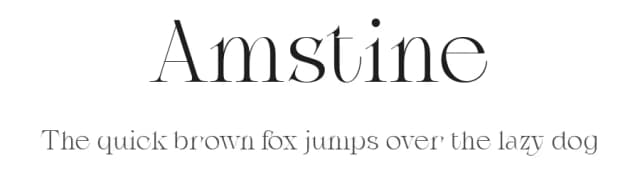
More by Pentagonistudio
View all →

Browse fonts by theme
Curated collections →Saw a font in a picture? Identify any font from an image with our free Font Finder.
More Display Fonts
Browse all →







What pairs well with Glister Font?
Glister Font is a display font that shines as a display or heading face. Pair it with a clean sans-serif or serif font for body text — the contrast creates a clear hierarchy while the two styles stay balanced and easy to read.



Glister Font
Reviewed by the FontBoxDL team · Updated August 2026