 Firefox
 1 / 2
1 / 2About Funny Faces Font
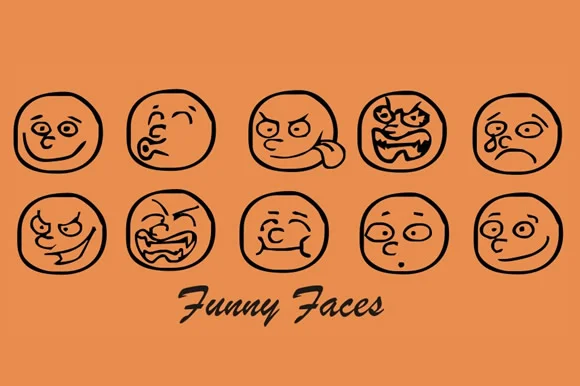
Funny Faces by Gustavo Lucero is a dingbat font built entirely on character-driven symbols that bring real personality to any layout. Unlike the sterile icon fonts that clutter design libraries, this collection feels distinctly handcrafted and playful, making it the smart choice for work where warmth and charm matter far more than corporate precision or consistency rules.
You'll find these glyphs work particularly well in greeting card designs, custom scrapbooking layouts, and DIY craft signage where you need distinct personality rather than generic placeholder marks. They're also strong for packaging decoration on artisan products, boutique skincare labels, and small-batch goods where visual charm directly shapes brand perception and customer connection. Each symbol maintains character and readability across different scales, so whether you size them large for immediate impact or integrate them smaller into complex layered compositions, they deliver consistent personality without losing individual voice or appeal.
The font rewards creative experimentation. You might build decorative borders for children's products, create playful pattern backgrounds for social media graphics, develop custom symbol systems for event invitations, or layer them into textile patterns and printed pieces where a touch of whimsy ties everything together. Get Funny Faces on Creative Fabrica and bring character back to work that truly needs personality.
Style & Use Cases
- Overall Style
- Iconographic
- Use Case
- Icons, Accents
- Ideal For
- ornaments, bullets, and decorative flourishes
- Pairs With
- any text font
How to Install Funny Faces Font
Step-by-step instructions for every platform
- 1Download the Funny Faces font file (.ttf or .otf).
- 2Locate the downloaded file in your Downloads folder.
- 3Right-click the font file.
- 4Select "Install" to install for the current user, or "Install for all users" to make it available system-wide.
- 5Funny Faces is now available in Word, Photoshop, Illustrator, and all other apps.
More by Gustavo Lucero
View all →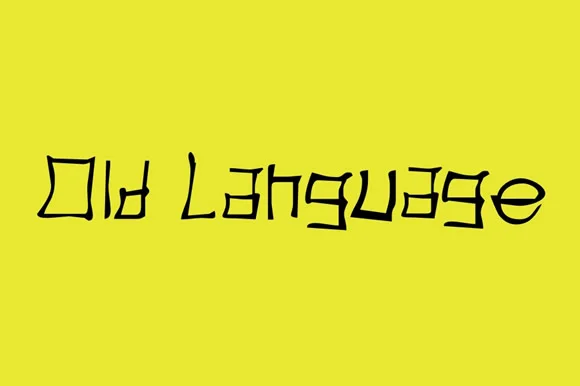

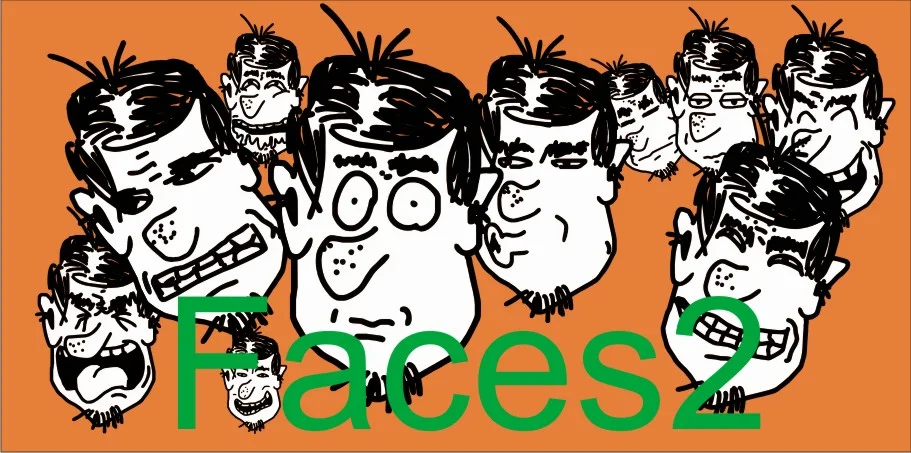
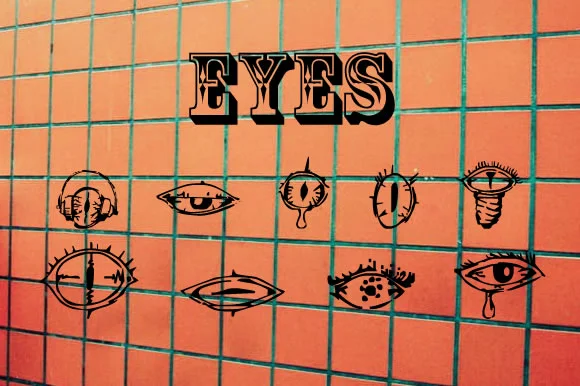
Browse fonts by theme
Curated collections →Saw a font in a picture? Identify any font from an image with our free Font Finder.
More Dingbats Fonts
Browse all →







What pairs well with Funny Faces Font?
Funny Faces Font is a versatile dingbats font that works for both headings and body text. Pair it with a contrasting sans-serif or serif font to add visual interest and a clear distinction between titles and body copy.




Funny Faces Font
Reviewed by the FontBoxDL team · Updated August 2026