 Firefox
 1 / 3
1 / 3About Code Pro Font
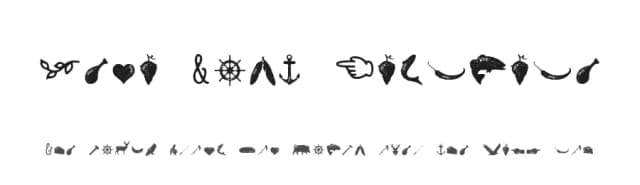
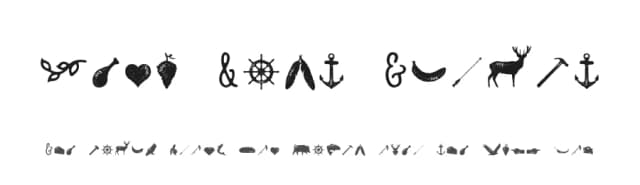
There's a satisfying confidence in this typeface that sits right between nostalgic modernism and current design thinking. Code Pro, designed by Fontfabric, takes cues from the geometric sans-serifs that shaped twentieth-century visual culture (Avant Garde and Futura chief among them) and remixes their DNA into something that feels both timeless and alive.
The real payoff shows up when you're working on briefs that need visual weight and clarity without decoration. Tech startup branding and comprehensive corporate identity systems benefit from its clean geometry and assured construction. Fashion brands and designers reach for it to mark hang tags, apparel labels, and branded tissue paper. It carries real presence in packaging design, website headers, motion graphics sequences, and concert or festival poster campaigns where geometric precision serves the concept. The typeface scales with grace whether you're using it headline-size or reducing it for secondary applications and navigation elements. You get a display font that has opinions and stands behind them.
Pair it with a warm serif for body text and supporting elements, letting Code Pro anchor the visual hierarchy in headlines and display settings. Pick it up from Creative Fabrica and add a genuinely capable geometric typeface to your working collection.
Style & Use Cases
- Overall Style
- Eye-catching, Bold
- Use Case
- Headlines, Logos
- Ideal For
- posters, branding, and social media graphics
- Pairs With
- a readable sans or serif for body
How to Install Code Pro Font
Step-by-step instructions for every platform
- 1Download the Code Pro font file (.ttf or .otf).
- 2Locate the downloaded file in your Downloads folder.
- 3Right-click the font file.
- 4Select "Install" to install for the current user, or "Install for all users" to make it available system-wide.
- 5Code Pro is now available in Word, Photoshop, Illustrator, and all other apps.
More by Fontfabric
View all →

Browse fonts by theme
Curated collections →Saw a font in a picture? Identify any font from an image with our free Font Finder.
More Display Fonts
Browse all →







What pairs well with Code Pro Font?
Code Pro Font is a display font that shines as a display or heading face. Pair it with a clean sans-serif or serif font for body text — the contrast creates a clear hierarchy while the two styles stay balanced and easy to read.



Code Pro Font
by Fontfabric
Reviewed by the FontBoxDL team · Updated September 2026