 Firefox
 1 / 9
1 / 9About Chips Snack Font
Chips Snack is a handwritten display font by Omotu Studio that captures the casual, energetic feel of authentic hand-drawn letterforms. The brush-textured regular style pairs with a solid variant, giving you flexibility in how confident or relaxed your typography can read.
This font thrives on shorter headlines and punchy type treatments where its distinct character can take center stage. Brand logos for indie coffee shops, vintage-style t-shirt and hoodie designs, hand-lettered packaging for artisan snacks or small-batch cosmetics, humorous social media quotes, and handmade event posters all fit here. You'll also see it used on DIY craft signs, chalkboard designs, and vinyl sticker artwork. The letterforms feel personal and handmade rather than polished or corporate, which resonates with small businesses, makers, and creators looking for something with real warmth.
Chips Snack includes both uppercase and lowercase characters with full support for international languages, and it integrates smoothly across Adobe apps like Illustrator, Photoshop, and InDesign, plus Corel Draw and Microsoft Word. Stylistic alternates are accessible through the Glyphs panel or OpenType menus depending on your software. This font suits designers, makers, and small business owners building work that needs personality and warmth over corporate formality. Grab it from Creative Fabrica.
Style & Use Cases
- Overall Style
- Eye-catching, Bold
- Use Case
- Headlines, Logos
- Ideal For
- posters, branding, and social media graphics
- Pairs With
- a readable sans or serif for body
How to Install Chips Snack Font
Step-by-step instructions for every platform
- 1Download the Chips Snack font file (.ttf or .otf).
- 2Locate the downloaded file in your Downloads folder.
- 3Right-click the font file.
- 4Select "Install" to install for the current user, or "Install for all users" to make it available system-wide.
- 5Chips Snack is now available in Word, Photoshop, Illustrator, and all other apps.
More by Omotu Studio
View all →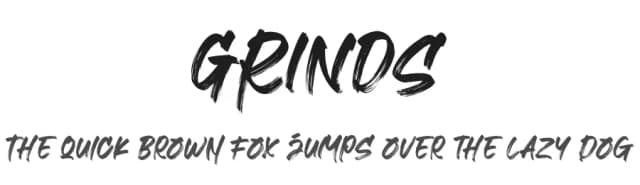
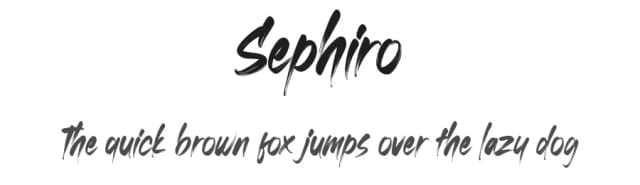
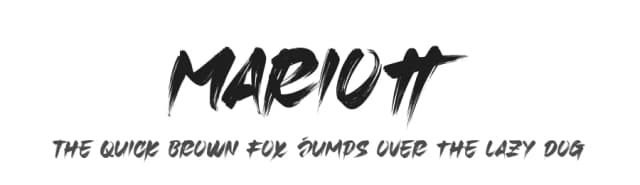
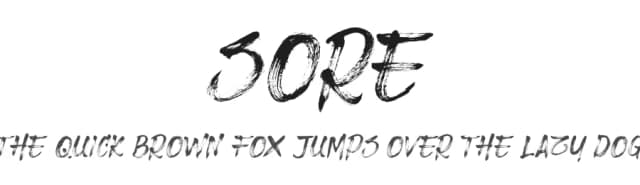
Browse fonts by theme
Curated collections →Saw a font in a picture? Identify any font from an image with our free Font Finder.
More Display Fonts
Browse all →







What pairs well with Chips Snack Font?
Chips Snack Font is a display font that shines as a display or heading face. Pair it with a clean sans-serif or serif font for body text — the contrast creates a clear hierarchy while the two styles stay balanced and easy to read.



Chips Snack Font
by Omotu Studio
Reviewed by the FontBoxDL team · Updated June 2026