 Firefox
 1 / 10
About BOTAKY Romellast Font
This duo strikes a balance between playful attitude and refined elegance. BOTAKY Romellast, designed by Alit Design, pairs a dynamic display typeface with a flowing signature script that together create designs with real personality.
BOTAKY is the bold half of this partnership, offering a swaying, modern character that commands attention without feeling heavy. All 10 weights, from Thin to Black, give you room to emphasize or soften the effect depending on what you're creating. Romellast, the companion script, channels the organic feel of handmade letterforms inspired by Instagram's brush tools, complete with natural-looking alternate ligatures and two weight options (Thin and Regular). Where BOTAKY anchors a design with geometric swagger, Romellast adds texture and movement. Together, they work beautifully for luxury fashion packaging, high-end invitation suites, boutique skincare branding, or distinctive music and album artwork that needs to feel both polished and handcrafted.
The pairing shines when you use BOTAKY for headlines and Romellast as an accent or signature element, though each can stand alone if you prefer something simpler. Pair them with a clean, minimal sans-serif for body text to keep the focus on these two statement fonts. You'll find the complete duo on Creative Fabrica, ready to bring dimension to your next project.
Style & Use Cases
- Overall Style
- Eye-catching, Bold
- Use Case
- Headlines, Logos
- Ideal For
- posters, branding, and social media graphics
- Pairs With
- a readable sans or serif for body
How to Install BOTAKY Romellast Font
Step-by-step instructions for every platform
- 1Download the BOTAKY Romellast font file (.ttf or .otf).
- 2Locate the downloaded file in your Downloads folder.
- 3Right-click the font file.
- 4Select "Install" to install for the current user, or "Install for all users" to make it available system-wide.
- 5BOTAKY Romellast is now available in Word, Photoshop, Illustrator, and all other apps.
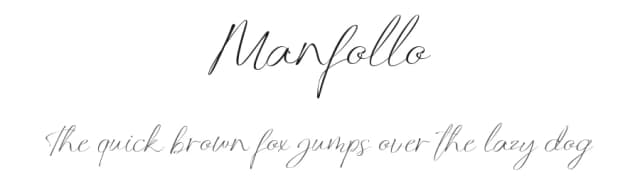
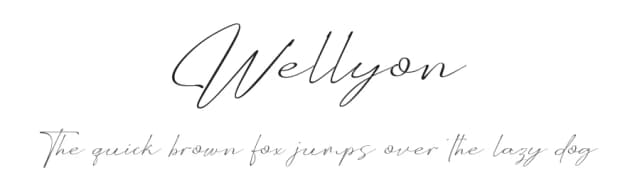
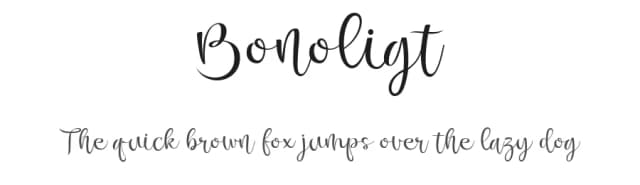
More by Alit Design
View all →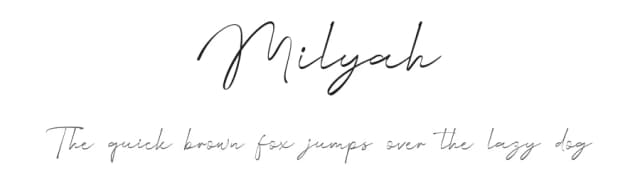
Browse fonts by theme
Curated collections →Saw a font in a picture? Identify any font from an image with our free Font Finder.
More Display Fonts
Browse all →







What pairs well with BOTAKY Romellast Font?
BOTAKY Romellast Font is a display font that shines as a display or heading face. Pair it with a clean sans-serif or serif font for body text — the contrast creates a clear hierarchy while the two styles stay balanced and easy to read.



BOTAKY Romellast Font
by Alit Design
Reviewed by the FontBoxDL team · Updated September 2026