 Firefox
 1 / 9
1 / 9About Blastage Font
Blastage feels like neon hitting chrome, bold and uncompromising. Created by Typia Nesia, this expanded sans-serif brings a sci-fi techno energy that lands somewhere between 1980s arcade aesthetics and forward-thinking futurism. It's a display typeface built for maximum impact, with generous letterforms that command attention whether rendered on screen or in print.
The wide, confident letterforms make this font shine in high-stakes visual work where subtlety really isn't an option. Esports tournament branding and competitive gaming aesthetics are natural homes for Blastage, as is retro 80s-inspired game packaging that needs to evoke speed and raw power. Music festival posters, supercar brand identities, and tech startup headlines all benefit from its unapologetic bold presence. The typeface carries enough visual weight to anchor a layout solo, yet maintains solid readability even when set at practical headline sizes. Its architectural skeleton recalls the geometric precision of early arcade typography while feeling undeniably contemporary and polished.
When you're ready to pair it, a clean geometric sans-serif makes an ideal companion for body copy, letting Blastage concentrate on its real strength: commanding headlines that absolutely refuse to fade into the background. Get it from Creative Fabrica and let this futuristic voice define your next bold project.
Style & Use Cases
- Overall Style
- Eye-catching, Bold
- Use Case
- Headlines, Logos
- Ideal For
- posters, branding, and social media graphics
- Pairs With
- a readable sans or serif for body
How to Install Blastage Font
Step-by-step instructions for every platform
- 1Download the Blastage font file (.ttf or .otf).
- 2Locate the downloaded file in your Downloads folder.
- 3Right-click the font file.
- 4Select "Install" to install for the current user, or "Install for all users" to make it available system-wide.
- 5Blastage is now available in Word, Photoshop, Illustrator, and all other apps.
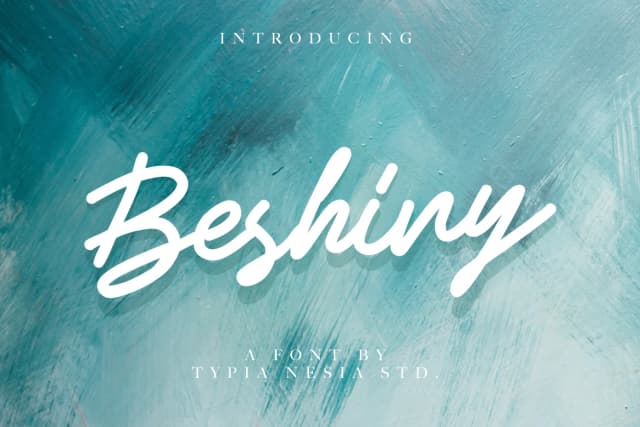
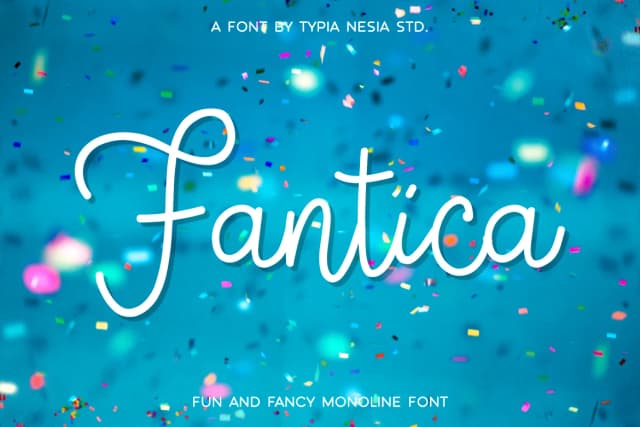
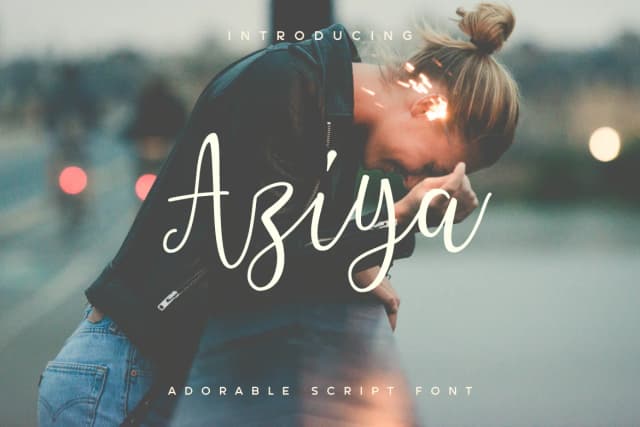
More by Typia Nesia
View all →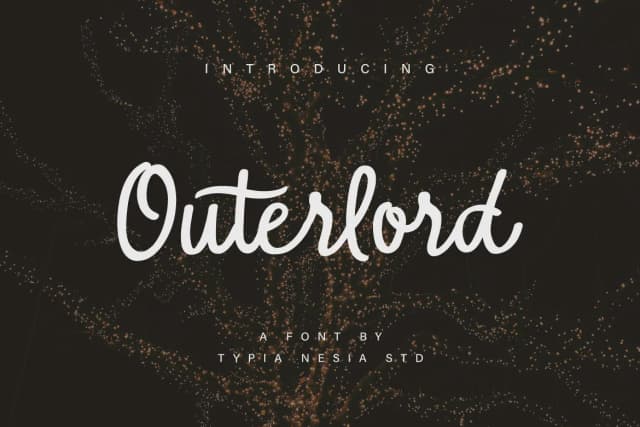
Browse fonts by theme
Curated collections →Saw a font in a picture? Identify any font from an image with our free Font Finder.
More Display Fonts
Browse all →







What pairs well with Blastage Font?
Blastage Font is a display font that shines as a display or heading face. Pair it with a clean sans-serif or serif font for body text — the contrast creates a clear hierarchy while the two styles stay balanced and easy to read.



Blastage Font
by Typia Nesia
Reviewed by the FontBoxDL team · Updated September 2026