 Firefox
 1 / 7
1 / 7About Argone LC Font
Argone LC captures that hand-drawn quality where slight irregularities in the letterforms feel deliberate rather than clumsy. Graphite designed this organic display typeface with full lowercase letters, a practical advantage many handmade fonts overlook. The family comes in four weights: light, regular, bold, and black. That depth is uncommon in handcrafted typefaces and lets you move from subtle headlines to commanding display text without switching fonts.
Having multiple weights means you solve real design problems with one typeface. Music venue posters and band merchandise gain impact from the heavier weights, where organic forms carry presence without looking shaky. Artisan product packaging and small-batch skincare branding work with the lighter weights to maintain handmade character while staying readable on labels. Greeting card suites and DIY craft sign projects draw from the full weight range to build visual hierarchy with genuine personality. Magazine editorial headers and book cover work gain the kind of warmth that feels earned rather than borrowed.
This typeface suits designers building complete visual systems for independent brands, specialty retailers, and creative studios that prioritize character over polish. You get the handmade aesthetic without overreaching a single weight across contexts where it shouldn't stretch. The organic quality and weight flexibility make it equally at home on a concert poster as it is in a bound publication. Find Argone LC on Creative Fabrica and bring that authentic sketched feeling to your display typography.
Style & Use Cases
- Overall Style
- Eye-catching, Bold
- Use Case
- Headlines, Logos
- Ideal For
- posters, branding, and social media graphics
- Pairs With
- a readable sans or serif for body
How to Install Argone LC Font
Step-by-step instructions for every platform
- 1Download the Argone LC font file (.ttf or .otf).
- 2Locate the downloaded file in your Downloads folder.
- 3Right-click the font file.
- 4Select "Install" to install for the current user, or "Install for all users" to make it available system-wide.
- 5Argone LC is now available in Word, Photoshop, Illustrator, and all other apps.
More by Graphite
View all →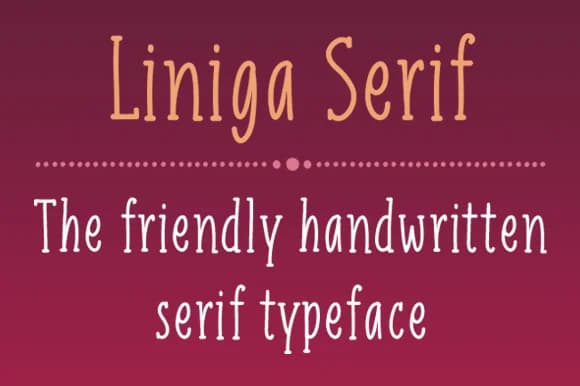
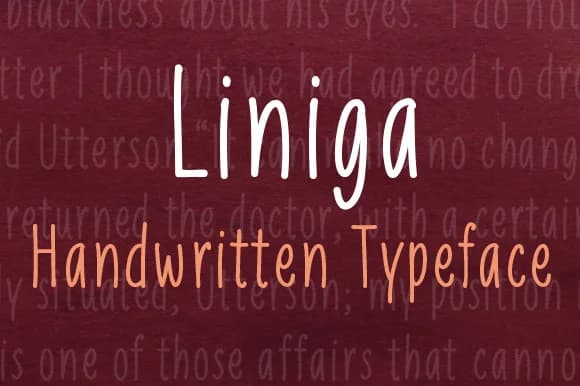


Browse fonts by theme
Curated collections →Saw a font in a picture? Identify any font from an image with our free Font Finder.
More Display Fonts
Browse all →







What pairs well with Argone LC Font?
Argone LC Font is a display font that shines as a display or heading face. Pair it with a clean sans-serif or serif font for body text — the contrast creates a clear hierarchy while the two styles stay balanced and easy to read.



Argone LC Font
by Graphite
Reviewed by the FontBoxDL team · Updated September 2026