 Firefox
 1 / 10
About Ancoa Slanted Font
Ancoa Slanted by Rodrigo Typo is a rough, angular display typeface built for maximum impact and deliberate movement. With over 15 variants spanning Slanted, Cuts, and Inline, plus an extensive set of ligatures and alternates, this typeface thrives when you need real texture and personality in headlines and logotypes. The dynamic lettershapes have that hand-drawn, slightly imperfect quality that feels intentional rather than sloppy. Each variant is fully realized, giving you genuine flexibility in how you layer and mix the faces.
This works particularly well for album cover artwork, streetwear brand identity systems, music festival posters, and bold editorial spreads where raw visual character matters more than polish. You can layer the different cuts to build depth and visual interest, or mix weights to establish clear hierarchy within a heading. The alternates give you breathing room to avoid monotonous repetition and help you deliberately break up the rhythm within a single word or phrase. The full collection of variants means you can nail the exact mood and voice your project demands, from a single powerful statement to a complex typographic system.
Find Ancoa Slanted on Creative Fabrica and start building with a typeface that brings genuine attitude to your designs.
Style & Use Cases
- Overall Style
- Eye-catching, Bold
- Use Case
- Headlines, Logos
- Ideal For
- posters, branding, and social media graphics
- Pairs With
- a readable sans or serif for body
How to Install Ancoa Slanted Font
Step-by-step instructions for every platform
- 1Download the Ancoa Slanted font file (.ttf or .otf).
- 2Locate the downloaded file in your Downloads folder.
- 3Right-click the font file.
- 4Select "Install" to install for the current user, or "Install for all users" to make it available system-wide.
- 5Ancoa Slanted is now available in Word, Photoshop, Illustrator, and all other apps.
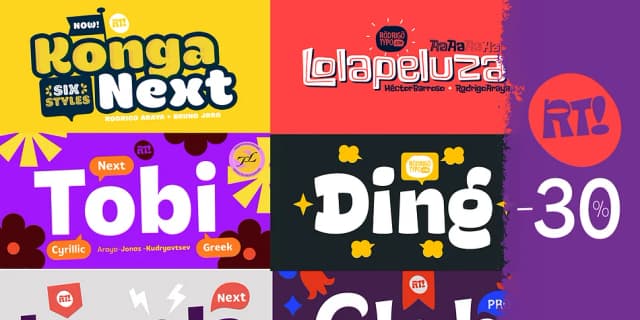
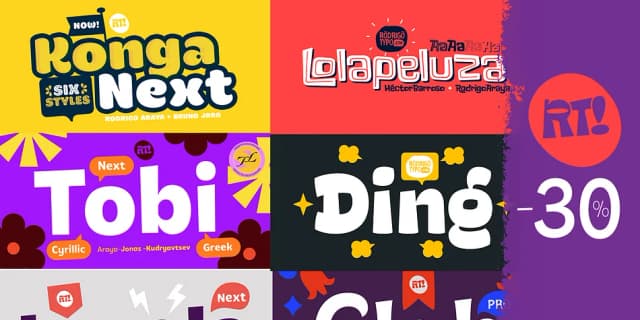
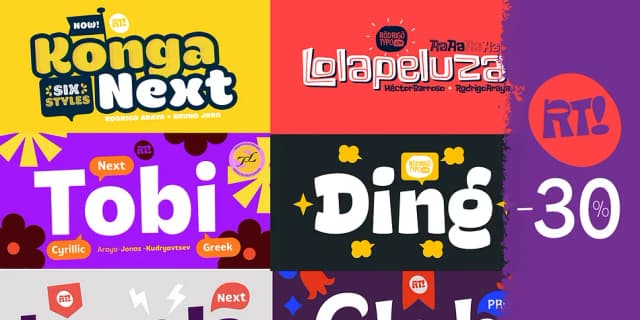
More by Rodrigo Typo
View all →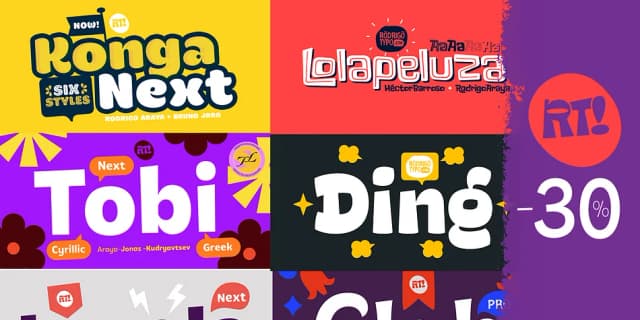
Browse fonts by theme
Curated collections →Saw a font in a picture? Identify any font from an image with our free Font Finder.
More Display Fonts
Browse all →







What pairs well with Ancoa Slanted Font?
Ancoa Slanted Font is a display font that shines as a display or heading face. Pair it with a clean sans-serif or serif font for body text — the contrast creates a clear hierarchy while the two styles stay balanced and easy to read.



Ancoa Slanted Font
by Rodrigo Typo
Reviewed by the FontBoxDL team · Updated September 2026