 Firefox
 1 / 6
1 / 6About Amber Taste Font
Amber Taste is a vintage decorative typeface by Gleb Guralnyk that brings genuine old-world character to spirits branding work. The letterforms carry warmth and authenticity typical of classic label design from the early 20th century, with ornamental flourishes that feel both sophisticated and grounded in real typographic tradition.
This display font excels at alcohol product labeling, especially for whiskey and brandy bottles where vintage credibility serves as a core brand signal. The design works beautifully on craft distillery packaging, high-end wine label suites, and specialty spirits branding where an established, heritage look matters. You'll also find strong applications in vintage-inspired liquor gift packaging and bar menu design. Beyond the typeface itself, the package includes both OTF and TTF font files for flexible use across your design tools. Vector label templates in AI and EPS format give you a starting point for layout work, while the included 3D brandy bottle mockup (3500x3500px PSD) lets you see the font in context before final production. All characters are Latin-based, ensuring clear legibility in the display sizes these projects demand.
For anyone building vintage alcohol brand identity or designing spirits packaging that needs to feel established and refined, Amber Taste delivers that polished, heritage aesthetic. Find it on Creative Fabrica and start creating your label collection.
Style & Use Cases
- Overall Style
- Eye-catching, Bold
- Use Case
- Headlines, Logos
- Ideal For
- posters, branding, and social media graphics
- Pairs With
- a readable sans or serif for body
How to Install Amber Taste Font
Step-by-step instructions for every platform
- 1Download the Amber Taste font file (.ttf or .otf).
- 2Locate the downloaded file in your Downloads folder.
- 3Right-click the font file.
- 4Select "Install" to install for the current user, or "Install for all users" to make it available system-wide.
- 5Amber Taste is now available in Word, Photoshop, Illustrator, and all other apps.
More by Gleb Guralnyk
View all →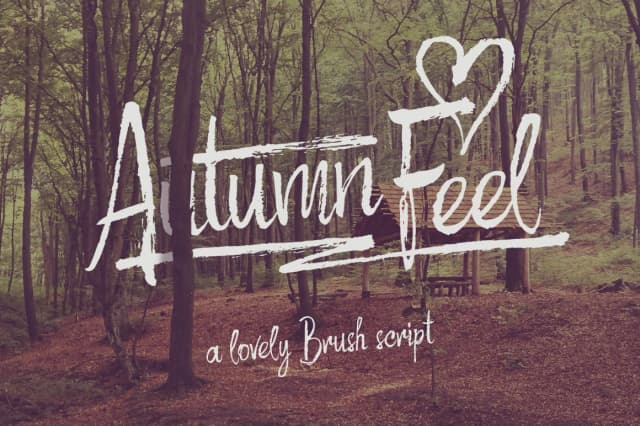
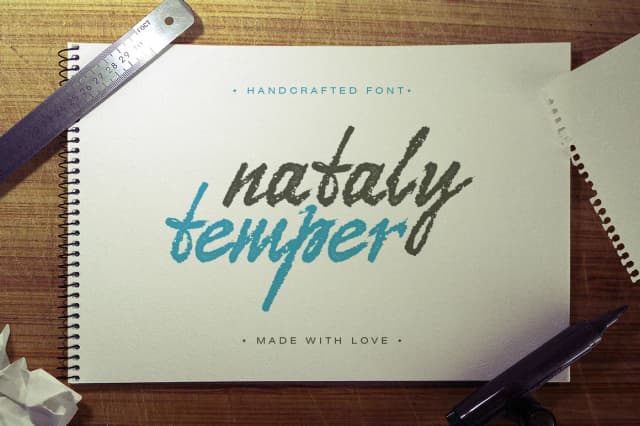
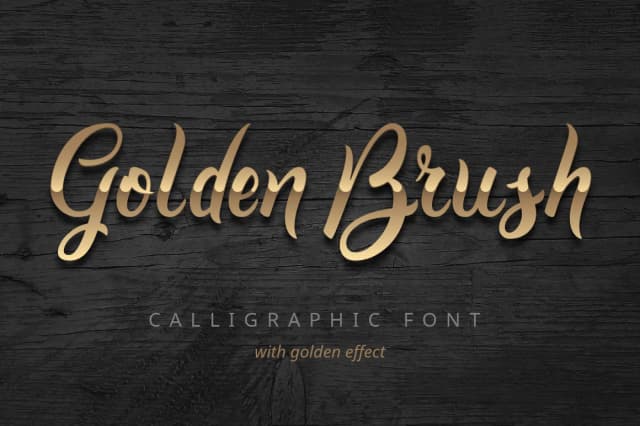

Browse fonts by theme
Curated collections →Saw a font in a picture? Identify any font from an image with our free Font Finder.
More Display Fonts
Browse all →







What pairs well with Amber Taste Font?
Amber Taste Font is a display font that shines as a display or heading face. Pair it with a clean sans-serif or serif font for body text — the contrast creates a clear hierarchy while the two styles stay balanced and easy to read.



Amber Taste Font
Reviewed by the FontBoxDL team · Updated September 2026