 Firefox
 1 / 10
About Against Perfection Font
Picture a bride reviewing her wedding invitations: the main text flows in an elegant serif, while the names dance above in a loose, hand-painted brush. That's the dual nature of Against Perfection, a display font by Din Studio that combines a brushy script with a complementary serif typeface. The brush elements carry genuine character, with sweeping strokes that feel deliberately drawn rather than algorithmically generated. This pairing gives designers real flexibility.
This font excels across upscale applications: luxury skincare packaging, high-end restaurant menus, boutique wedding stationery, and premium retail hang tags. The interconnected letterforms and substantial weight create visual rhythm without sacrificing legibility. You get alternates and ligatures to fine-tune the exact look you need, plus stylistic sets that shift the font's personality across an entire project. Multilingual support means it handles multiple languages, and the PUA encoding lets you access custom glyphs for specialized typographic work.
Both OTF and TTF formats ship with the family, ensuring compatibility across Adobe applications, CorelDRAW, and other OpenType-compatible software. The solid construction performs especially well at large display sizes, where those brush details become focal points and truly shine. Grab Against Perfection from Creative Fabrica and put these letterforms to work on your next premium project.
Style & Use Cases
- Overall Style
- Eye-catching, Bold
- Use Case
- Headlines, Logos
- Ideal For
- posters, branding, and social media graphics
- Pairs With
- a readable sans or serif for body
How to Install Against Perfection Font
Step-by-step instructions for every platform
- 1Download the Against Perfection font file (.ttf or .otf).
- 2Locate the downloaded file in your Downloads folder.
- 3Right-click the font file.
- 4Select "Install" to install for the current user, or "Install for all users" to make it available system-wide.
- 5Against Perfection is now available in Word, Photoshop, Illustrator, and all other apps.
More by Din Studio
View all →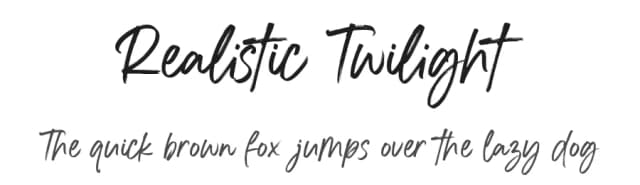
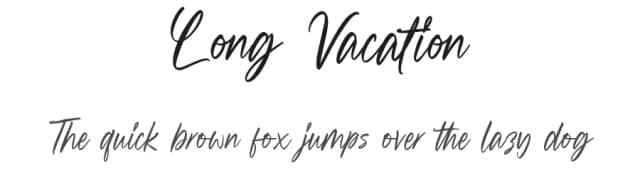
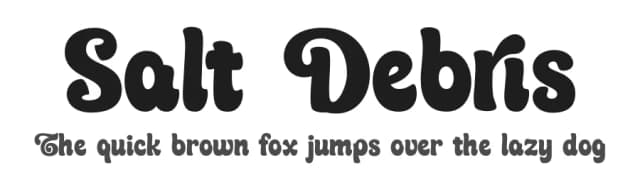
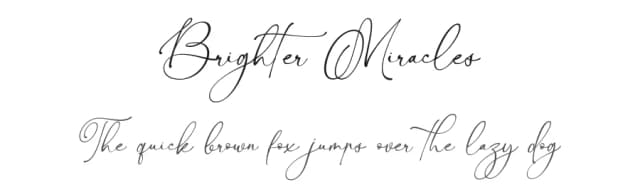
Browse fonts by theme
Curated collections →Saw a font in a picture? Identify any font from an image with our free Font Finder.
More Display Fonts
Browse all →







What pairs well with Against Perfection Font?
Against Perfection Font is a display font that shines as a display or heading face. Pair it with a clean sans-serif or serif font for body text — the contrast creates a clear hierarchy while the two styles stay balanced and easy to read.



Against Perfection Font
by Din Studio
Reviewed by the FontBoxDL team · Updated September 2026