
 1 / 7
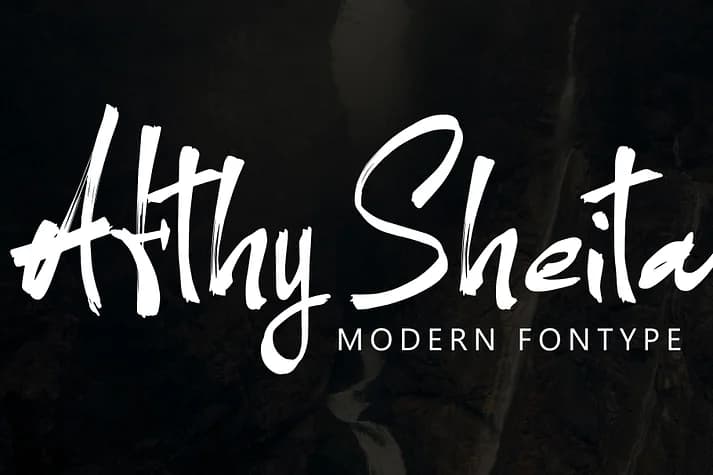
1 / 7About Afthy Sheita Font
This typeface carries an approachable yet refined energy that transitions comfortably from formal occasions to casual digital work. Afthy Sheita, created by designer Ayska, is a handwritten script that feels personal and intimate while maintaining polish and restraint. It's particularly strong for applications where authentic personality matters most.
Wedding invitation suites benefit from its warmth, especially when you want text that feels like it's coming directly from the sender rather than a template. Etsy product labels, boutique packaging for artisanal skincare, and retail projects of similar scale feel more authentic and trustworthy when set in this typeface. Event menu cards, handwritten stationery design, thank you notes, gift tags, and DIY craft signage all gain genuine character from its relaxed yet composed presence.
The script balances casual spontaneity with polish, making it work equally well in handwritten journal spreads, blog headers, and professionally designed social media graphics. Its strokes carry understated confidence without trying to dominate the space. Pair it with a clean, geometric sans-serif for body copy, which lets the script shine as headlines or decorative accents. You'll find Afthy Sheita on Creative Fabrica, ready to bring warmth and personality to your next project.
Style & Use Cases
- Overall Style
- Elegant, Flowing
- Use Case
- Invitations, Branding
- Ideal For
- wedding stationery, greeting cards, and signatures
- Pairs With
- a simple uppercase sans
How to Install Afthy Sheita Font
Step-by-step instructions for every platform
- 1Download the Afthy Sheita font file (.ttf or .otf).
- 2Locate the downloaded file in your Downloads folder.
- 3Right-click the font file.
- 4Select "Install" to install for the current user, or "Install for all users" to make it available system-wide.
- 5Afthy Sheita is now available in Word, Photoshop, Illustrator, and all other apps.
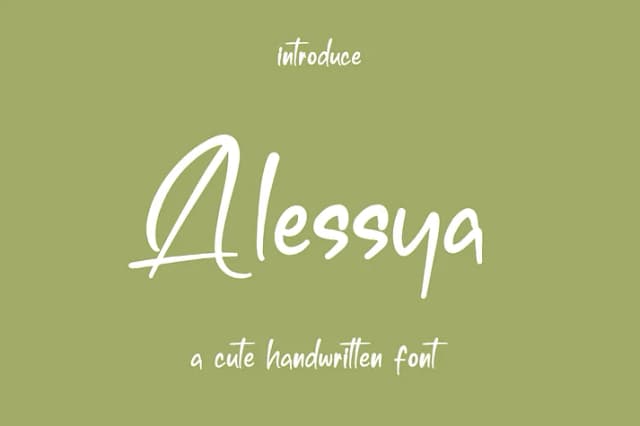
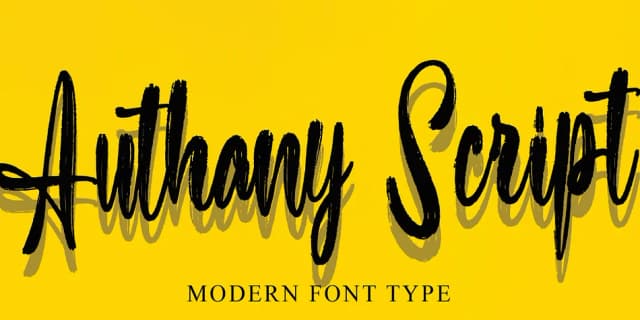
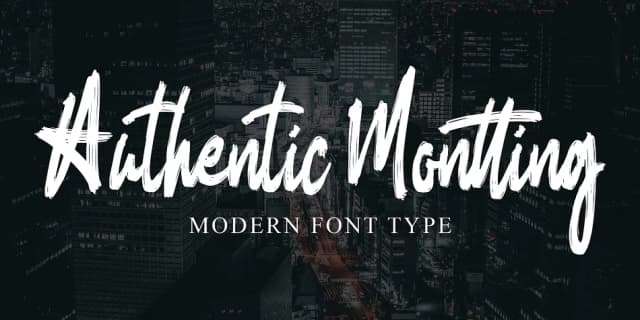
More Script Handwritten Fonts
Browse all →







What pairs well with Afthy Sheita Font?
Afthy Sheita Font is a script font that shines as a display or heading face. Pair it with a clean sans-serif or serif font for body text — the contrast creates a clear hierarchy while the two styles stay balanced and easy to read.



Afthy Sheita Font
by Ayska
Reviewed by the FontBoxDL team · Updated July 2026