
 1 / 7
1 / 7About Woodpecker Font
Woodpecker by naldystudio is a slender script typeface rooted in classical calligraphy that brings refined sophistication to contemporary design work. The font's gently tapered letterforms and precisely executed strokes carry the authentic spirit of hand-lettered typography, offering designers a polished yet organic aesthetic that transcends purely digital design conventions. Each character reveals the careful attention to form and proportion that distinguishes this font within the script category.
This typeface reveals its potential across a diverse range of applications. Wedding invitation suites gain an air of timeless elegance, while luxury cosmetics packaging and upscale restaurant menus capitalize on its understated prestige. Interior design mockups, boutique branding materials, announcement cards, and sophisticated greeting card suites all benefit from Woodpecker's inherent refinement and visual restraint. The font's thin weight ensures legibility even in smaller applications where heavier typefaces might compromise readability and design balance.
Whether you're crafting high-end product labels, event stationery, or editorial design layouts, Woodpecker delivers the kind of carefully considered character that speaks to audiences with discerning taste. Its versatility spans from intimate personal projects to professional commercial applications, making it a valuable addition to any designer's collection. Discover Woodpecker on Creative Fabrica and add this elegant script to your typography toolkit.
Style & Use Cases
- Overall Style
- Elegant, Flowing, Woodpecker
- Use Case
- Invitations, Branding
- Ideal For
- wedding stationery, greeting cards, and signatures
- Pairs With
- a simple uppercase sans
How to Install Woodpecker Font Font
Step-by-step instructions for every platform
- 1Download the Woodpecker Font font file (.ttf or .otf).
- 2Locate the downloaded file in your Downloads folder.
- 3Right-click the font file.
- 4Select "Install" to install for the current user, or "Install for all users" to make it available system-wide.
- 5Woodpecker Font is now available in Word, Photoshop, Illustrator, and all other apps.
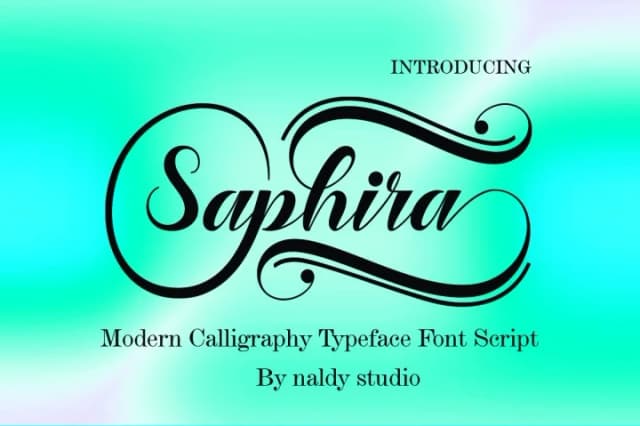
More by naldystudio
View all →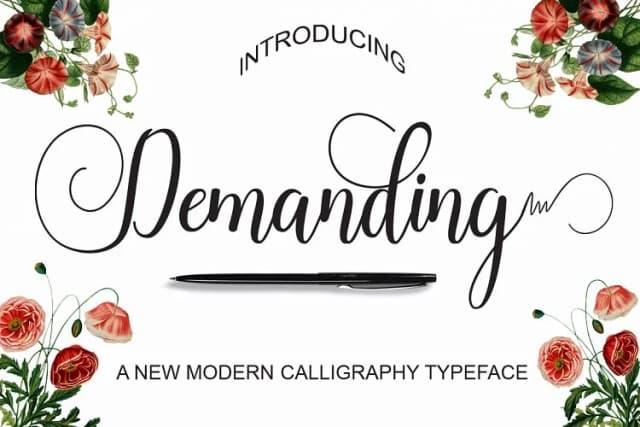
More Script Handwritten Fonts
Browse all →







What pairs well with Woodpecker Font?
Woodpecker Font is a script font that shines as a display or heading face. Pair it with a clean sans-serif or serif font for body text — the contrast creates a clear hierarchy while the two styles stay balanced and easy to read.



Woodpecker Font
by naldystudio
Reviewed by the FontBoxDL team · Updated May 2026