
 1 / 4
1 / 4About Washi Font
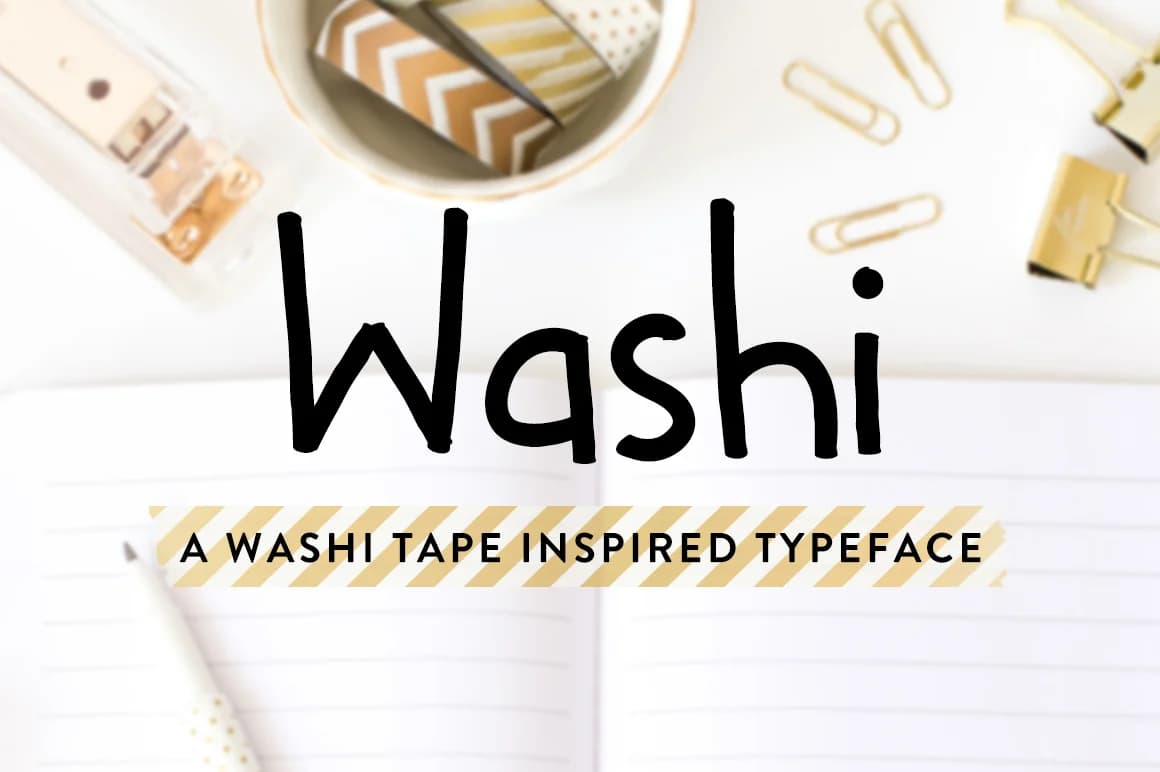
Washi Font by Jillian Adriana is a flowing script typeface that brings genuine handwritten character to any project requiring authentic warmth and visual personality. The letterforms move with natural rhythm and gesture, creating an expressive quality that makes it an excellent choice for anyone seeking that personal, crafted-by-hand aesthetic without sacrificing legibility or professional polish. This approachable style speaks to audiences looking for something beyond mass-produced typefaces.
This typeface works beautifully for wedding invitation suites, personalized thank-you cards, and artisan product packaging where a touch of handcrafted charm makes all the difference. DIY craft signs, custom monograms, and handmade gift tags showcase Washi's inviting style perfectly. Social media creators and small business owners building a distinctive brand identity often turn to scripts like this to establish a voice that feels warm and accessible rather than stiff or overly formal.
The font's compatibility with cutting machines opens additional possibilities for vinyl decals, custom apparel labels, and dimensional signage projects. Whether you're designing stationery collections from scratch or adding personality to a packaging line, this typeface delivers the handwritten warmth that connects with audiences searching for genuine, artisanal touches. Get Washi Font on Creative Fabrica and bring this expressive script to your next project.
How to Install Washi Font Font
Step-by-step instructions for every platform
- 1Download the Washi Font font file (.ttf or .otf).
- 2Locate the downloaded file in your Downloads folder.
- 3Right-click the font file.
- 4Select "Install" to install for the current user, or "Install for all users" to make it available system-wide.
- 5Washi Font is now available in Word, Photoshop, Illustrator, and all other apps.
More Script Handwritten Fonts
Browse all →







What pairs well with Washi Font?
Washi Font is a script font that shines as a display or heading face. Pair it with a clean sans-serif or serif font for body text — the contrast creates a clear hierarchy while the two styles stay balanced and easy to read.


Washi Font
Reviewed by the FontBoxDL team · Updated May 2026