 Firefox

 1 / 8
Loading font…
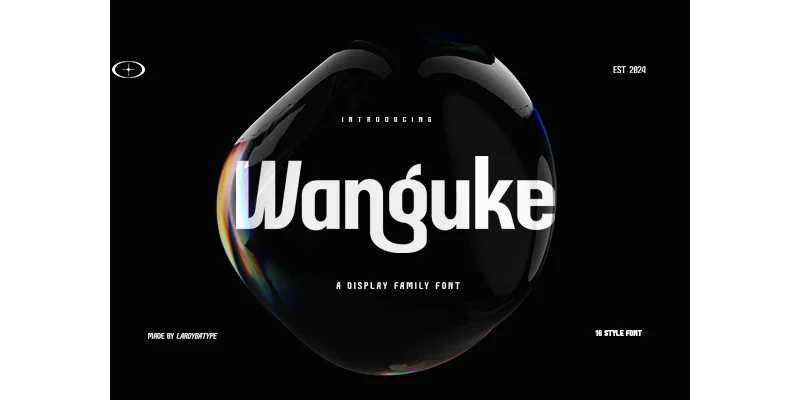
About Wanguke Font
You're building a brand identity for a web design agency and need typography that works equally well on a homepage as in printed collateral and signage. Wanguke, designed by Laroibatype, is a geometric sans serif that scales with confidence across different sizes and mediums. Its proportions suit it to logo wordmarks for tech companies, display headlines for design magazines, and packaging for contemporary fashion and beauty brands.
The font includes an extensive set of ligatures that enhance display text without becoming decorative at smaller sizes. Wanguke's construction is based on a simple geometric skeleton, so each weight holds consistent letter spacing and visual weight across different applications and surfaces. That steadiness matters when deploying it for album covers, social media campaigns, printed business cards, website banners, and comprehensive brand style guides. The typeface maintains visual coherence across every touchpoint in a system.
What distinguishes Wanguke is how its stroke weight transitions appear intentional rather than uniform, lending personality while preserving legibility at any size. Letters read clearly in body copy and carry strong presence at large headline scales. The complete weight range lets you establish visual hierarchy and emphasis without needing to introduce a second typeface. Find Wanguke on Creative Fabrica.
Style & Use Cases
- Overall Style
- Clean, Modern, Beautyfull
- Use Case
- Body Text, UI
- Ideal For
- branding, interfaces, and modern layouts
- Pairs With
- a contrasting serif for headings
OpenType Features
Wanguke Font ships with 9 OpenType features you can switch on in apps that support them (Illustrator, InDesign, Affinity, Figma, CSS font-feature-settings).
- Case-sensitive forms
- Discretionary ligatures
- Fractions
- Historical forms
- Standard ligatures
- Ordinals
- Stylistic alternates
- Superscripts
- Stylistic sets (3)
How to Install Wanguke Font Font
Step-by-step instructions for every platform
- 1Download the Wanguke Font font file (.ttf or .otf).
- 2Locate the downloaded file in your Downloads folder.
- 3Right-click the font file.
- 4Select "Install" to install for the current user, or "Install for all users" to make it available system-wide.
- 5Wanguke Font is now available in Word, Photoshop, Illustrator, and all other apps.
Browse fonts by theme
Curated collections →Saw a font in a picture? Identify any font from an image with our free Font Finder.
More Sans Serif Fonts
Browse all →
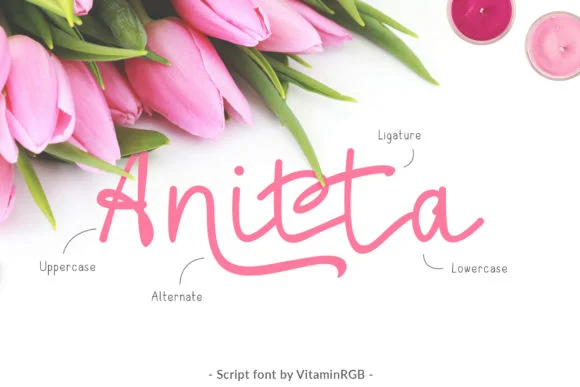
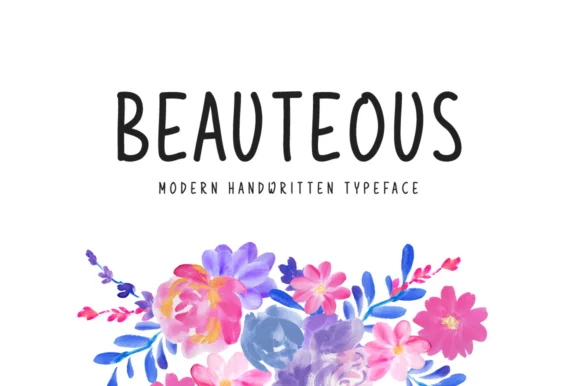
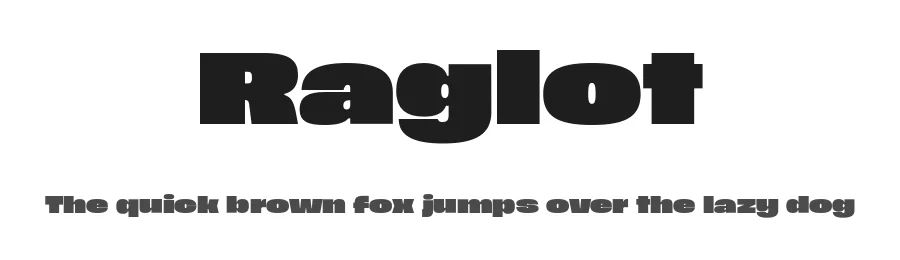

What pairs well with Wanguke Font?
Wanguke Font is a versatile sans-serif font that works for both headings and body text. Pair it with a contrasting serif or slab serif font to add visual interest and a clear distinction between titles and body copy.
Wanguke Font
by Laroibatype
Reviewed by the FontBoxDL team · Updated November 2026
One-time purchase