 Firefox

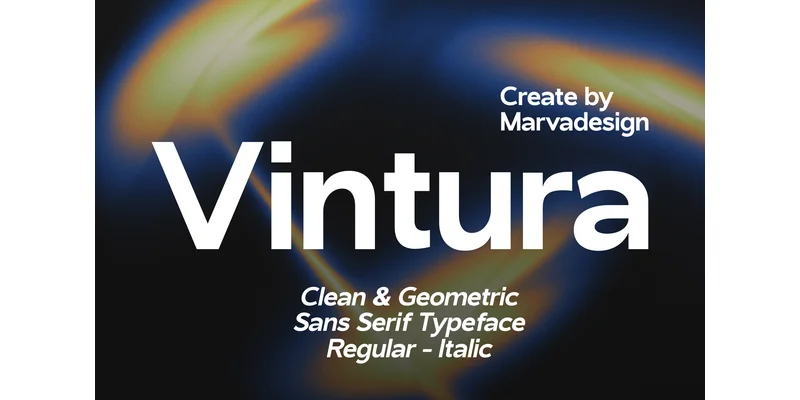 1 / 7
Loading font…
About Vintura Font
Vintura feels purposeful and direct, the kind of typeface that trusts its geometry to do the work. Designed by Marvadesign, this modern sans serif abandons decorative flourishes in favor of a sturdy, legible framework that scales across any application.
In corporate branding, Vintura's straightforward design shines, from law firm websites and professional service presentations to tech company dashboards and manufacturing facility signage. It performs equally well on packaging for minimalist product lines, restaurant menus, and annual reports. Because it includes multilingual character sets, you can run international campaigns without worrying about missing glyphs. The font family offers multiple weights in both OTF and TTF formats, letting you pick the right density for each context: heavier weights command attention on posters and promotional materials, while lighter cuts work for dense digital interfaces and body copy on apps or websites.
Its neutral stance means Vintura works as a standalone choice or as a supporting player in a multi-typeface system. Pair it with a serif accent face if your design needs warmth, or let the sans carry the full story on its own. Available on Creative Fabrica, Vintura is the kind of workhorse font that gets the job done without fuss.
Style & Use Cases
- Overall Style
- Clean, Modern, Authentic Font
- Use Case
- Body Text, UI
- Ideal For
- branding, interfaces, and modern layouts
- Pairs With
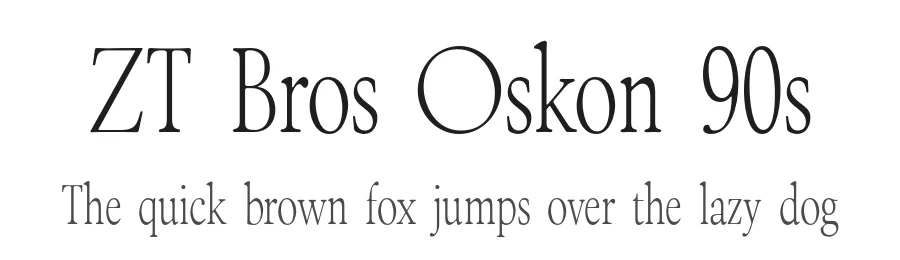
- a contrasting serif for headings
OpenType Features
Vintura Font ships with 3 OpenType features you can switch on in apps that support them (Illustrator, InDesign, Affinity, Figma, CSS font-feature-settings).
- Fractions
- Ordinals
- Superscripts
How to Install Vintura Font Font
Step-by-step instructions for every platform
- 1Download the Vintura Font font file (.ttf or .otf).
- 2Locate the downloaded file in your Downloads folder.
- 3Right-click the font file.
- 4Select "Install" to install for the current user, or "Install for all users" to make it available system-wide.
- 5Vintura Font is now available in Word, Photoshop, Illustrator, and all other apps.
More by Marvadesign
View all →
Browse fonts by theme
Curated collections →Saw a font in a picture? Identify any font from an image with our free Font Finder.
More Sans Serif Fonts
Browse all →
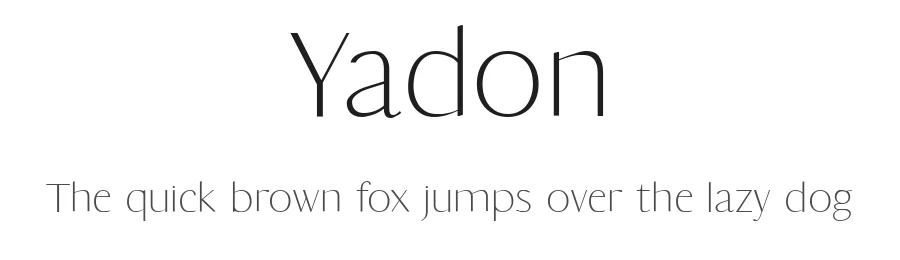
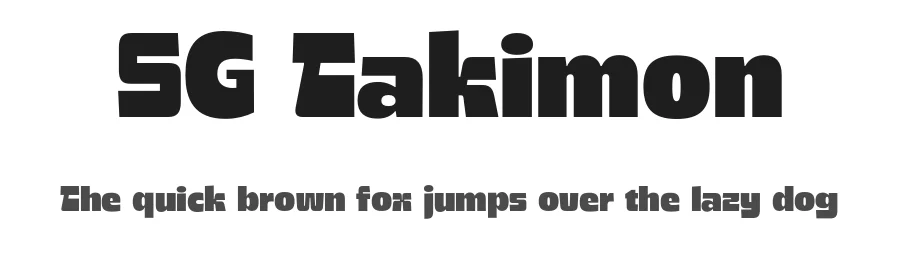
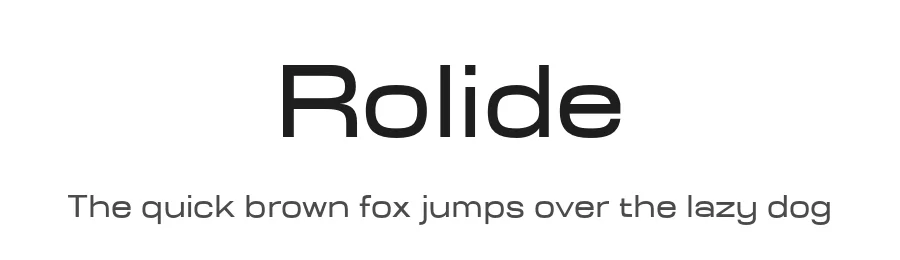
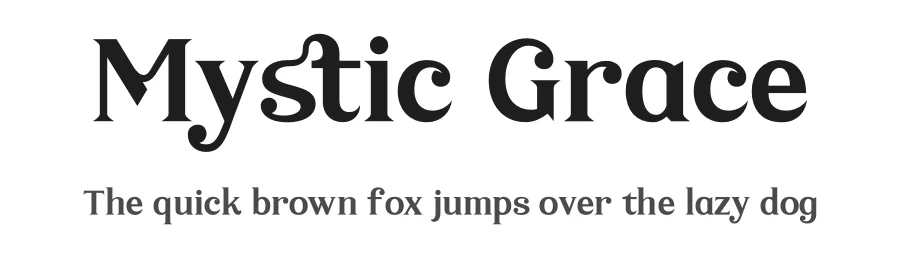
What pairs well with Vintura Font?
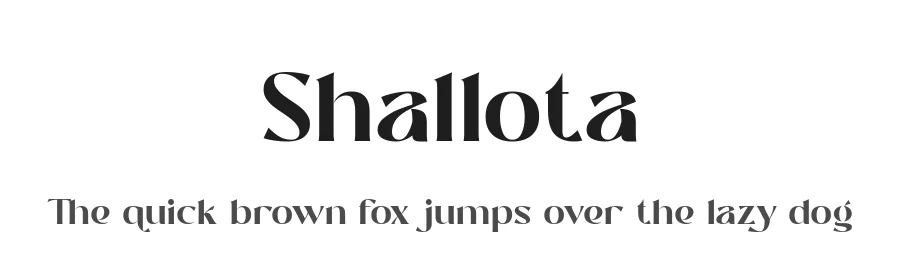
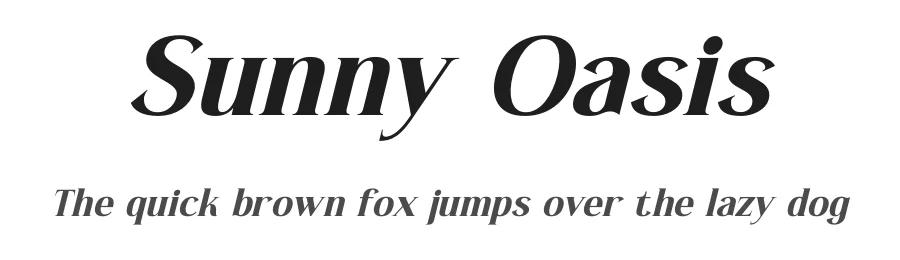
Vintura Font is a versatile sans-serif font that works for both headings and body text. Pair it with a contrasting serif or slab serif font to add visual interest and a clear distinction between titles and body copy.
Vintura Font
by Marvadesign
Reviewed by the FontBoxDL team · Updated November 2026
One-time purchase