
 1 / 9
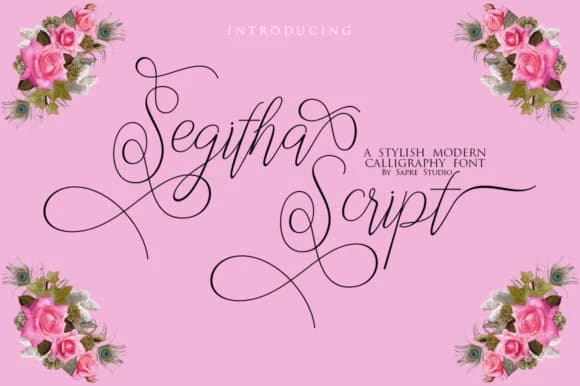
1 / 9About Segitha Script Font
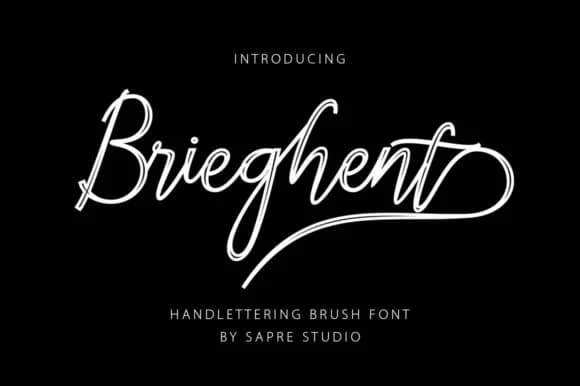
Segitha Script Font by sapre.studio is an elegant, fine-lined script built on restraint and sophistication. Rather than the typical flourished approach to script design, this typeface opts for clean letterforms and consistent weight throughout, which means it stays readable at any size without becoming a design liability.
The refined aesthetic here makes it particularly useful for work where legibility and luxury need to coexist. Wedding invitation suites benefit from the polished character, as do high-end menu cards for restaurants and wine bars. Boutique skincare and cosmetics brands often reach for scripts like this when they need packaging that reads "thoughtfully designed" rather than just decorated. You'll also find it working well for greeting card text, monograms, or the kind of branding you see on artisan labels and product tags where the font itself communicates care and attention.
What makes Segitha work across different contexts is the careful weight balance throughout the letterforms. Fine lines don't mean fragility here, so the script remains readable at small sizes, on-screen, or over textured backgrounds. The consistent weight, paired with elegant proportions, makes this a genuinely useful tool for designers seeking sophistication without typographic compromises. Discover Segitha Script on Creative Fabrica and bring this refined script to your next project.
How to Install Segitha Script Font Font
Step-by-step instructions for every platform
- 1Download the Segitha Script Font font file (.ttf or .otf).
- 2Locate the downloaded file in your Downloads folder.
- 3Right-click the font file.
- 4Select "Install" to install for the current user, or "Install for all users" to make it available system-wide.
- 5Segitha Script Font is now available in Word, Photoshop, Illustrator, and all other apps.
More by sapre.studio
View all →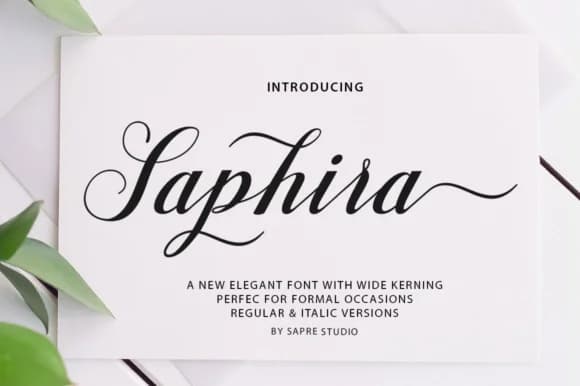
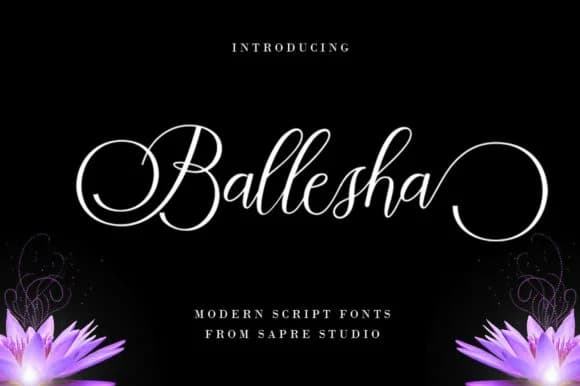
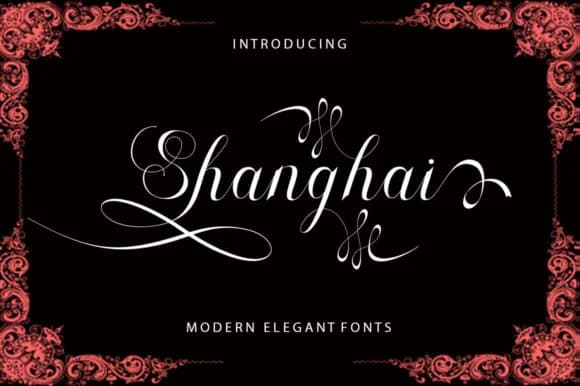
More Script Handwritten Fonts
Browse all →







What pairs well with Segitha Script Font?
Segitha Script Font is a script font that shines as a display or heading face. Pair it with a clean sans-serif or serif font for body text — the contrast creates a clear hierarchy while the two styles stay balanced and easy to read.


Segitha Script Font
by sapre.studio
Reviewed by the FontBoxDL team · Updated June 2026