 Firefox
 1 / 10
About SanDeco Font
Sharp geometric lines interplay with graceful curves throughout SanDeco, a typeface grounded in the visual language of Art Deco design. Created by Burntilldead, this font channels the glamour and precise polish of 1920s-era lettering while remaining distinctly contemporary in feel. Two distinct styles expand what you can do: a solid Regular weight for confident display work, and an Inline variant that captures the hand-lettered character of vintage theater marquees and upscale shop signage from the golden age of Art Deco.
The typeface excels in visual branding that demands retro sophistication and impact. Wedding invitation suites gain instant polish from its refined proportions and personality, while boutique hotel logos, luxury restaurant menus, and vintage-inspired cosmetics packaging all showcase its distinctive appeal. The Inline style particularly shines for bold headline work on movie posters, editorial spreads, and event materials where old-world glamour needs to command attention. Beyond aesthetics, SanDeco is fully equipped with uppercase and lowercase letters, numerals, punctuation marks, and creative alternates that give you real design flexibility, plus multilingual support to extend the typeface across international projects.
This is the choice for designers building brands or editorial work that calls for authentic vintage character and sophistication. Find SanDeco on Creative Fabrica and bring that Art Deco elegance to your designs.
Style & Use Cases
- Overall Style
- Bold, Distinctive
- Use Case
- Headlines, Posters
- Ideal For
- logos, packaging, and standout titles
- Pairs With
- a neutral sans-serif
How to Install SanDeco Font
Step-by-step instructions for every platform
- 1Download the SanDeco font file (.ttf or .otf).
- 2Locate the downloaded file in your Downloads folder.
- 3Right-click the font file.
- 4Select "Install" to install for the current user, or "Install for all users" to make it available system-wide.
- 5SanDeco is now available in Word, Photoshop, Illustrator, and all other apps.
More by Burntilldead
View all →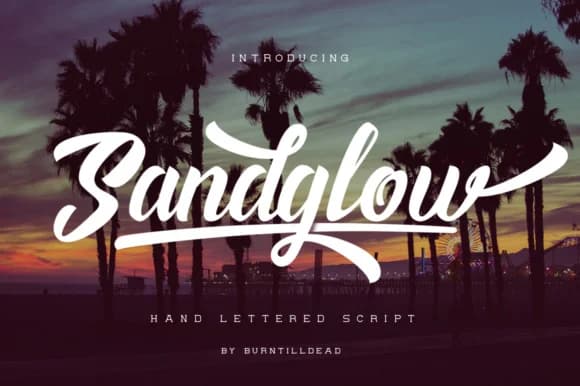
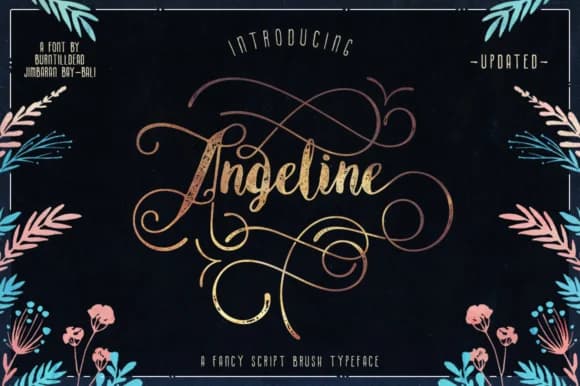


Browse fonts by theme
Curated collections →Saw a font in a picture? Identify any font from an image with our free Font Finder.
More Decorative Fonts
Browse all →







What pairs well with SanDeco Font?
SanDeco Font is a decorative font that shines as a display or heading face. Pair it with a clean sans-serif or serif font for body text — the contrast creates a clear hierarchy while the two styles stay balanced and easy to read.



SanDeco Font
by Burntilldead
Reviewed by the FontBoxDL team · Updated June 2026