 Firefox
 1 / 8
1 / 8About Monster Font
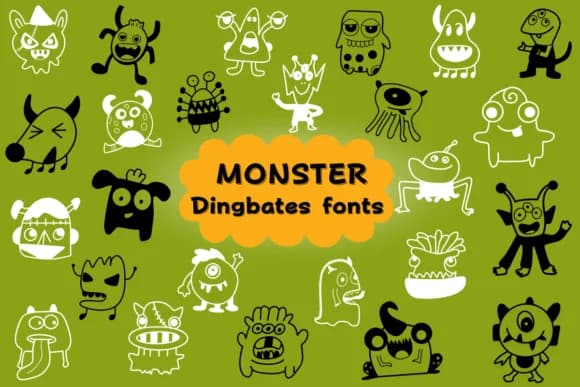
Monster, designed by Natchuta, is a collection of cartoon characters rendered as dingbats, each one bringing genuine personality to your work. The letterforms replace standard glyphs with playfully grotesque monster illustrations, demons, and friendlier creatures, all rendered in a flat, simplified style that reads instantly even at small sizes. What makes this font particularly useful is how the cartoonish proportions and crude linework feel deliberate rather than hastily drawn, giving you graphic assets that work across diverse projects without requiring post-processing or refinement.
This character set shines brightest for picture book illustrations, Halloween party invitations, trick-or-treat candy labels, and spooky scrapbooking layouts. Available in both OTF and TTF formats, it integrates smoothly into Procreate, Affinity Designer, and Affinity Photo, supporting your workflow across multiple platforms. The outline-friendly design makes it equally at home in coloring books and diecut projects, where you need bold, simple shapes that hold their own whether printed, digitally displayed, or cut from vinyl.
Kids' picture books, seasonal crafting, and playful branding are where Monster proves most valuable in your type toolkit. The characters read as approachable rather than frightening, making them suitable for younger audiences while still carrying enough edge for adult-oriented Halloween designs and spooky decor. Head to Creative Fabrica to add this set to your collection and explore the full range of character variations.
Style & Use Cases
- Overall Style
- Iconographic, Fonts
- Use Case
- Icons, Accents
- Ideal For
- ornaments, bullets, and decorative flourishes
- Pairs With
- any text font
How to Install Monster Font
Step-by-step instructions for every platform
- 1Download the Monster font file (.ttf or .otf).
- 2Locate the downloaded file in your Downloads folder.
- 3Right-click the font file.
- 4Select "Install" to install for the current user, or "Install for all users" to make it available system-wide.
- 5Monster is now available in Word, Photoshop, Illustrator, and all other apps.

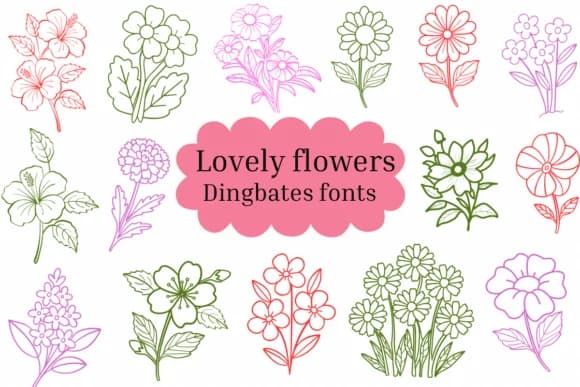
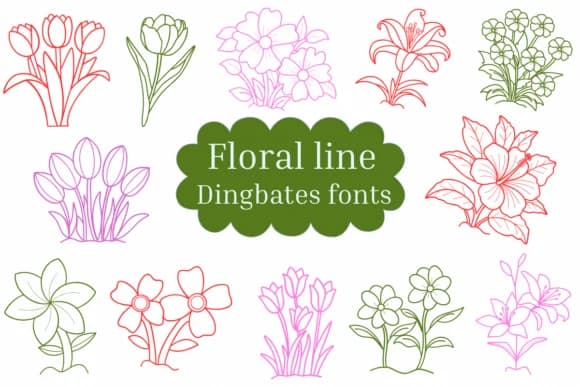
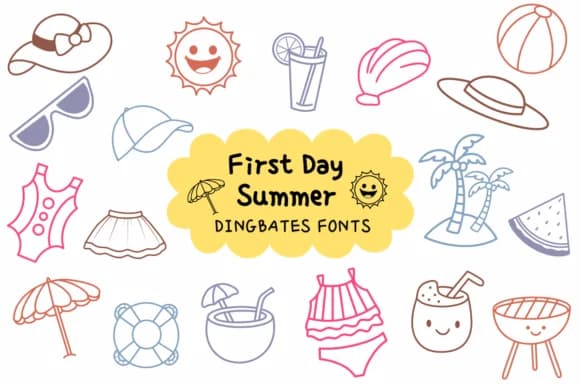
Browse fonts by theme
Curated collections →Saw a font in a picture? Identify any font from an image with our free Font Finder.
More Dingbats Fonts
Browse all →







What pairs well with Monster Font?
Monster Font is a versatile dingbats font that works for both headings and body text. Pair it with a contrasting sans-serif or serif font to add visual interest and a clear distinction between titles and body copy.



Monster Font
by Natchuta
Reviewed by the FontBoxDL team · Updated July 2026