 Firefox
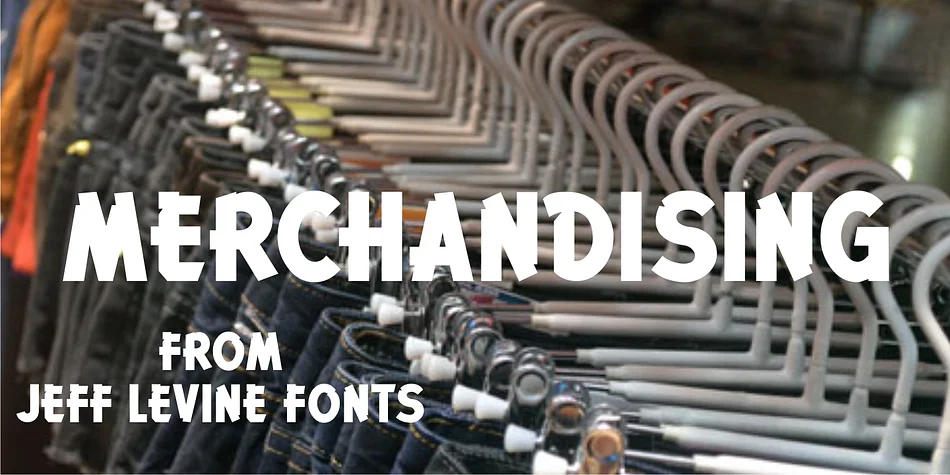
About MERCHANDISING JNL Font
Merchandising JNL by Jeff Levine Fonts is a casual brush-style display face rooted in vintage signage culture. The typeface was developed directly from lettering on a classic Meyercord Decal display box, capturing the hand-painted quality that defined mid-century craft aesthetics. Now available digitally for the first time, it brings authentic character to projects that call for nostalgic, informal touches without feeling contrived or over-processed. The casual, energetic stroke work has real personality that you notice immediately when combined with other typefaces, giving your layouts a distinctly retro sensibility.
This font works beautifully on retro movie posters, DIY craft signs with hand-lettered charm, personalized gift tags, and custom product labels for small-batch makers or vintage-themed businesses. Its loose letterforms and conversational tone sit in that sweet spot between a warm sans-serif and a true script, making it flexible enough for unexpected applications beyond the obvious choices. The brush-like characters give text a human, handmade quality that feels genuine rather than precious or overly designed, which is exactly what makes vintage aesthetics read as authentic instead of pastiche or kitsch.
Designers building mid-century or retro-inspired brands should definitely explore what this typeface offers. Grab it on Creative Fabrica and see how its character transforms the feel of your next design project.
Style & Use Cases
- Overall Style
- Bold, Distinctive
- Use Case
- Headlines, Posters
- Ideal For
- logos, packaging, and standout titles
- Pairs With
- a neutral sans-serif
How to Install MERCHANDISING JNL Font
Step-by-step instructions for every platform
- 1Download the MERCHANDISING JNL font file (.ttf or .otf).
- 2Locate the downloaded file in your Downloads folder.
- 3Right-click the font file.
- 4Select "Install" to install for the current user, or "Install for all users" to make it available system-wide.
- 5MERCHANDISING JNL is now available in Word, Photoshop, Illustrator, and all other apps.
More by Jeff Levine Fonts
View all →



Browse fonts by theme
Curated collections →Saw a font in a picture? Identify any font from an image with our free Font Finder.
More Decorative Fonts
Browse all →







What pairs well with MERCHANDISING JNL Font?
MERCHANDISING JNL Font is a decorative font that shines as a display or heading face. Pair it with a clean sans-serif or serif font for body text — the contrast creates a clear hierarchy while the two styles stay balanced and easy to read.




MERCHANDISING JNL Font
Reviewed by the FontBoxDL team · Updated July 2026