 Firefox
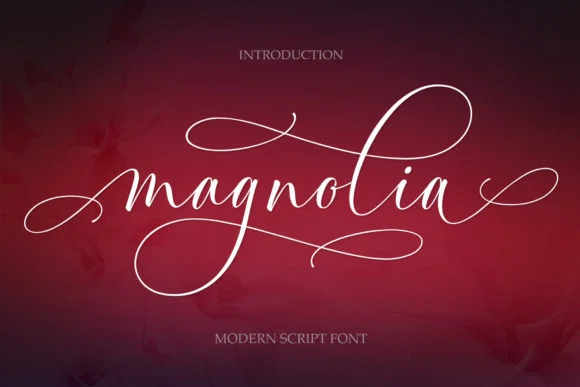 1 / 9
1 / 9About Magnolia Font
Picture yourself designing a wedding invitation suite where every letterform feels handwritten by someone who genuinely cares about the craft. Magnolia Font by Byuly Ayika is a soft, flowing script that delivers exactly that impression without breaking a sweat. Letterforms glide across the page with unmistakable character and personality, steering clear of the mechanical stiffness that hampers so many digital scripts.
Designers naturally reach for Magnolia when creating wedding invitations and formal announcement cards, where genuine warmth beats sterile precision. Small artisanal brands have discovered its value for packaging design too (think candle labels, boutique skincare boxes, handmade soap packaging, and artisan baked goods wrapping) where a personal touch matters far more than factory polish and corporate anonymity. Greeting card designers and lettering artists working on social media graphics or custom signage benefit from its approachable, inviting style. At smaller sizes, the script remains perfectly legible, so you're not limited to grand poster applications or oversized headers.
Its clean letterforms and natural flow make Magnolia feel less like a digital typeface and more like an authentic hand-lettering tool. Get it on Creative Fabrica to add real warmth to your next project.
Style & Use Cases
- Overall Style
- Elegant, Flowing, Magnolia
- Use Case
- Invitations, Branding
- Ideal For
- wedding stationery, greeting cards, and signatures
- Pairs With
- a simple uppercase sans
How to Install Magnolia Font Font
Step-by-step instructions for every platform
- 1Download the Magnolia Font font file (.ttf or .otf).
- 2Locate the downloaded file in your Downloads folder.
- 3Right-click the font file.
- 4Select "Install" to install for the current user, or "Install for all users" to make it available system-wide.
- 5Magnolia Font is now available in Word, Photoshop, Illustrator, and all other apps.
More by Byuly Ayika
View all →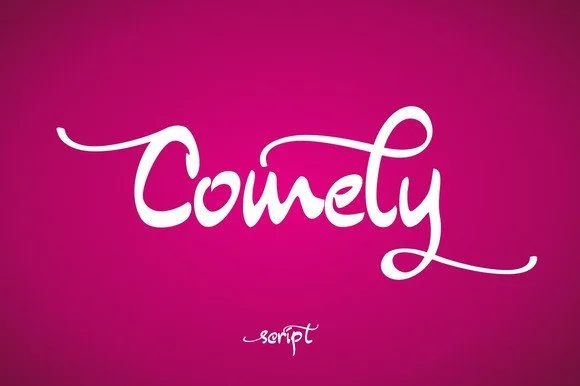
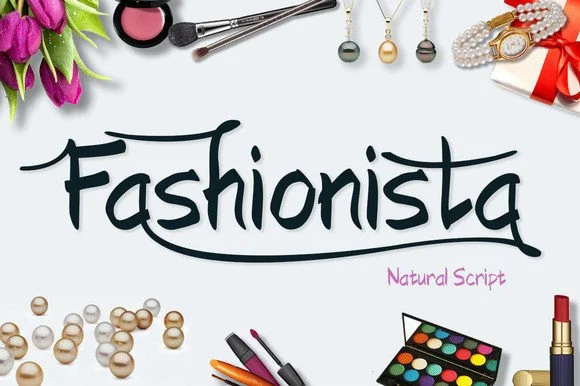
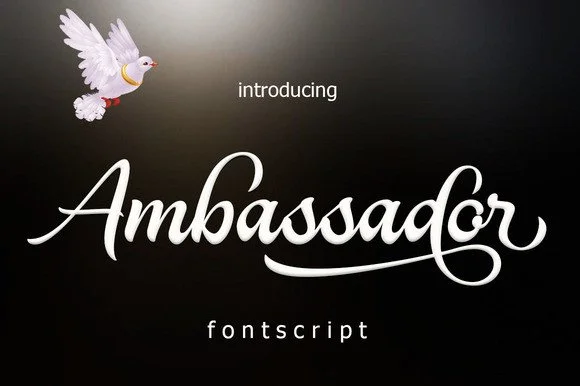
Browse fonts by theme
Curated collections →Saw a font in a picture? Identify any font from an image with our free Font Finder.
More Script Handwritten Fonts
Browse all →







What pairs well with Magnolia Font?
Magnolia Font is a script font that shines as a display or heading face. Pair it with a clean sans-serif or serif font for body text — the contrast creates a clear hierarchy while the two styles stay balanced and easy to read.




Magnolia Font
by Byuly Ayika
Reviewed by the FontBoxDL team · Updated September 2026