 Firefox
 1 / 5
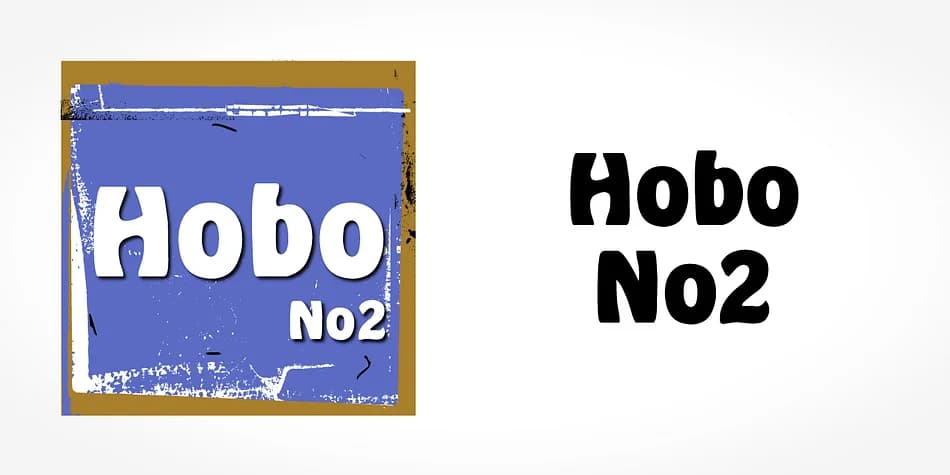
1 / 5About Hobo Font
Hobo by SoftMaker is an Art Nouveau sans serif with a graceful, ornamental character suited to projects where historical authenticity genuinely matters. Its proportions and weight feel particularly at home in designs that need early 20th-century elegance without veering into period-heavy territory.
Vintage wine labels work beautifully with this typeface, especially when paired with complementary scripts or other decorative elements that enhance the period feel. Boutique hotel branding is another strong application, since Hobo conveys both sophistication and restraint in equal measure. Coffee shop menus and antique shop signage both benefit from its constructed letterforms and inherent visual authority. The typeface carries enough presence for larger display work, which is essential when you're communicating established taste rather than momentary trend.
If you're developing period-accurate materials or weaving that turn-of-the-century flavor through contemporary packaging and brand identity work, this typeface deserves a place in your toolkit. The serif-less structure keeps everything readable while the overall proportions preserve the unmistakable Art Nouveau character throughout every application you create. Grab Hobo from Creative Fabrica and bring some genuine historical depth to your next project.
Style & Use Cases
- Overall Style
- Bold, Distinctive
- Use Case
- Headlines, Posters
- Ideal For
- logos, packaging, and standout titles
- Pairs With
- a neutral sans-serif
How to Install Hobo Font
Step-by-step instructions for every platform
- 1Download the Hobo font file (.ttf or .otf).
- 2Locate the downloaded file in your Downloads folder.
- 3Right-click the font file.
- 4Select "Install" to install for the current user, or "Install for all users" to make it available system-wide.
- 5Hobo is now available in Word, Photoshop, Illustrator, and all other apps.
More by SoftMaker
View all →


Browse fonts by theme
Curated collections →Saw a font in a picture? Identify any font from an image with our free Font Finder.
More Decorative Fonts
Browse all →







What pairs well with Hobo Font?
Hobo Font is a decorative font that shines as a display or heading face. Pair it with a clean sans-serif or serif font for body text — the contrast creates a clear hierarchy while the two styles stay balanced and easy to read.



Hobo Font
by SoftMaker
Reviewed by the FontBoxDL team · Updated June 2026