 Firefox
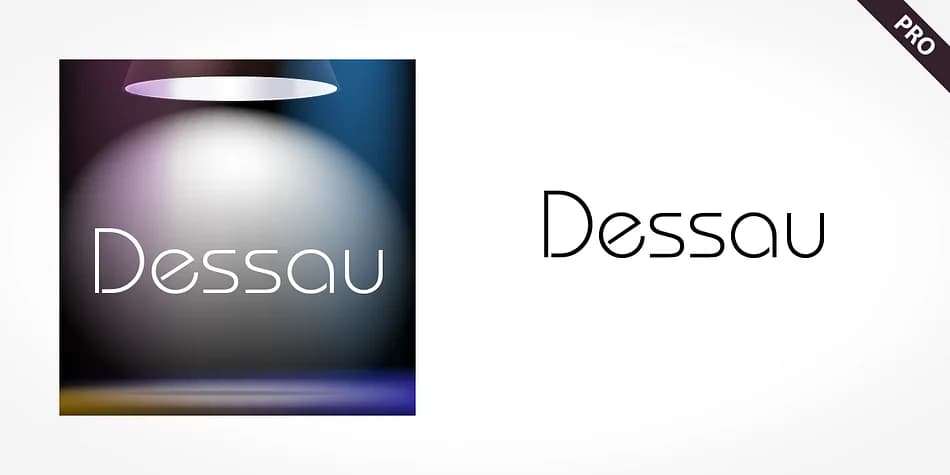 1 / 5
1 / 5About Dessau Pro Font
This typeface carries the geometric precision and optimistic forward vision of 1970s design. Dessau Pro by SoftMaker channels that Bauhaus-influenced aesthetic into a font that works across contemporary projects with authentic retro appeal. The design balances sharp angles against softly rounded terminals, creating letterforms that feel both modernist and unexpectedly warm.
What makes this font useful is its geometric backbone. You'll find it well-suited for vintage-inspired branding identities, retro vinyl record labels, mod-style event posters, and groovy packaging for specialty goods like craft cosmetics or artisan coffee. The letterforms have enough character to carry a design forward on their own, but they also sit patiently in layouts where bolder typography rules the moment. It's the kind of typeface that really benefits from confident sizing and generous spacing to let its geometric character shine. The sans-serif construction cuts clean and confident, with distinctive angular strokes that work equally well on printed signage for independent boutiques or as headlines in design-forward digital projects.
Pair it with a thin, neutral sans-serif for body text or supporting information to keep the retro geometry from overwhelming longer passages. You can grab Dessau Pro on Creative Fabrica whenever you're ready to bring some geometric cool to your next project.
Style & Use Cases
- Overall Style
- Bold, Distinctive
- Use Case
- Headlines, Posters
- Ideal For
- logos, packaging, and standout titles
- Pairs With
- a neutral sans-serif
How to Install Dessau Pro Font
Step-by-step instructions for every platform
- 1Download the Dessau Pro font file (.ttf or .otf).
- 2Locate the downloaded file in your Downloads folder.
- 3Right-click the font file.
- 4Select "Install" to install for the current user, or "Install for all users" to make it available system-wide.
- 5Dessau Pro is now available in Word, Photoshop, Illustrator, and all other apps.
More by SoftMaker
View all →

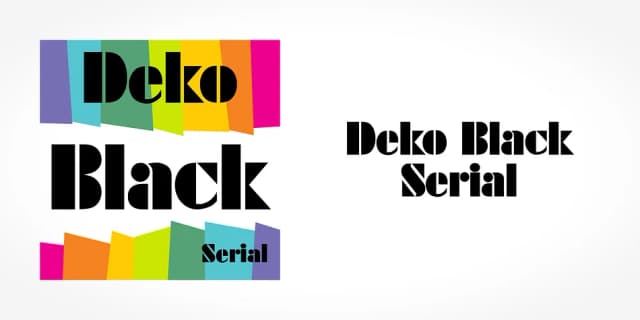
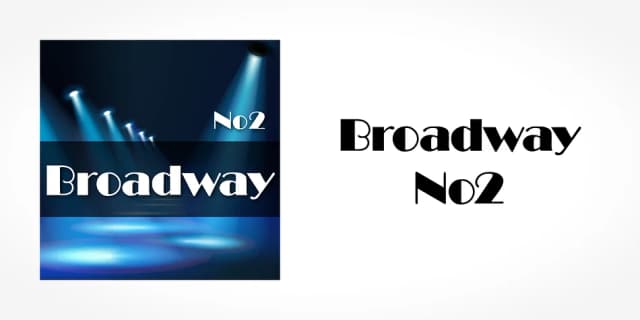
Browse fonts by theme
Curated collections →Saw a font in a picture? Identify any font from an image with our free Font Finder.
More Decorative Fonts
Browse all →







What pairs well with Dessau Pro Font?
Dessau Pro Font is a decorative font that shines as a display or heading face. Pair it with a clean sans-serif or serif font for body text — the contrast creates a clear hierarchy while the two styles stay balanced and easy to read.



Dessau Pro Font
by SoftMaker
Reviewed by the FontBoxDL team · Updated June 2026