 Firefox
 1 / 8
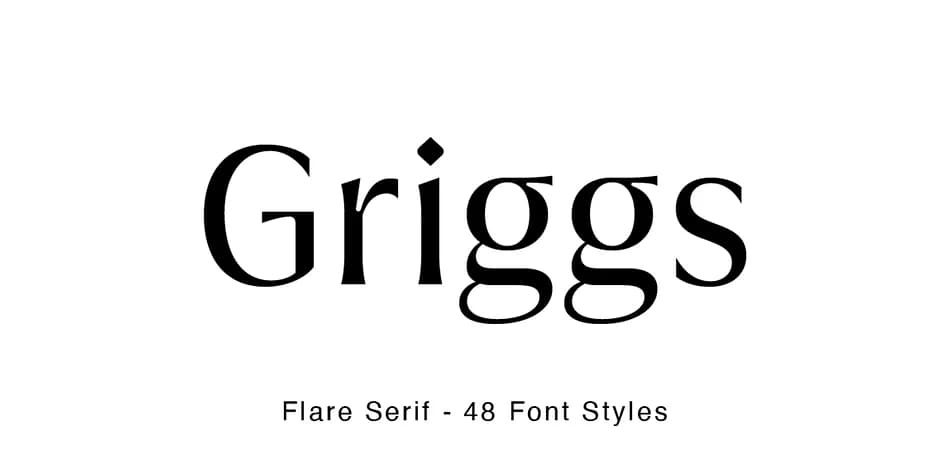
1 / 8About Griggs Flare Font
Griggs Flare by Seniors Studio is a high-contrast display font with crisp edges and subtly placed inktraps that give it a distinct personality without sacrificing legibility. The typeface balances a warm character with sharp geometric precision, making it work equally well as a dominant headline or as a supporting accent throughout your layout. With six weights spanning Thin to Black and two complete stylistic sets, you have genuine flexibility to shift the mood and emphasis of your compositions without needing to hunt for a companion typeface.
This is what you reach for when designing luxury brand identities, magazine title treatments and editorial headers, high-end cosmetics or fragrance packaging, and formal event invitations that need to command sophistication without feeling cold or impersonal. The technical foundation (325 glyphs, full Latin language support, professional kerning, and autohinting) ensures this typeface performs reliably at every scale and across all design applications, from identity systems to luxury publications. The weight variation means you can layer hierarchy into your designs, leading the eye through information in an intuitive way. Each size and weight combination shifts the character subtly.
Grab Griggs Flare on Creative Fabrica when you're ready to add this kind of polished, high-impact contrast to your next project.
Style & Use Cases
- Overall Style
- Bold, Distinctive
- Use Case
- Headlines, Posters
- Ideal For
- logos, packaging, and standout titles
- Pairs With
- a neutral sans-serif
How to Install Griggs Flare Font
Step-by-step instructions for every platform
- 1Download the Griggs Flare font file (.ttf or .otf).
- 2Locate the downloaded file in your Downloads folder.
- 3Right-click the font file.
- 4Select "Install" to install for the current user, or "Install for all users" to make it available system-wide.
- 5Griggs Flare is now available in Word, Photoshop, Illustrator, and all other apps.
More by Seniors Studio
View all →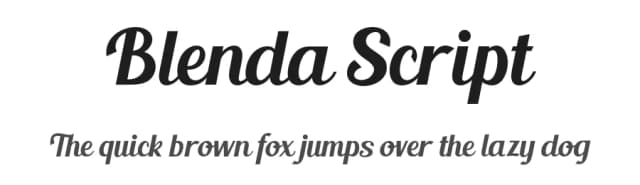
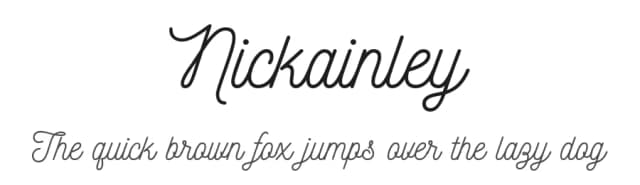
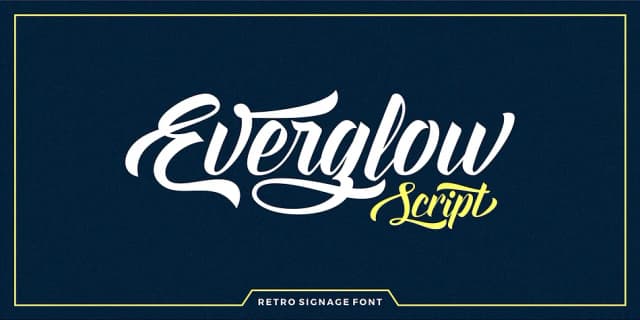
Browse fonts by theme
Curated collections →Saw a font in a picture? Identify any font from an image with our free Font Finder.
More Decorative Fonts
Browse all →







What pairs well with Griggs Flare Font?
Griggs Flare Font is a decorative font that shines as a display or heading face. Pair it with a clean sans-serif or serif font for body text — the contrast creates a clear hierarchy while the two styles stay balanced and easy to read.



Griggs Flare Font
Reviewed by the FontBoxDL team · Updated June 2026