 Firefox

 1 / 8
Loading font…
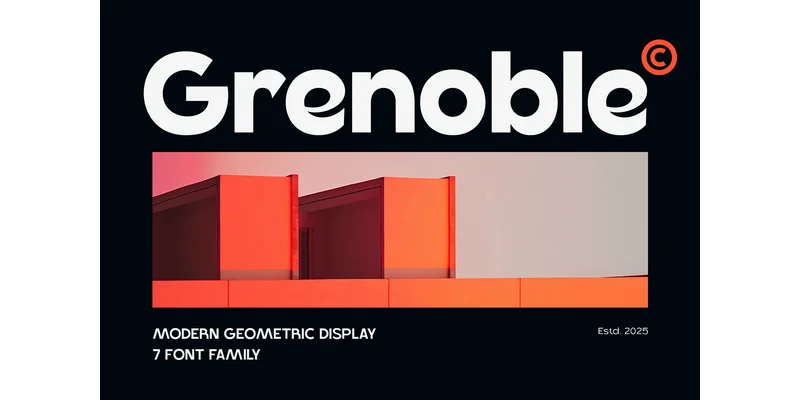
About Grenoble Font
Geometric clarity meets refined restraint in this modern sans-serif. Grenoble, designed by Umitype, captures a distinctly contemporary aesthetic while maintaining strong structural foundation and generous breathing room throughout the character set.
Sharp angles and clean proportions make this typeface work across professional contexts. Magazine layouts benefit from its geometric clarity, while tech dashboards and mobile app interfaces thrive under its minimal stroke contrast and noticeably large x-height. Branding applications perform equally well: luxury cosmetics packaging gains sophistication, startup pitch decks benefit from its authority, and minimalist business stationery finds perfect alignment with its restrained forms. The font also brings confidence to editorial headlines, gallery signage, and corporate advertising campaigns where precision and visual impact matter.
What sets Grenoble apart is its disciplined restraint. The geometric forms avoid unnecessary decoration without sacrificing character or personality. Its legibility remains steady across sizes, making it a dependable choice for packaging design, website headers, environmental graphics, and display work where clarity drives the core message. Pair it with a warm serif for body text to balance its geometric edges, or use a more utilitarian sans for supporting copy roles. Find Grenoble on Creative Fabrica and bring this versatile sans-serif to your professional design toolkit.
Style & Use Cases
- Overall Style
- Clean, Modern, Advertisement
- Use Case
- Body Text, UI
- Ideal For
- branding, interfaces, and modern layouts
- Pairs With
- a contrasting serif for headings
OpenType Features
Grenoble Font ships with 7 OpenType features you can switch on in apps that support them (Illustrator, InDesign, Affinity, Figma, CSS font-feature-settings).
- Discretionary ligatures
- Fractions
- Standard ligatures
- Ordinals
- Stylistic alternates
- Superscripts
- Stylistic sets (2)
How to Install Grenoble Font Font
Step-by-step instructions for every platform
- 1Download the Grenoble Font font file (.ttf or .otf).
- 2Locate the downloaded file in your Downloads folder.
- 3Right-click the font file.
- 4Select "Install" to install for the current user, or "Install for all users" to make it available system-wide.
- 5Grenoble Font is now available in Word, Photoshop, Illustrator, and all other apps.
More by Umitype
View all →


Browse fonts by theme
Curated collections →Saw a font in a picture? Identify any font from an image with our free Font Finder.
More Sans Serif Fonts
Browse all →
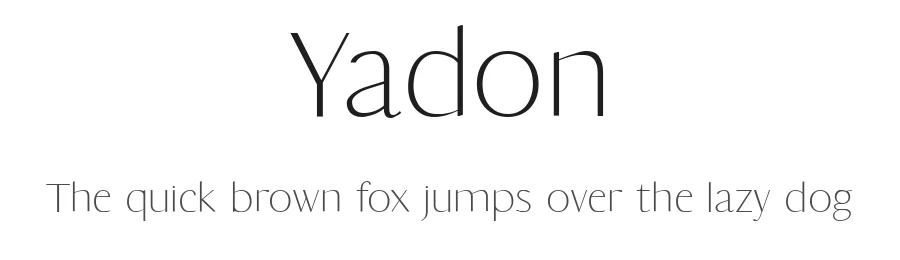
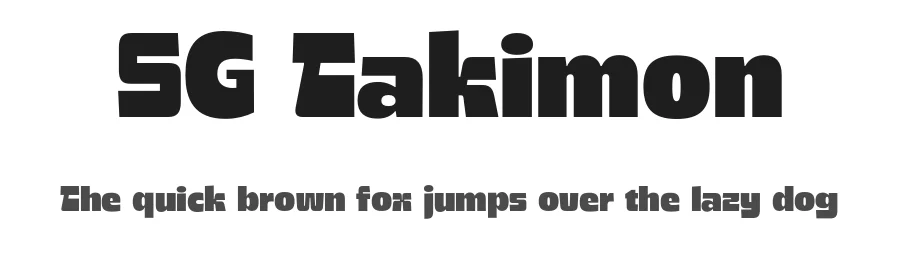
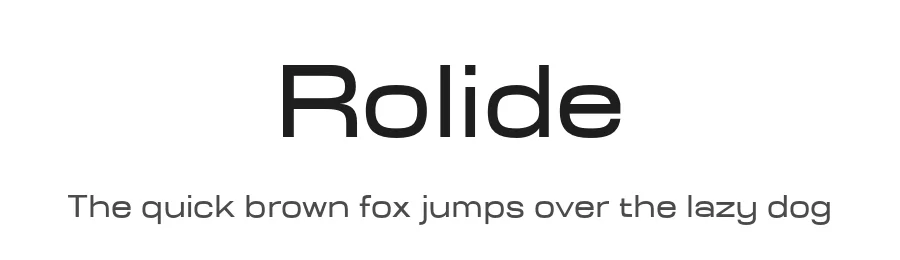
What pairs well with Grenoble Font?
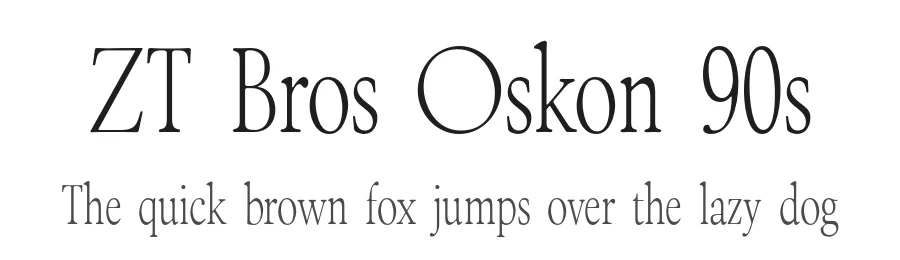
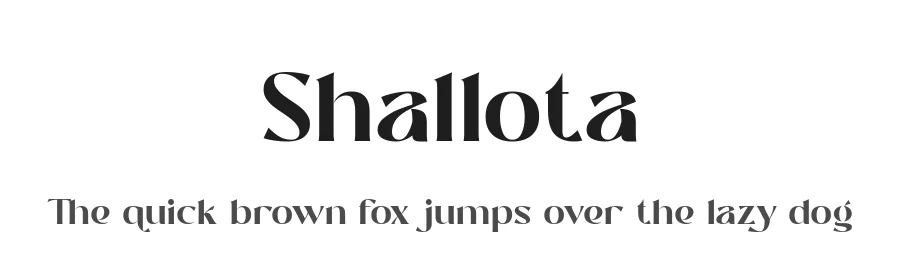
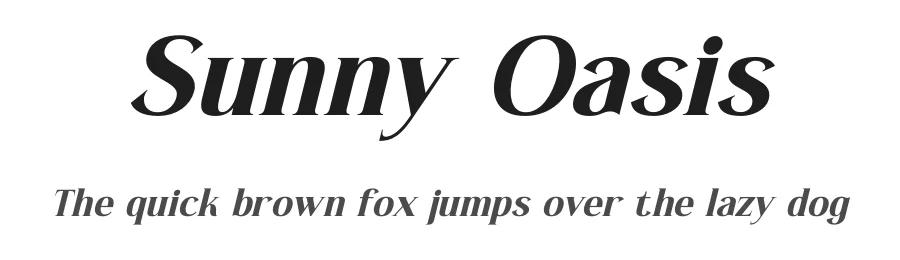
Grenoble Font is a versatile sans-serif font that works for both headings and body text. Pair it with a contrasting serif or slab serif font to add visual interest and a clear distinction between titles and body copy.
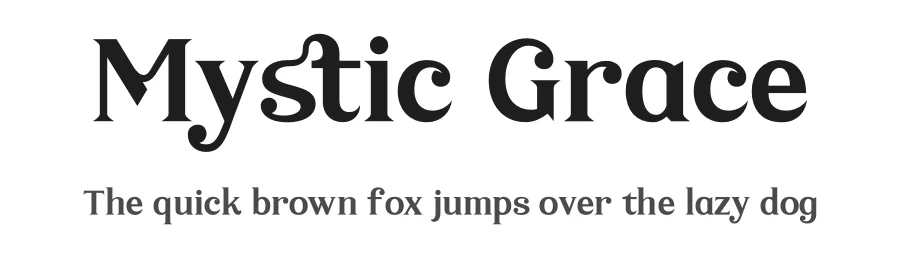
Grenoble Font
by Umitype
Reviewed by the FontBoxDL team · Updated November 2026
One-time purchase