 Firefox
 1 / 8
1 / 8About Gnome Garden Font
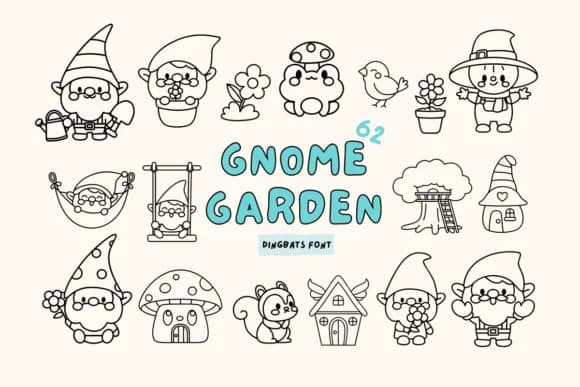
You're laying out stickers for a woodland-themed planner, and you need symbols that feel handmade rather than stock art. Gnome Garden, designed by Babymimiart, is a dingbat font loaded with garden characters, mushrooms, frogs, and other whimsical elements that read instantly as playful without tipping into saccharine territory. It brings real personality to a page in a way generic symbol fonts simply can't match.
This works beautifully across sticker sheet designs, custom garden journal covers, and children's storybook margins or full illustrations. If you're building printable coloring pages or designing DIY plant labels for seedlings and herb gardens, the outline weight keeps everything clean and easy to scan at any scale. Etsy sellers gravitate toward this for digital sticker packs and downloads because the icons remain clear at any print size, from tiny to large. You get dozens of ready-made decorative marks in one font, so you're not piecing together symbols from multiple sources or commissioning custom artwork.
The outline rendering holds up beautifully when layered with color or used at large display sizes, making it flexible for everything from greeting cards to journal resources. Grab it on Creative Fabrica and turn any garden-themed project into something that actually feels designed rather than simply assembled.
Style & Use Cases
- Overall Style
- Iconographic, Gnome Fonts
- Use Case
- Icons, Accents
- Ideal For
- ornaments, bullets, and decorative flourishes
- Pairs With
- any text font
How to Install Gnome Garden Font
Step-by-step instructions for every platform
- 1Download the Gnome Garden font file (.ttf or .otf).
- 2Locate the downloaded file in your Downloads folder.
- 3Right-click the font file.
- 4Select "Install" to install for the current user, or "Install for all users" to make it available system-wide.
- 5Gnome Garden is now available in Word, Photoshop, Illustrator, and all other apps.
More by Babymimiart
View all →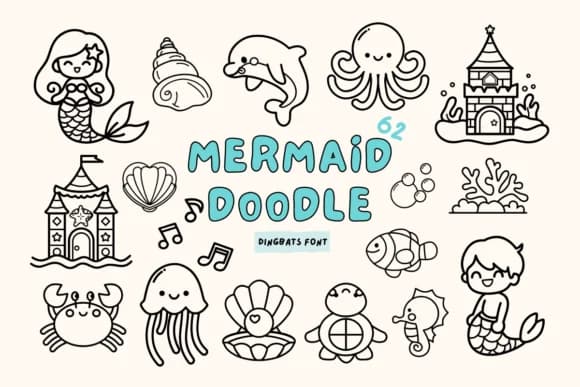

Browse fonts by theme
Curated collections →Saw a font in a picture? Identify any font from an image with our free Font Finder.
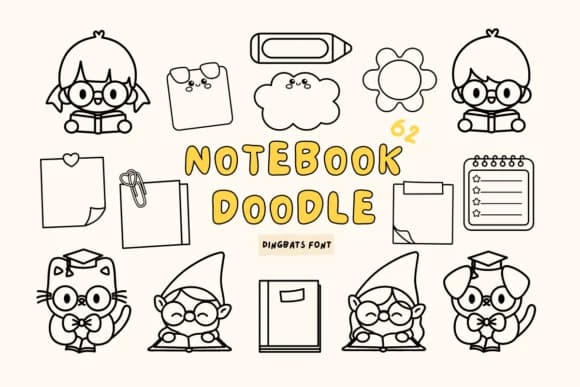
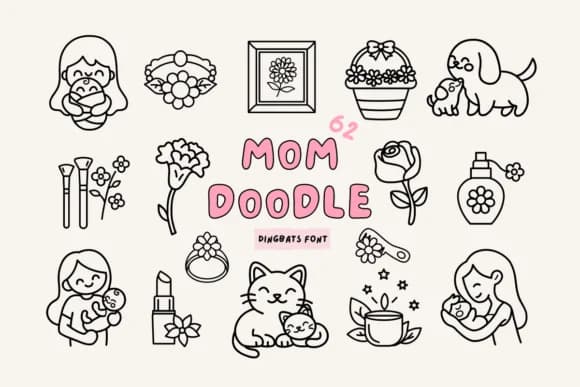
More Dingbats Fonts
Browse all →







What pairs well with Gnome Garden Font?
Gnome Garden Font is a versatile dingbats font that works for both headings and body text. Pair it with a contrasting sans-serif or serif font to add visual interest and a clear distinction between titles and body copy.



Gnome Garden Font
by Babymimiart
Reviewed by the FontBoxDL team · Updated July 2026