 Firefox
 1 / 8
1 / 8About Frame Doodle Font
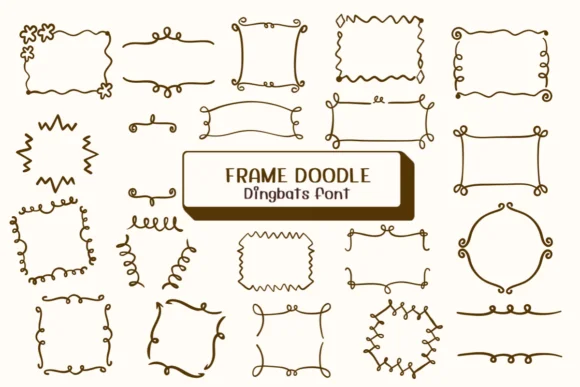
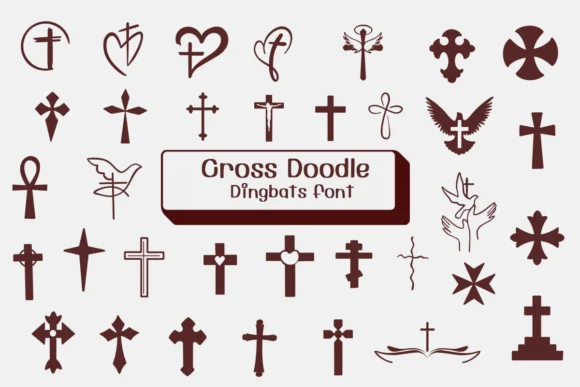
Frame Doodle, designed by Ketsarin, is a collection of hand-drawn decorative frames and borders that captures authentic sketch linework with genuine character. Each mark carries that personal, handcrafted quality that comes from someone actually drawing rather than generating shapes algorithmically. The organic line work and varied weights give layouts immediate warmth and personality, pulling away from the sterile perfection of typical digital borders.
This dingbats set works beautifully for birthday invitation suites where printed cards benefit from that homemade aesthetic, Etsy product labels that lean into DIY craft charm, gift tag designs with real hand-sketched character, and scrapbook layouts where you want visual frames to highlight favorite photos or cherished memories. Classroom bulletin materials and handmade greeting cards are natural fits too. The hand-drawn quality adds something genuinely authentic that polished geometric frames simply cannot replicate, no matter how carefully you pair them. Offered in both OTF and TTF formats, it integrates smoothly with Procreate, Affinity Photo, and Affinity Designer for work on both paper and screen.
Designers and makers looking for authentic sketched appeal over machine-perfect symmetry will appreciate what Ketsarin has created here. Pick it up on Creative Fabrica and bring genuine handcrafted character to your printed materials, scrapbooks, and digital layouts alike.
Style & Use Cases
- Overall Style
- Iconographic, Fonts
- Use Case
- Icons, Accents
- Ideal For
- ornaments, bullets, and decorative flourishes
- Pairs With
- any text font
How to Install Frame Doodle Font
Step-by-step instructions for every platform
- 1Download the Frame Doodle font file (.ttf or .otf).
- 2Locate the downloaded file in your Downloads folder.
- 3Right-click the font file.
- 4Select "Install" to install for the current user, or "Install for all users" to make it available system-wide.
- 5Frame Doodle is now available in Word, Photoshop, Illustrator, and all other apps.
More by Ketsarin
View all →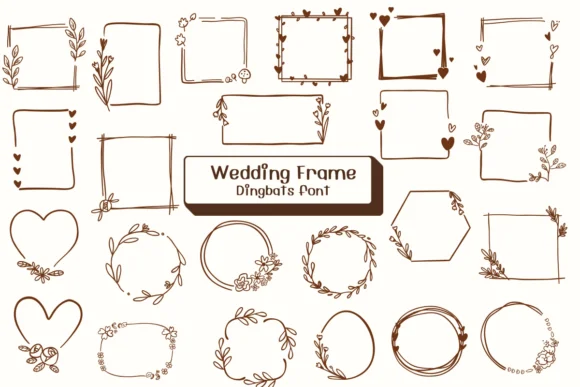
Browse fonts by theme
Curated collections →Saw a font in a picture? Identify any font from an image with our free Font Finder.
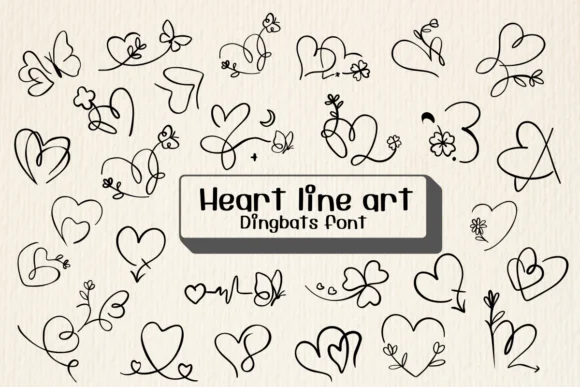
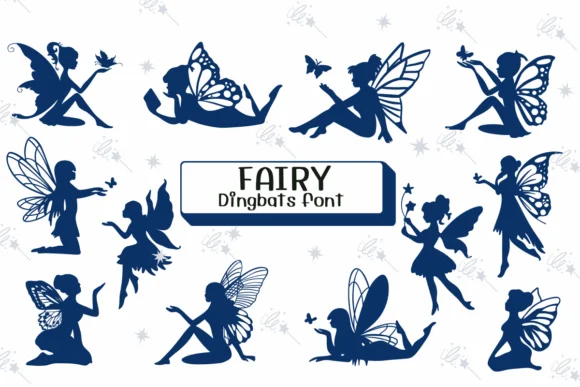
More Dingbats Fonts
Browse all →







What pairs well with Frame Doodle Font?
Frame Doodle Font is a versatile dingbats font that works for both headings and body text. Pair it with a contrasting sans-serif or serif font to add visual interest and a clear distinction between titles and body copy.




Frame Doodle Font
by Ketsarin
Reviewed by the FontBoxDL team · Updated July 2026