Firefox
 1 / 3
1 / 3Loading font…
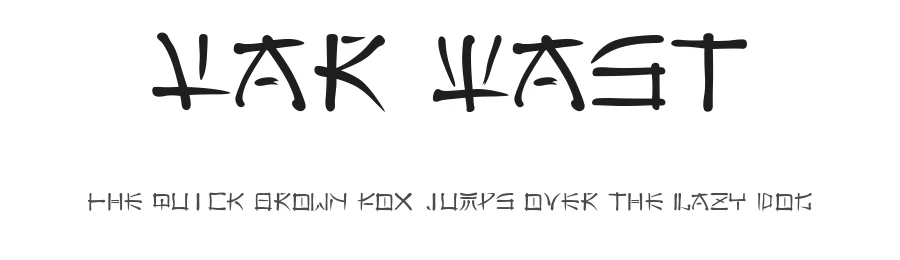
About Far East Font
Amaze your friends. Astound people with your linguistic Acumen. Explain to them that on a recent trip to the far east you discovered the secret of easily understanding this writing. Then simply tilt your head to the left and read it plain as day.
You see, this font is really just the Latin alphabet made to look like an exotic far east script and tilted on its side. Use all caps to achieve this effect and write your text vertically, from bottom to top.
You can also write things out horizontally, which is easier for graphics programs or if you just want to write with this font normally. But what fun would that be? The right side up characters are lower case.
Style & Use Cases
- Overall Style
- Bold, Distinctive, Foreign look
- Use Case
- Headlines, Posters
- Ideal For
- logos, packaging, and standout titles
- Pairs With
- a neutral sans-serif
How to Install Far East Font
Step-by-step instructions for every platform
- 1Download the Far East font file (.ttf or .otf).
- 2Locate the downloaded file in your Downloads folder.
- 3Right-click the font file.
- 4Select "Install" to install for the current user, or "Install for all users" to make it available system-wide.
- 5Far East is now available in Word, Photoshop, Illustrator, and all other apps.
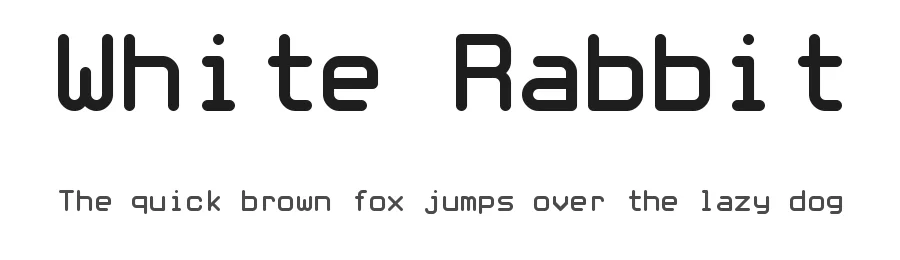
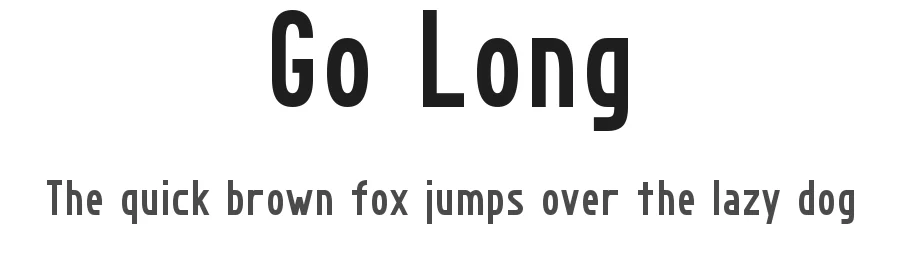
More by Matthew Welch
View all →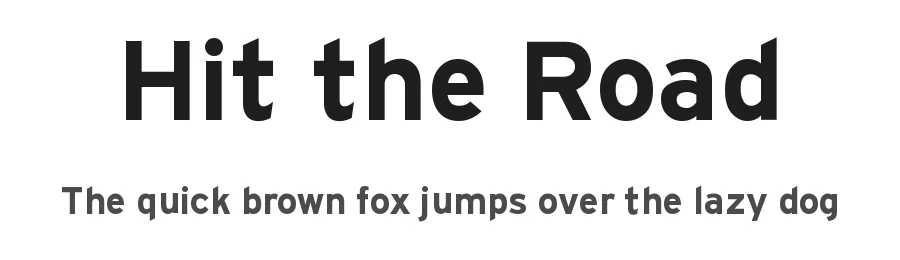
Browse fonts by theme
Curated collections →Saw a font in a picture? Identify any font from an image with our free Font Finder.
More Decorative Fonts
Browse all →







What pairs well with Far East Font?
Far East Font is a decorative font that shines as a display or heading face. Pair it with a clean sans-serif or serif font for body text — the contrast creates a clear hierarchy while the two styles stay balanced and easy to read.




Premium Decorative Fonts
★ PremiumWant something with more weights, glyphs, and commercial polish? These premium decorative fonts are worth a look.