 Firefox
 1 / 8
1 / 8About Doodle Wreath Font
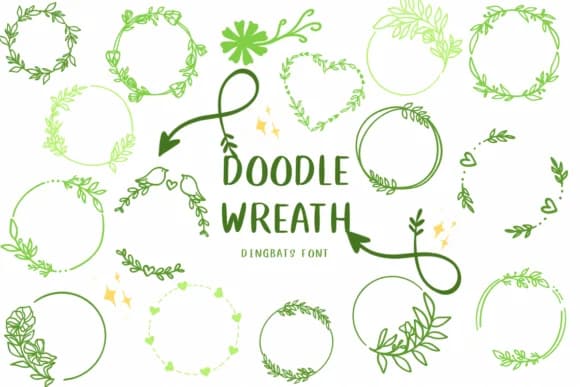
Doodle Wreath, designed by CHANOK, is a dingbats font built entirely from hand-drawn botanical and ornamental elements. Rather than traditional letterforms, you get a collection of delicate wreaths, florals, leaves, ribbons, and decorative flourishes that work as layered components or standalone frames. The linework has that sketch-quality feel, with organic curves that seem intentional and warmly imperfect.
This is the font you reach for when you're designing wedding invitation suites, where framing the core text with floral borders reads as bespoke and thoughtfully composed. Product label design for Etsy shops also benefits from these elements, especially small-batch candles, herbal teas, or preserves where customers expect a craft-made aesthetic. Boutique packaging for skincare or soap lines uses these ornaments to signal care and luxury without needing expensive photography. DIY craft signs and seasonal card designs round out practical applications, and the font works equally well for Christmas ornament graphics or summer garden-themed projects and stationery.
The real strength here is modularity. You can layer multiple elements or use single pieces to frame text, accent sidebars, or break up dense layouts. Individual flourishes double as borders and dividers. Doodle Wreath suits designers and small business owners who want decorative elements that feel personal and handmade. Find it on Creative Fabrica.
Style & Use Cases
- Overall Style
- Iconographic, Circle
- Use Case
- Icons, Accents
- Ideal For
- ornaments, bullets, and decorative flourishes
- Pairs With
- any text font
How to Install Doodle Wreath Font
Step-by-step instructions for every platform
- 1Download the Doodle Wreath font file (.ttf or .otf).
- 2Locate the downloaded file in your Downloads folder.
- 3Right-click the font file.
- 4Select "Install" to install for the current user, or "Install for all users" to make it available system-wide.
- 5Doodle Wreath is now available in Word, Photoshop, Illustrator, and all other apps.
More by CHANOK
View all →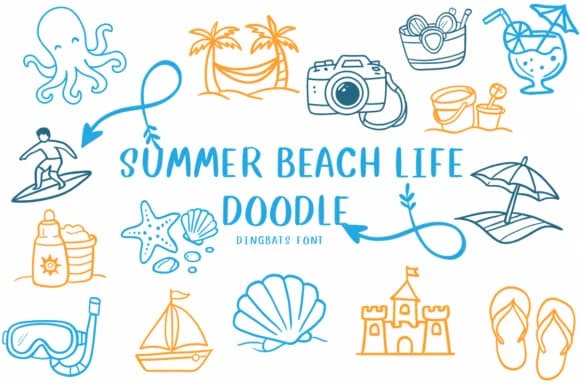
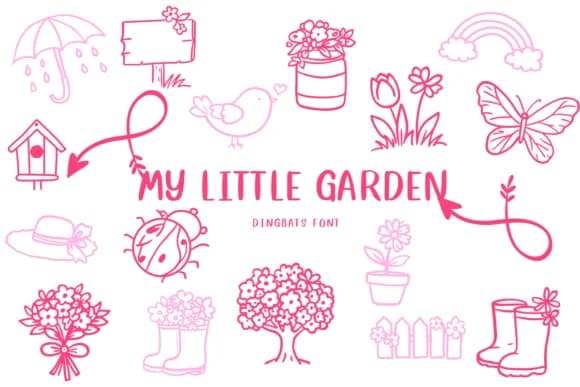
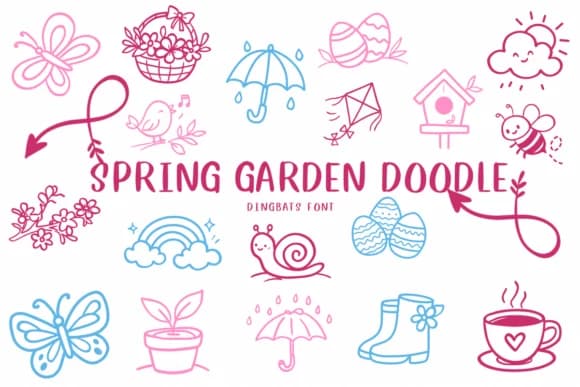

Browse fonts by theme
Curated collections →Saw a font in a picture? Identify any font from an image with our free Font Finder.
More Dingbats Fonts
Browse all →







What pairs well with Doodle Wreath Font?
Doodle Wreath Font is a versatile dingbats font that works for both headings and body text. Pair it with a contrasting sans-serif or serif font to add visual interest and a clear distinction between titles and body copy.



Doodle Wreath Font
by CHANOK
Reviewed by the FontBoxDL team · Updated July 2026