 Firefox
 1 / 8
1 / 8Loading font…
About Doodle Coral Font
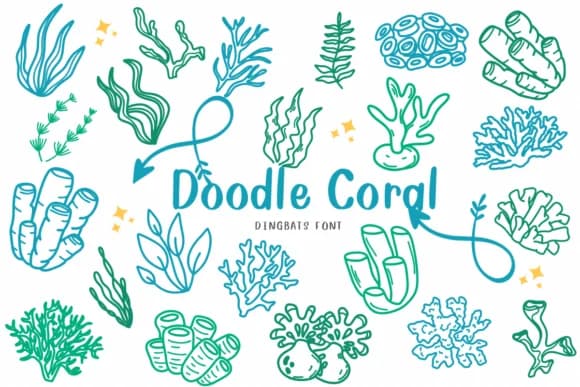
Doodle Coral has that breezy, lighthearted energy of a seaside getaway. CHANOK designed this cheerful dingbats font to celebrate ocean life, packing it with vibrant marine characters and underwater imagery that feel genuinely fun to work with.
Where this collection really shines is in the kinds of projects that deserve visual warmth and personality. Reach for Doodle Coral when designing beach-themed wedding invitation suites, creating Etsy product labels for handmade coastal goods, building scrapbooking layouts centered around summer memories, or illustrating children's books where playful charm outweighs strict realism. The glyph set delivers a rich assortment of seashells, coral formations, fish, turtles, starfish, and other sea creatures rendered in a casual, hand-drawn style that keeps everything feeling approachable and inviting. There's enough variety here to build whole compositions from dingbats alone, or scatter them as decorative accents and flourishes throughout your layout.
Balance its whimsy by pairing Doodle Coral with a neutral, clean sans-serif typeface for your body text. That contrast keeps your designs readable while letting the marine characters do their job as visual storytellers and focal points. Download it from Creative Fabrica and bring instant oceanic personality to your next creative project.
Style & Use Cases
- Overall Style
- Iconographic, Seashell
- Use Case
- Icons, Accents
- Ideal For
- ornaments, bullets, and decorative flourishes
- Pairs With
- any text font
How to Install Doodle Coral Font
Step-by-step instructions for every platform
- 1Download the Doodle Coral font file (.ttf or .otf).
- 2Locate the downloaded file in your Downloads folder.
- 3Right-click the font file.
- 4Select "Install" to install for the current user, or "Install for all users" to make it available system-wide.
- 5Doodle Coral is now available in Word, Photoshop, Illustrator, and all other apps.
More by CHANOK
View all →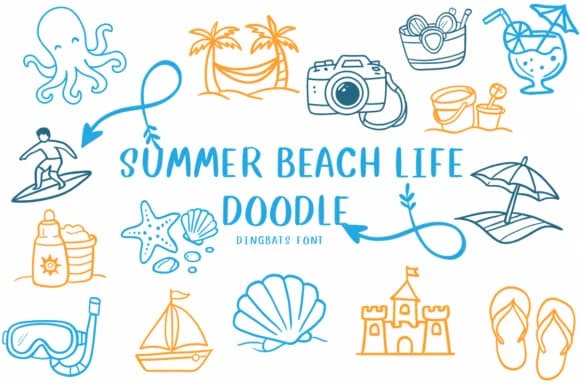
Browse fonts by theme
Curated collections →Saw a font in a picture? Identify any font from an image with our free Font Finder.
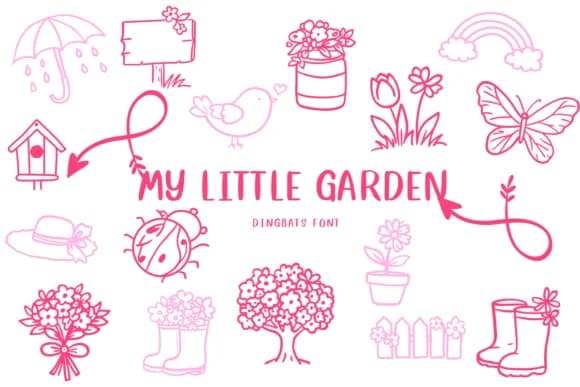
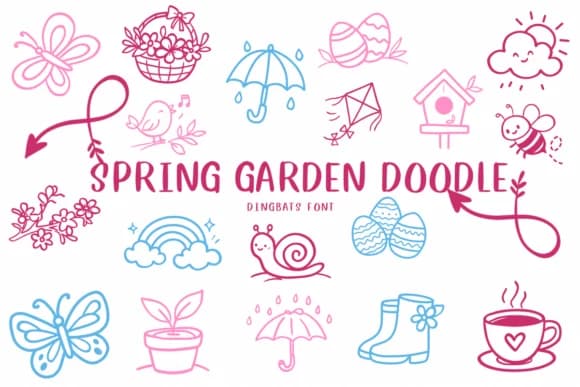
More Dingbats Fonts
Browse all →







What pairs well with Doodle Coral Font?
Doodle Coral Font is a versatile dingbats font that works for both headings and body text. Pair it with a contrasting sans-serif or serif font to add visual interest and a clear distinction between titles and body copy.



Doodle Coral Font
by CHANOK
Reviewed by the FontBoxDL team · Updated October 2026