 Firefox
 1 / 8
1 / 8About Cute Sticker Font
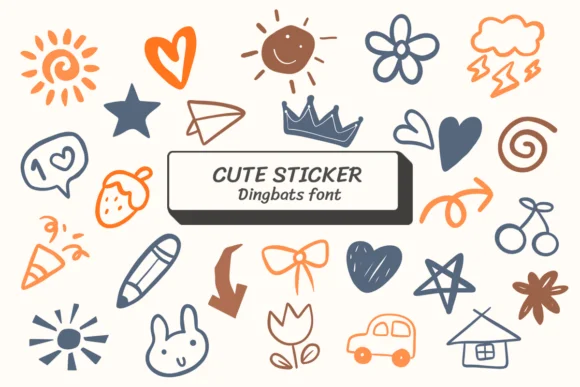
Cute Sticker by Ketsarin is a hand-drawn dingbats collection where every character feels like it was sketched directly onto the page. Cartoon creatures, playful objects, and whimsical shapes populate this font, each one carrying authentic linework that reads as genuinely drawn rather than mechanically produced. The animated quality comes through in the expressive letterforms and the lively spacing that makes layouts feel alive.
This collection excels when personality is the point. Sticker sheet designers can use it to build cohesive visual vocabularies without sourcing graphics elsewhere. Greeting card suites benefit from the friendly tone, while children's book illustrators find the doodles work perfectly for chapter headers or margin decorations. Baby shower invitations and DIY craft labels also pair beautifully with this style, giving handmade projects that authentic touch that printed templates can't match.
The font includes a wealth of dingbat characters, giving you plenty of visual elements to work with across different projects. Creatives and designers who build their own work from scratch, rather than relying on pre-built assets, will find this collection essential for adding hand-drawn warmth to digital designs. Find it on Creative Fabrica in OTF and TTF versions, ready to use in your design software of choice.
Style & Use Cases
- Overall Style
- Iconographic, Fonts
- Use Case
- Icons, Accents
- Ideal For
- ornaments, bullets, and decorative flourishes
- Pairs With
- any text font
How to Install Cute Sticker Font
Step-by-step instructions for every platform
- 1Download the Cute Sticker font file (.ttf or .otf).
- 2Locate the downloaded file in your Downloads folder.
- 3Right-click the font file.
- 4Select "Install" to install for the current user, or "Install for all users" to make it available system-wide.
- 5Cute Sticker is now available in Word, Photoshop, Illustrator, and all other apps.
More by Ketsarin
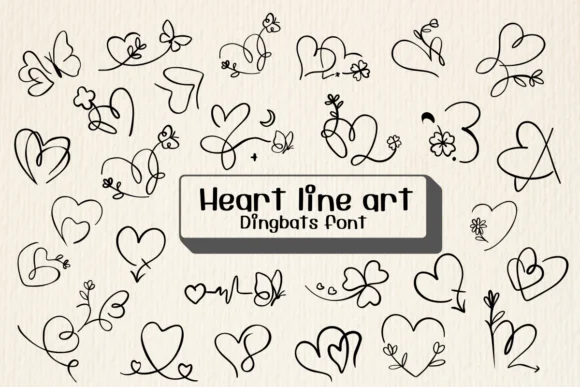
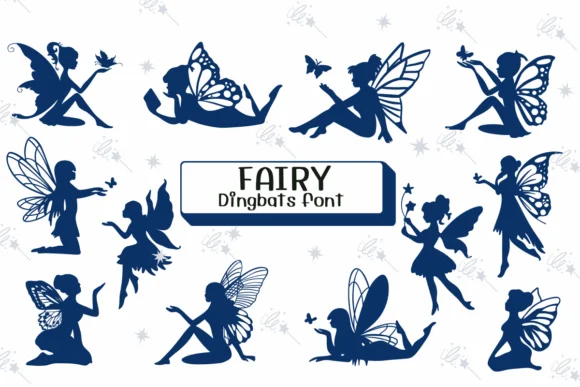
View all →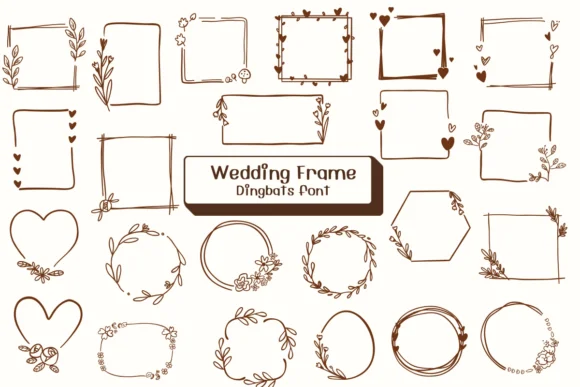
Browse fonts by theme
Curated collections →Saw a font in a picture? Identify any font from an image with our free Font Finder.
More Dingbats Fonts
Browse all →







What pairs well with Cute Sticker Font?
Cute Sticker Font is a versatile dingbats font that works for both headings and body text. Pair it with a contrasting sans-serif or serif font to add visual interest and a clear distinction between titles and body copy.




Cute Sticker Font
by Ketsarin
Reviewed by the FontBoxDL team · Updated August 2026