 Firefox
 1 / 8
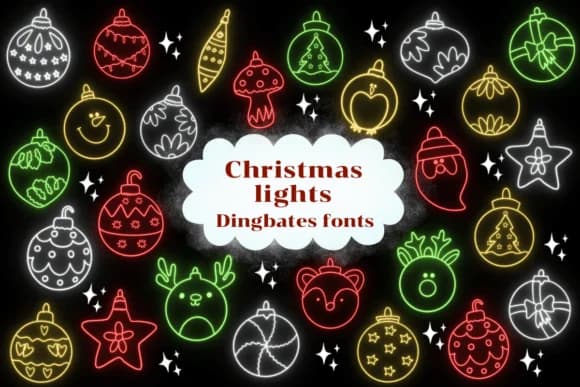
1 / 8About Christmas Lights Font
Each character transforms into a cheerful ornament, complete with shine and shimmer, in Christmas Lights, the dingbat collection designed by Natchuta. The font swaps traditional letterforms for decorative baubles, where every symbol carries the visual weight of a hung glass decoration. This makes it ideal for projects where festive imagery matters more than readable text, and the playful character set invites creative layering and composition.
The dingbat collection works beautifully for Christmas gift tags, holiday playlist artwork, ornament decoration templates, and festive packaging labels. Ornament-shaped glyphs carry enough personality to stand alone on a design or fill an entire layout with repeating seasonal imagery. Makers and DIY enthusiasts often use dingbat fonts as building blocks for their projects, and Christmas Lights delivers the holiday cheer in a way that feels both handmade and genuinely intentional rather than mass-produced. Available in both OTF and TTF formats, the font works across Procreate, Affinity Designer, and Affinity Photo.
The font suits anyone assembling holiday projects, from craft creators producing one-off gifts to design studios building seasonal marketing campaigns. When you need readable text alongside the ornaments, pair it with a clean sans serif to maintain legibility. Grab it on Creative Fabrica and add this ornament collection to your design toolkit for the season ahead.
Style & Use Cases
- Overall Style
- Iconographic, Fonts
- Use Case
- Icons, Accents
- Ideal For
- ornaments, bullets, and decorative flourishes
- Pairs With
- any text font
How to Install Christmas Lights Font
Step-by-step instructions for every platform
- 1Download the Christmas Lights font file (.ttf or .otf).
- 2Locate the downloaded file in your Downloads folder.
- 3Right-click the font file.
- 4Select "Install" to install for the current user, or "Install for all users" to make it available system-wide.
- 5Christmas Lights is now available in Word, Photoshop, Illustrator, and all other apps.

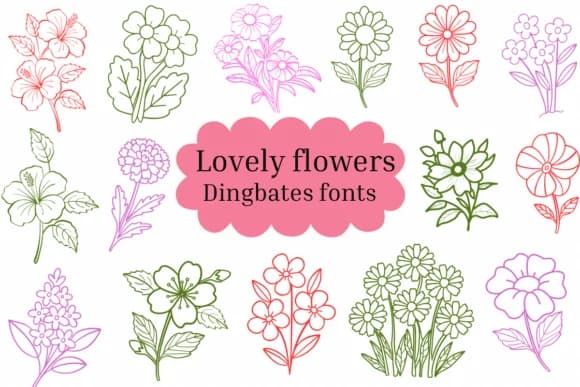
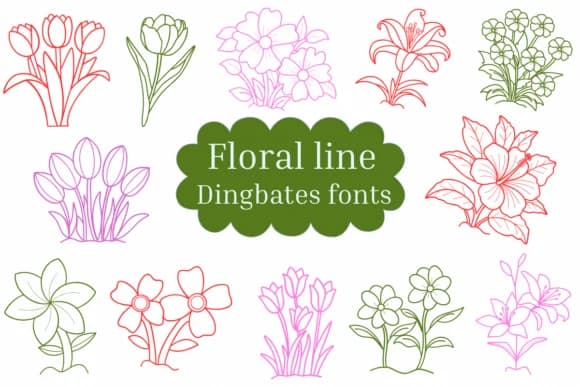
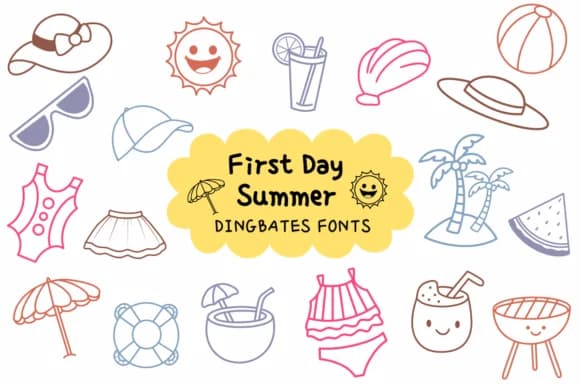
Browse fonts by theme
Curated collections →Saw a font in a picture? Identify any font from an image with our free Font Finder.
More Dingbats Fonts
Browse all →







What pairs well with Christmas Lights Font?
Christmas Lights Font is a versatile dingbats font that works for both headings and body text. Pair it with a contrasting sans-serif or serif font to add visual interest and a clear distinction between titles and body copy.



Christmas Lights Font
by Natchuta
Reviewed by the FontBoxDL team · Updated July 2026