 Firefox

 1 / 3
Loading font…
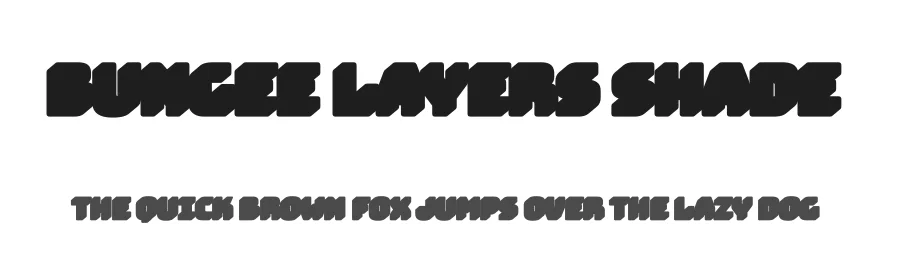
About Bungee Layers Shade Font
A shade layer has one job, and the letterforms show it: these shapes are the shadow side of the word, drawn to sit behind solid type and lift it off the page. Bungee Layers Shade is David Jonathan Ross's shade piece for the Bungee system, a sans-serif built for stacking. Drop a filled layer on top and the word picks up a flat offset block of tone. On its own, the same shapes read as ghosted lettering.
Signage is where this kind of type earns its keep. It works for vertical shopfront sign mockups and record sleeve title treatments, and it suits arcade-style game title cards where the headline needs real weight behind it. Set the shade in a muted tint under a bright fill and the word reads from across a room. The file here is the Regular, so your layering decisions come down to color and position. Latin coverage reaches 339 or more languages, which helps on multilingual event banner headlines where one lockup has to repeat in language after language.
For pairing, keep the body text quiet. A neutral sans with a tall x-height, something like Inter or Source Sans, stays out of the way while the layered word carries the message. Bungee Layers Shade is free under the Open Font License for personal and commercial work, and the files download directly from this page.
Style & Use Cases
- Overall Style
- Clean, Modern, djrrb
- Use Case
- Body Text, UI
- Ideal For
- branding, interfaces, and modern layouts
- Pairs With
- a contrasting serif for headings
Bungee Layers Shade Specifications
| Font Family | Bungee Layers Shade |
| Style | Regular |
| Full Name | Bungee Layers Shade Regular |
| Version | 2.001 |
| Weight | 400 (Regular) |
| Glyph Count | 1063 glyphs |
| PostScript Name | BungeeLayersShade-Regular |
| Designer | David Jonathan Ross |
| Format | TTF (TrueType) |
| File Size | 108.5 KB |
OpenType Features
Bungee Layers Shade ships with 7 OpenType features you can switch on in apps that support them (Illustrator, InDesign, Affinity, Figma, CSS font-feature-settings).
- Standard ligatures
- Ordinals
- Ornaments
- Stylistic alternates
- Scientific inferiors
- Superscripts
- Stylistic sets (11)
Languages Supported
Bungee Layers Shade supports 339 languages.
How to Install Bungee Layers Shade Font
Step-by-step instructions for every platform
- 1Download the Bungee Layers Shade font file (.ttf or .otf).
- 2Locate the downloaded file in your Downloads folder.
- 3Right-click the font file.
- 4Select "Install" to install for the current user, or "Install for all users" to make it available system-wide.
- 5Bungee Layers Shade is now available in Word, Photoshop, Illustrator, and all other apps.
More by David Jonathan Ross
View all →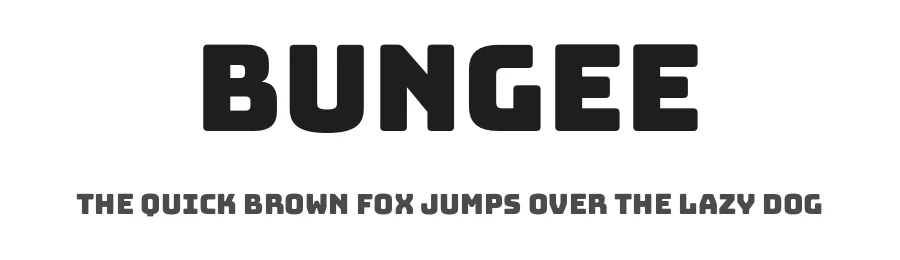
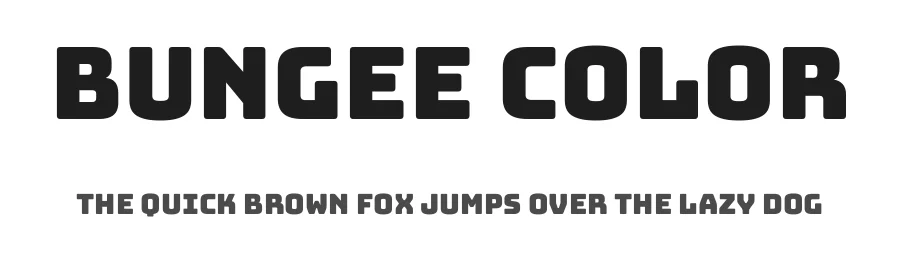
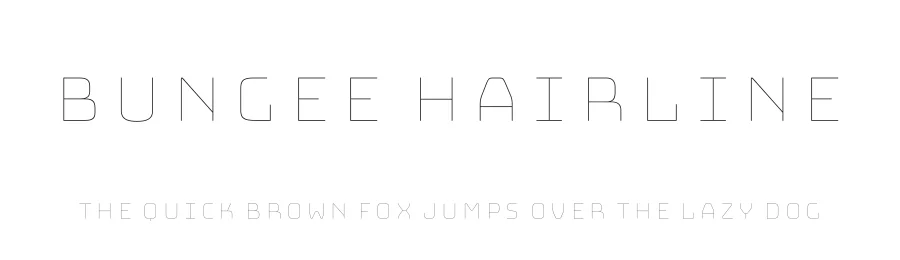
Browse fonts by theme
Curated collections →Saw a font in a picture? Identify any font from an image with our free Font Finder.
More Sans Serif Fonts
Browse all →
What pairs well with Bungee Layers Shade Font?
Bungee Layers Shade Font is a versatile sans-serif font that works for both headings and body text. Pair it with a contrasting serif or slab serif font to add visual interest and a clear distinction between titles and body copy.
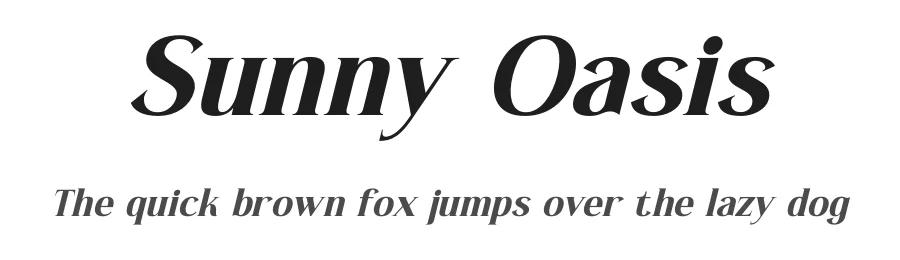
Premium Sans Serif Fonts
★ PremiumWant something with more weights, glyphs, and commercial polish? These premium sans serif fonts are worth a look.
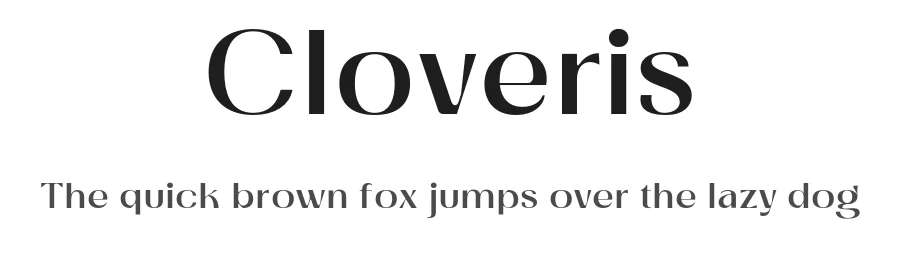
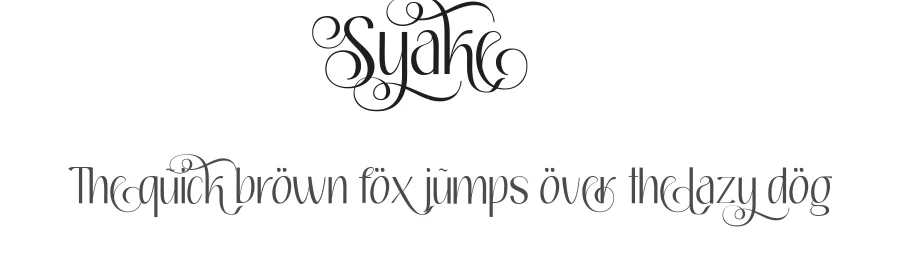
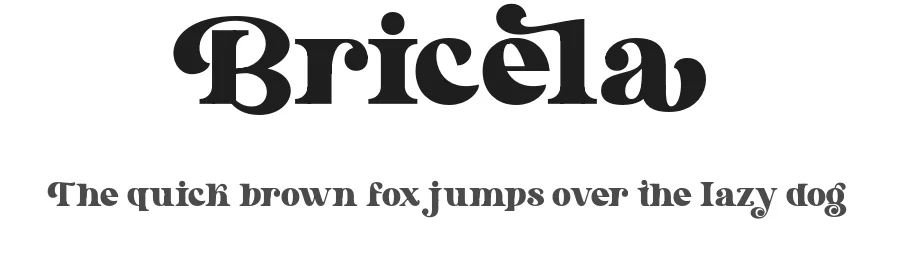
Bungee Layers Shade Font
Reviewed by the FontBoxDL team · Updated November 2026