 Firefox

 1 / 3
Loading font…
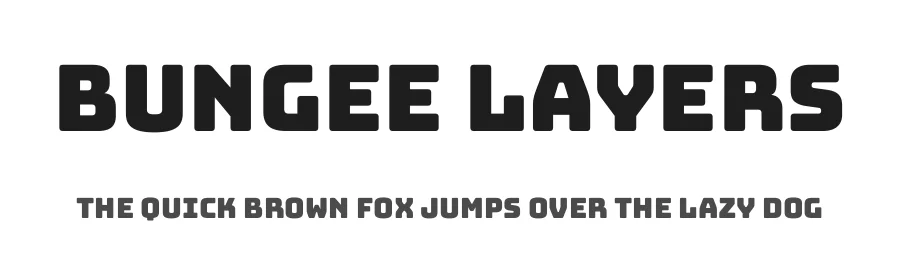
About Bungee Layers Font
This one is loud and friendly at the same time. Bungee Layers comes from David Jonathan Ross, the designer who publishes under the djrrb name, and it sits in the sans serif camp. The file on this page is the Regular weight, so there is one style to work with and no weight axis to plan around. Letterforms are upright and solid, with a tall x-height that keeps short words readable when they are set small and gives them real heft at large sizes.
Most of its value shows up in display work, the kind where type carries the layout on its own. Band merch and music festival lineup headers suit it. So do food truck menu boards and skate shop window decals, where a passerby reads the words from twenty feet away. Latin coverage reaches past 339 languages, which matters when a product label or a campaign has to run in several markets without a second typeface stepping in.
Pairing is easy enough: set it large for the headline and let a quieter text face handle the body copy below. Keep it away from long paragraphs, since the weight gets heavy on the eye after a few lines. Where it earns its place is bold signage and merch, anything that has to be read fast and remembered later. Open license, free for commercial use, direct download here.
Style & Use Cases
- Overall Style
- Clean, Modern, djrrb
- Use Case
- Body Text, UI
- Ideal For
- branding, interfaces, and modern layouts
- Pairs With
- a contrasting serif for headings
Bungee Layers Specifications
| Font Family | Bungee Layers |
| Style | Regular |
| Full Name | Bungee Layers Regular |
| Version | 2.001 |
| Weight | 400 (Regular) |
| Glyph Count | 1063 glyphs |
| PostScript Name | BungeeLayers-Regular |
| Designer | David Jonathan Ross |
| Format | TTF (TrueType) |
| File Size | 116.3 KB |
OpenType Features
Bungee Layers ships with 7 OpenType features you can switch on in apps that support them (Illustrator, InDesign, Affinity, Figma, CSS font-feature-settings).
- Standard ligatures
- Ordinals
- Ornaments
- Stylistic alternates
- Scientific inferiors
- Superscripts
- Stylistic sets (11)
Languages Supported
Bungee Layers supports 339 languages.
How to Install Bungee Layers Font
Step-by-step instructions for every platform
- 1Download the Bungee Layers font file (.ttf or .otf).
- 2Locate the downloaded file in your Downloads folder.
- 3Right-click the font file.
- 4Select "Install" to install for the current user, or "Install for all users" to make it available system-wide.
- 5Bungee Layers is now available in Word, Photoshop, Illustrator, and all other apps.
More by David Jonathan Ross
View all →
Browse fonts by theme
Curated collections →Saw a font in a picture? Identify any font from an image with our free Font Finder.
More Sans Serif Fonts
Browse all →
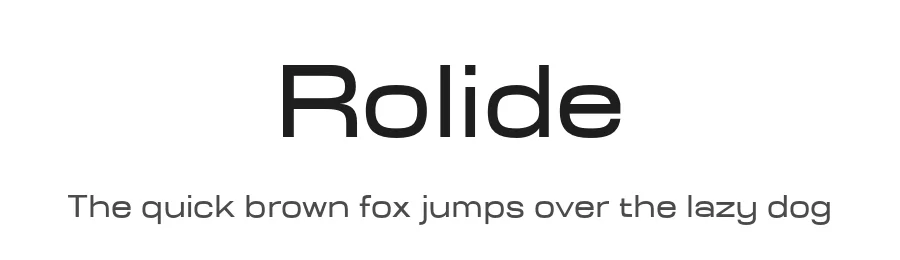
What pairs well with Bungee Layers Font?
Bungee Layers Font is a versatile sans-serif font that works for both headings and body text. Pair it with a contrasting serif or slab serif font to add visual interest and a clear distinction between titles and body copy.
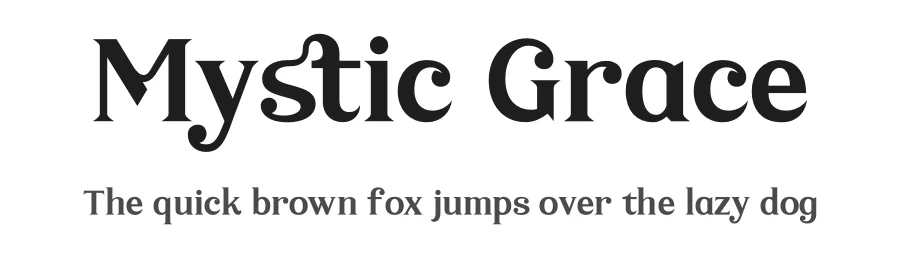
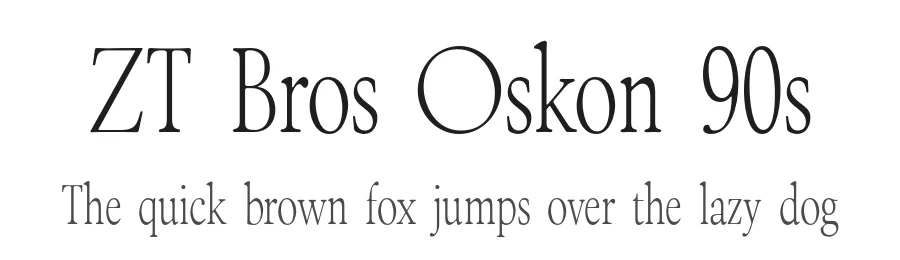
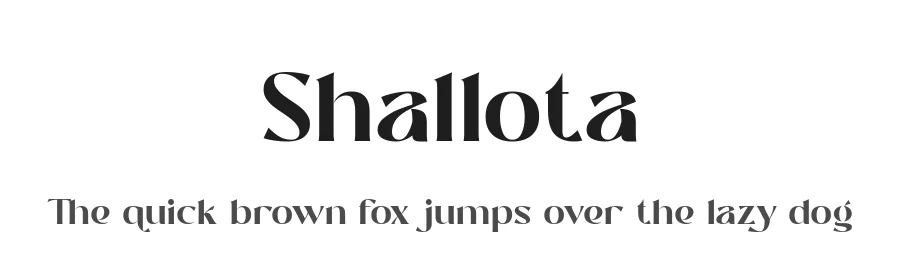
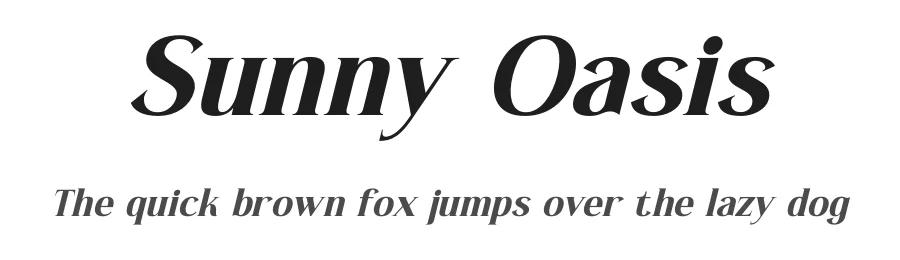
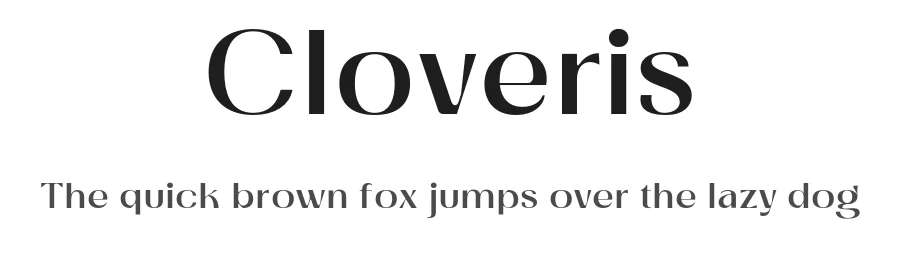
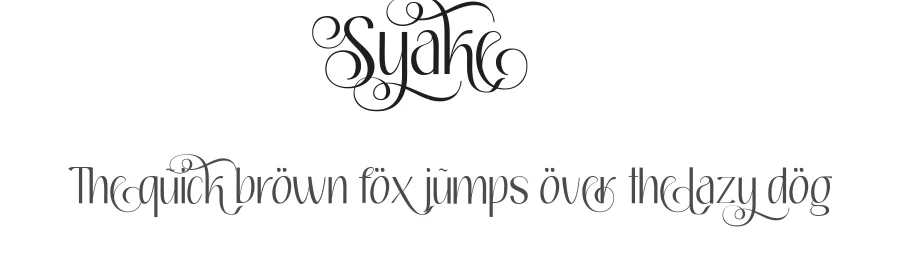
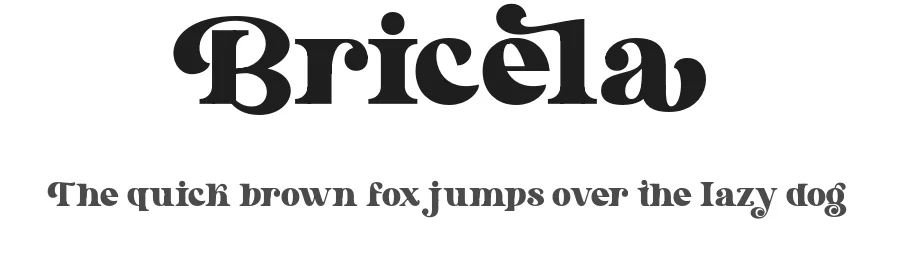
Premium Sans Serif Fonts
★ PremiumWant something with more weights, glyphs, and commercial polish? These premium sans serif fonts are worth a look.
Bungee Layers Font
Reviewed by the FontBoxDL team · Updated November 2026